448
3-5. Using the hands-free system (for cellular phone)
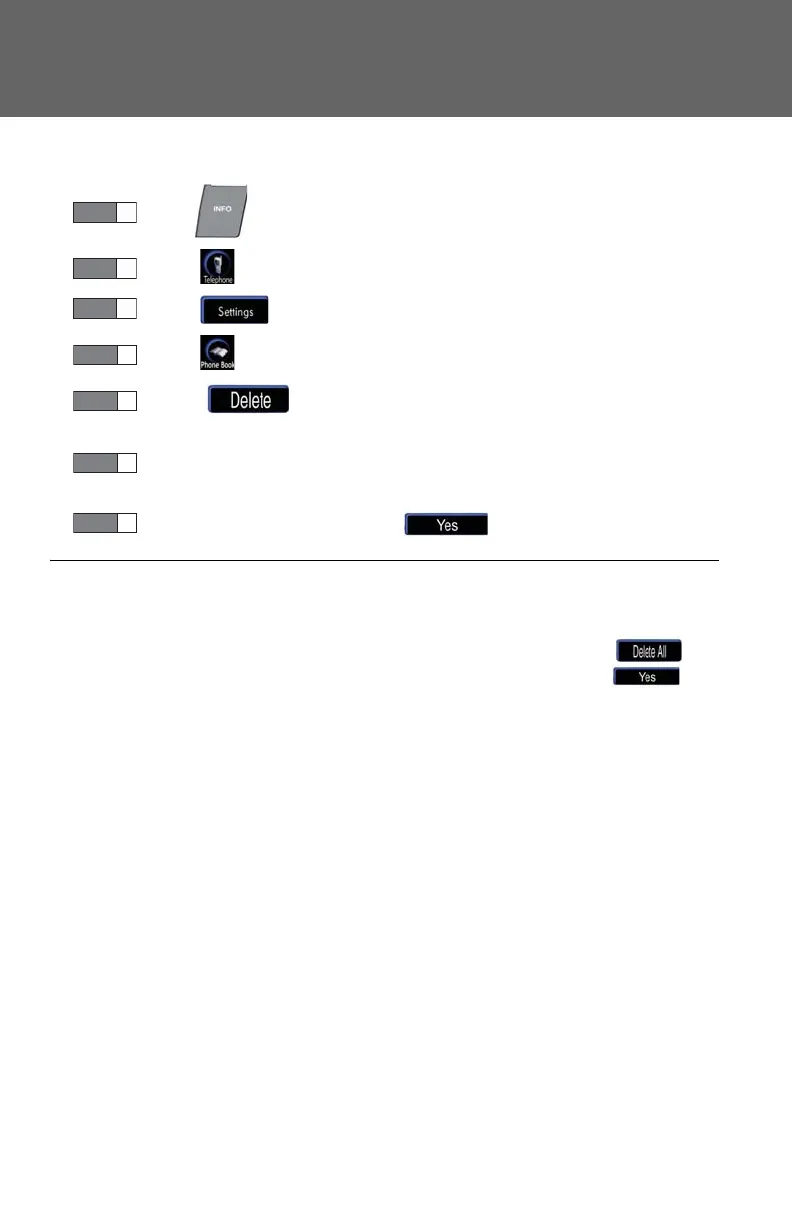
■ Deleting a group name
Press .
Touch on the “Information” screen.
Touch on the “Telephone” screen.
Touch on the “Settings” screen.
Touch in the “Group Name” section of the “Phone
Book Management” screen.
Select the group name to delete, and a confirmation message will
be displayed.
If everything is correct, touch .
■ To delete all data
Follow the steps for “Deleting phone book data” until to “STEP 5”. In the “Phone
Book” section of the “Phone Book Management” screen, touch . A
confirmation message will be displayed. If everything is correct, touch .














 To Next Page