202
AUDIO/VIDEO SYSTEM
LS460_Navi_U (L/O 0609)
2007 LS460L/LS460 Navigation from Aug. ’06 Prod. (OM50750U)
(b) Playing a disc
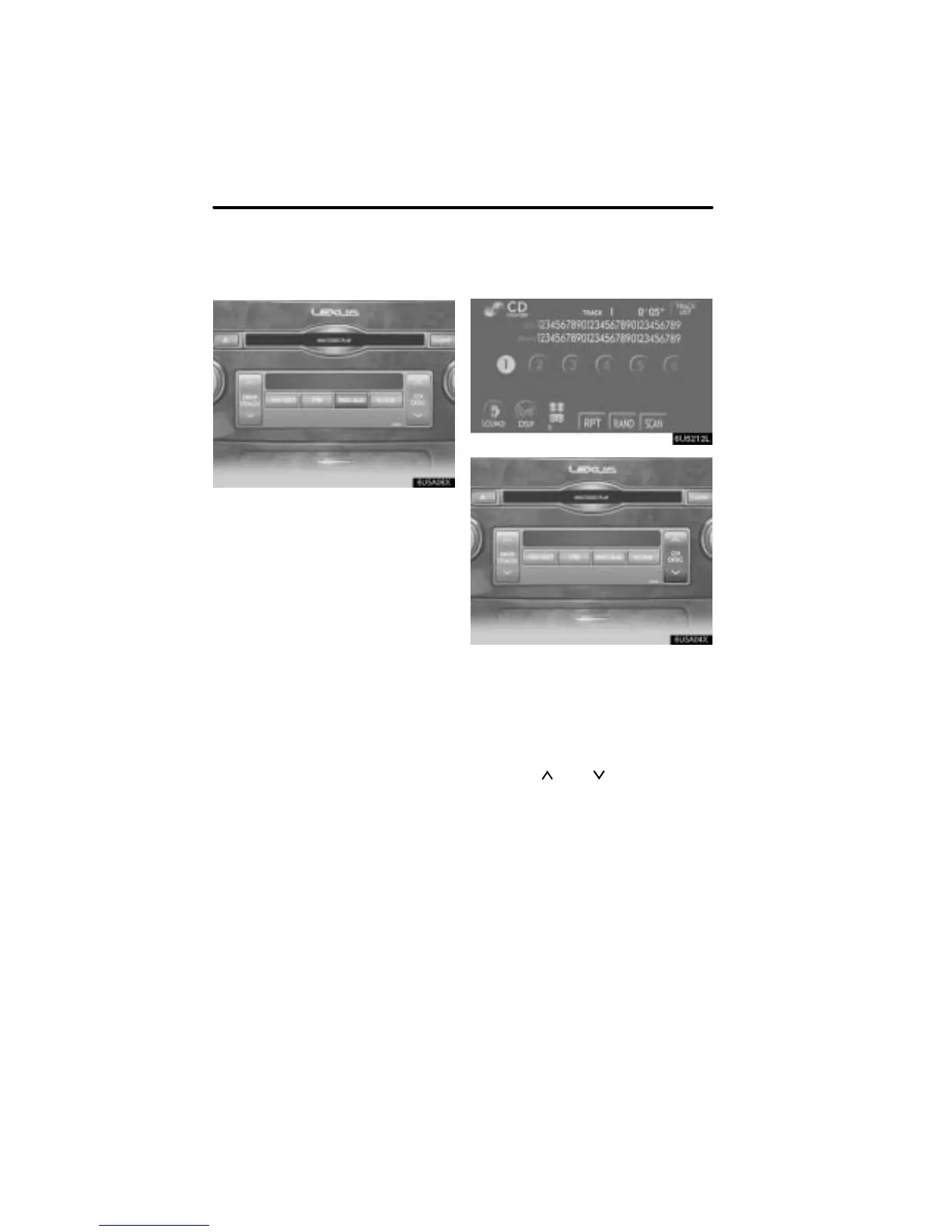
Push the “DISC·AUX” button if the disc
are already loaded in the CD changer.
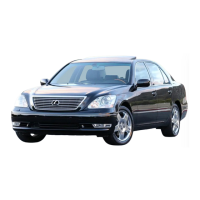
The “CD CHANGER” screen will be dis-
played.
The discs set in the CD changer are played
continuously, starting with the last disc you
inserted. The disc number of the disc cur-
rently being played, the track or title and
chapter number and the time from the be-
ginning of the program are shown on the
display.
When play of one disc ends, the first track
of the following disc starts. When play of
the final disc ends, play of the first disc
starts again.
The changer will skip any empty disc trays.
(c) Selecting a desired disc
On the screen:
Touch the desired disc number.
The selected disc number is highlighted.
The changer will start playing the selected
disc from the first track.
On the audio panel:
Push the “
” or “ ” button of “CH/
DISC”.
When you release the button, the changer
will start playing the selected disc from the
first track.


 To Next Page