184
AUDIO/VIDEO SYSTEM
LS460_Navi_U (L/O 0609)
2007 LS460L/LS460 Navigation from Aug. ’06 Prod. (OM50750U)
2. Touch the desired button.
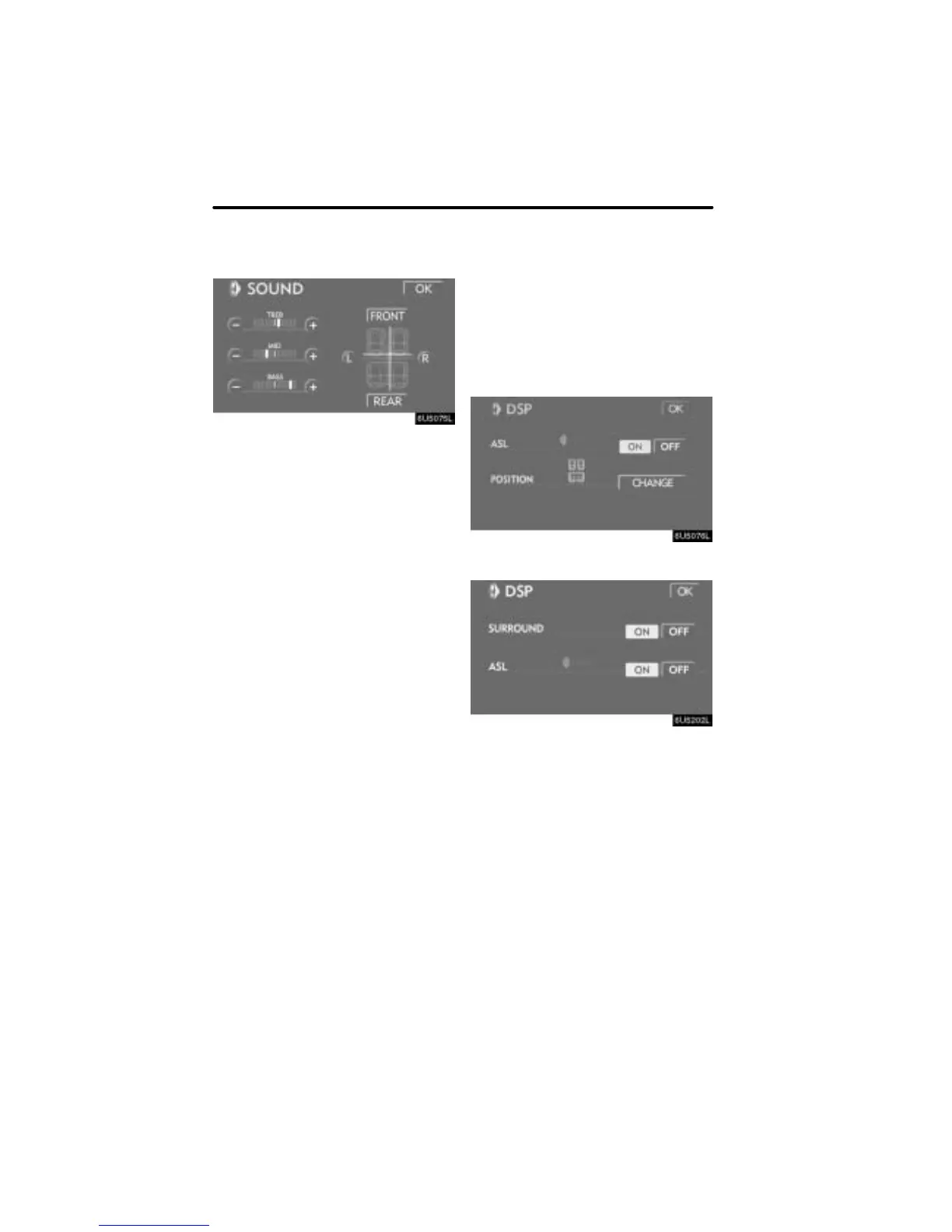
“TREB” “+” or “–”: Adjusts high−pitched
tones.
“MID” “+” or “–”: Adjusts mid−pitched
tones.
“BASS” “+” or “–”: Adjusts low−pitched
tones.
“FRONT” or “REAR”: Adjusts sound bal-
ance between the front and rear speakers.
“L” or “R”: Adjusts sound balance be-
tween the left and right speakers.
3. Touch “OK”.
The tone of each mode (for such as AM,
FM and DVD changer) can be adjusted.
D DSP control
You can change the listening position or
turn on/off the surround function and the
automatic sound levelizer.
To display the DSP control mode screen,
touch “DSP” on the audio control mode
screen.
" With CD changer
" With DVD changer



 To Next Page