185
LS460_Navi_U (L/O 0609)
AUDIO/VIDEO SYSTEM
2007 LS460L/LS460 Navigation from Aug. ’06 Prod. (OM50750U)
Surround function (DVD changer only):
Select “ON” of “SURROUND” and
touch “OK”.
The surround function will turn on.
Automatic sound levelizer (ASL):
When the audio sound becomes difficult to
hear due to road noise, wind noise or other
noises while driving, touch “ON”. The
system adjusts to the optimum volume and
tone quality according to the noise level.
When the system is on, the sound adjust-
ment level is displayed on the screen.
Positioning selector (CD changer
only):
By selecting the listening position, the sys-
tem controls the output timing of the
speakers to allow sound to be heard even-
ly, creating the ideal music environment.
Touching “CHANGE” switches the posi-
tion in the following order: all seats, driver’s
seat, front seat, rear seat.
The position currently selected is dis-
played on the screen.
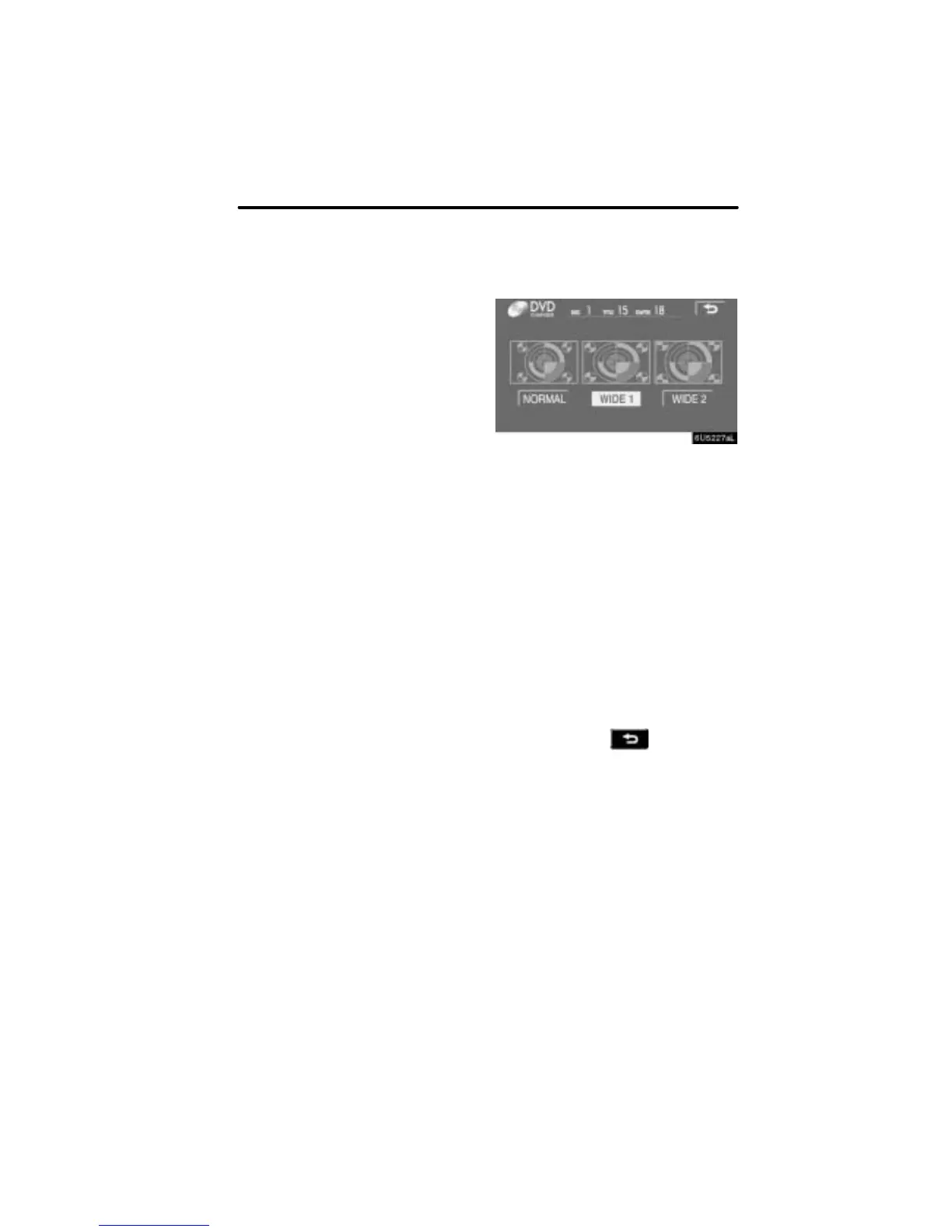
D Selecting screen size
Touching “WIDE” displayed on the
screen in the video control mode will
display the wide mode control screen.
“NORMAL”: When a 3 4 screen is dis-
played, the remaining parts
will be in black.
“WIDE 1”: When a 3 4 screen is dis-
played, the screen will be
widened horizontally to fill
the display.
“WIDE 2”: When a 3 4 screen is dis-
played, the screen will be
widened vertically and hori-
zontally, in the same ratio, to
fill the display.
When a 9 16 screen is
displayed, this mode should
be selected.
When you touch
, the previous
screen returns.



 To Next Page