445
5-1. Remote Touch screen
5
Interior features
LS600h/LS600hL_EE(OM50D61E)
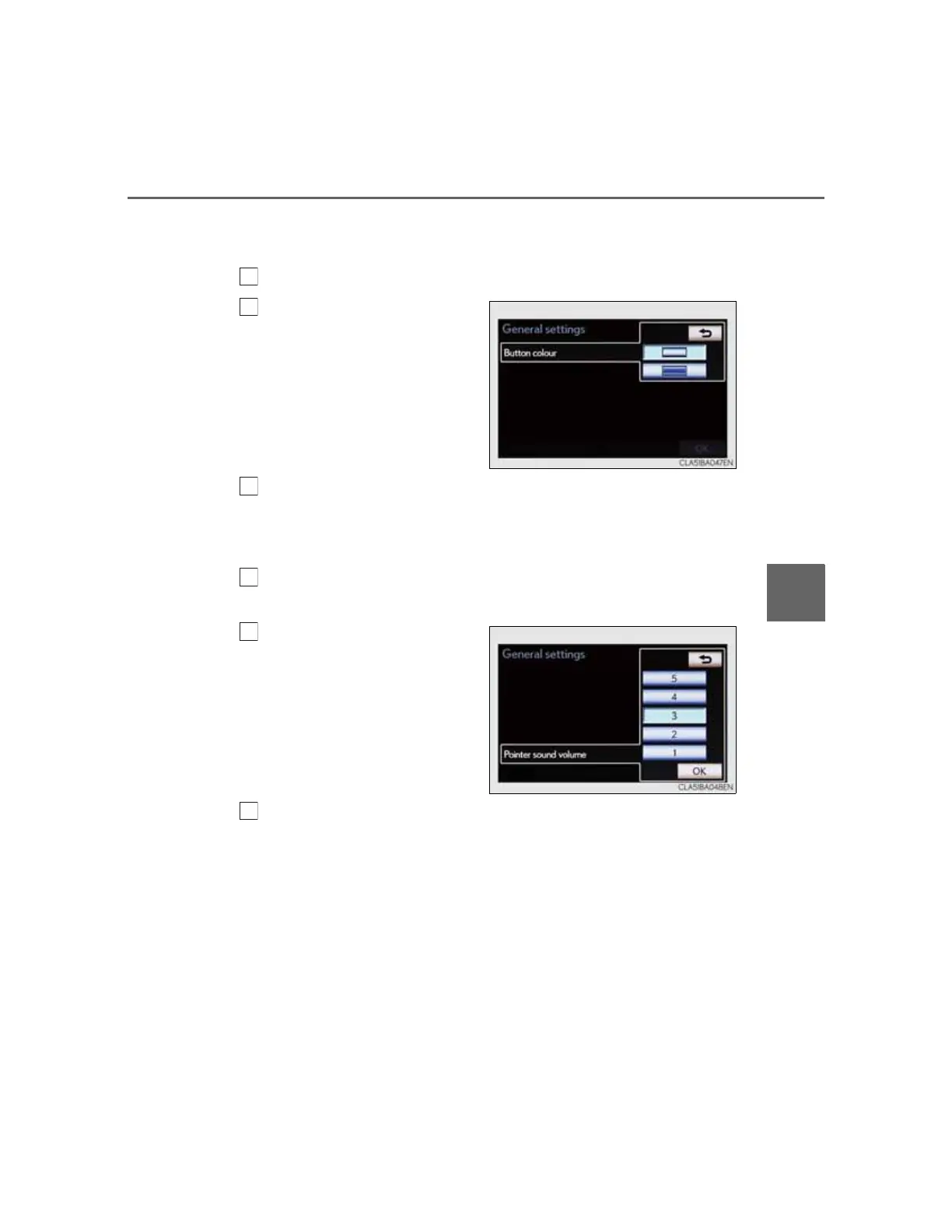
Selecting a button color
The color of the screen buttons can be changed.
Select “Button colour” on the “General settings” screen.
Select the desired screen
button color.
The previous screen will be dis-
played.
Select “OK”.
Pointer sound volume settings
The pointer sound volume can be adjusted.
Select “Pointer sound volume” on the “General settings”
screen.
Select the desired button.
Select “OK”, and then “OK”.



 To Next Page