446
5-1. Remote Touch screen
LS600h/LS600hL_EE(OM50D61E)
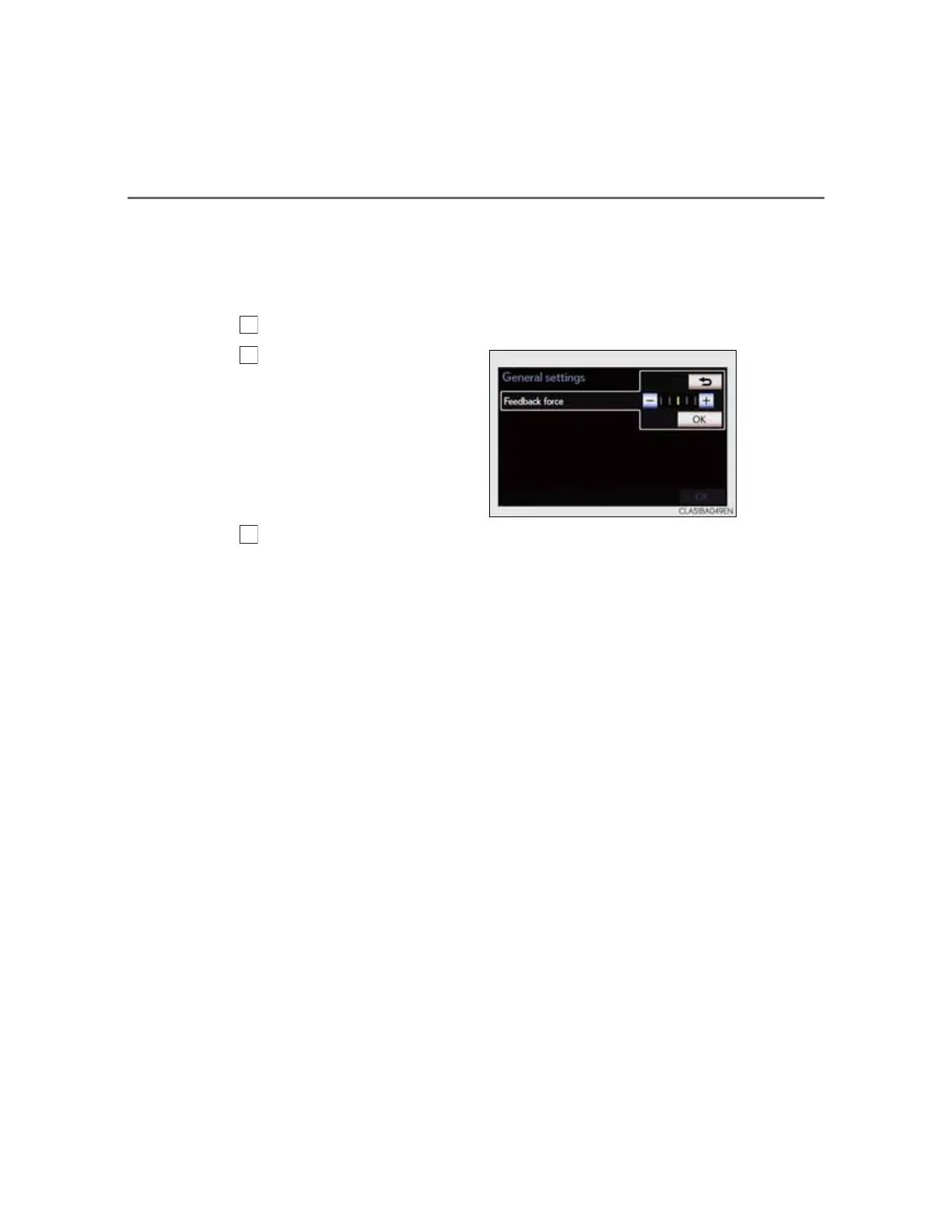
Setting a feedback force
When the pointer moves close to a button, it will be automati-
cally pulled onto that button. The strength of this pull can be
adjusted.
Select “Feedback force” on the “General settings” screen.
Select “+” or “-”.
Select “OK”, and then “OK”.



 To Next Page