561
5-4. Using the audio system
5
Interior features
LS600h/LS600hL_EE(OM50D61E)
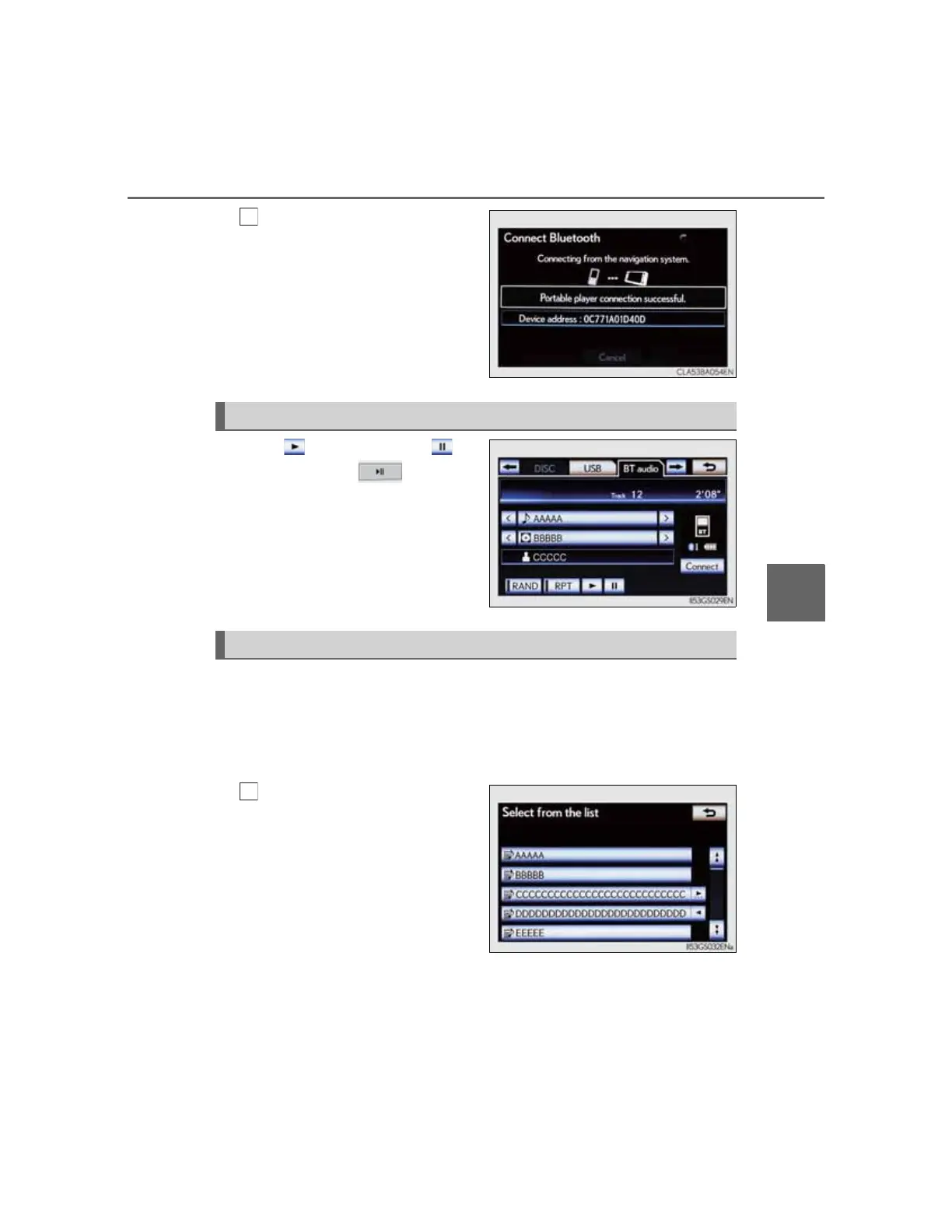
When the connection is
completed, this screen is
displayed. It is now possible
to use the portable player.
Select to play, select to
pause or press to play/
pause.
Some titles may not be displayed
depending on the type of portable
player.
On the audio top screen
Select “<” or “>” on the screen to select the next/previous folder/
album.
On the playlist screen
Select the album name on
the screen to display the
playlist screen.
Playing Bluetooth
®
audio
Selecting a folder/album



 To Next Page