676
5-6. Using the hands-free phone system (for cellular phone)
LS600h/LS600hL_EE(OM50D61E)
Once the Bluetooth
®
phone is registered, you can make a call using
the following procedure:
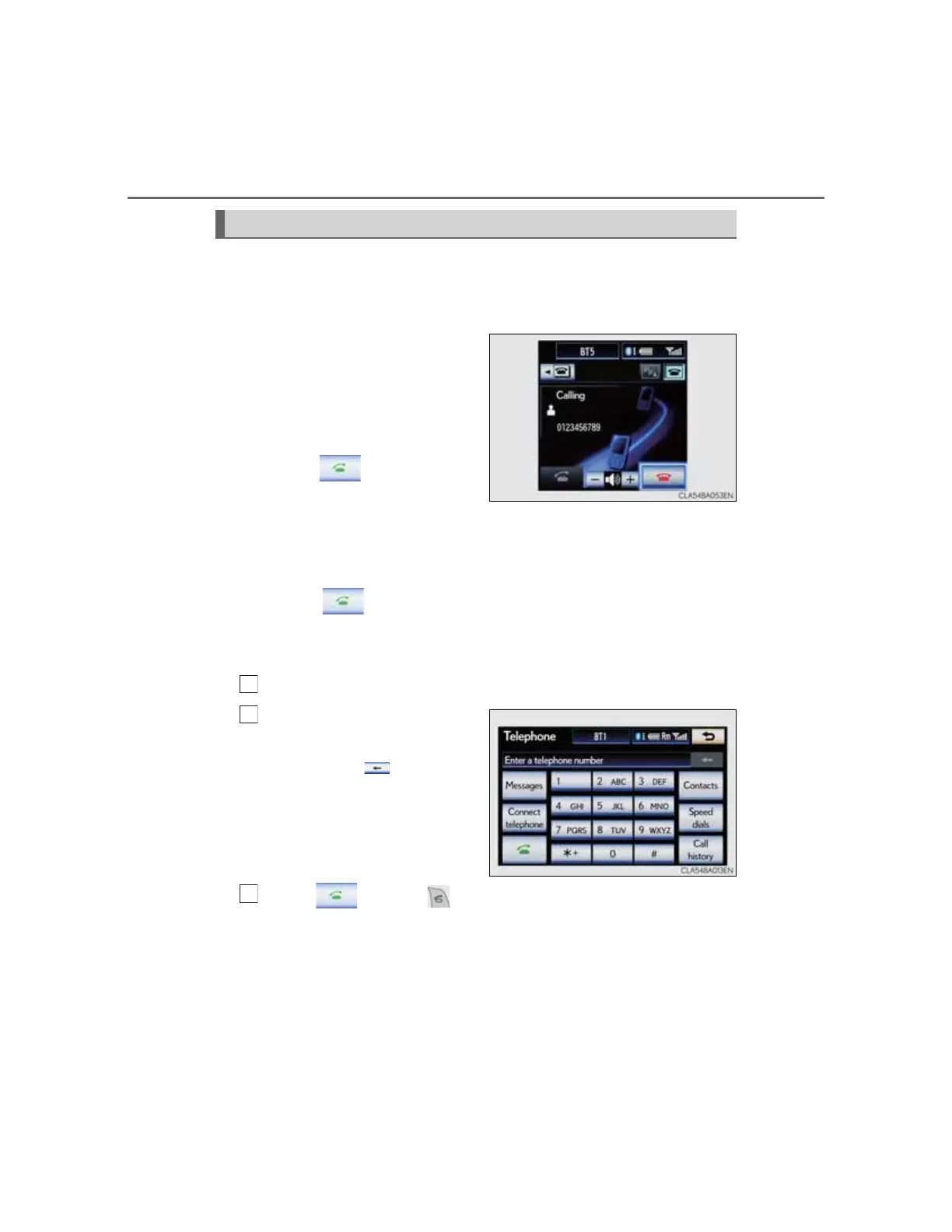
“Side Display”
A calling screen will be shown
on the “Side Display” when
the following operations are
carried out on the “Main Dis-
play”.
When on the phone
screen is selected.
When the desired number is
selected on the “Speed dial”
screen.
When on the mail
screen is selected.
Dialing
Display the “Telephone” screen. (P. 671)
Input the phone number.
To delete the inputted phone
number, select .
Select or press on the steering wheel.
Depending on the type of mobile phone, mobile phone opera-
tions may be necessary.
Making a call



 To Next Page