729
5-6. Using the hands-free phone system (for cellular phone)
5
Interior features
LS600h/LS600hL_EE(OM50D61E)
Changing Bluetooth
®
power
The Bluetooth
®
device is automatically connected when you turn
the power switch to ACCESSORY or ON mode. You can change
between “On” or “Off”.
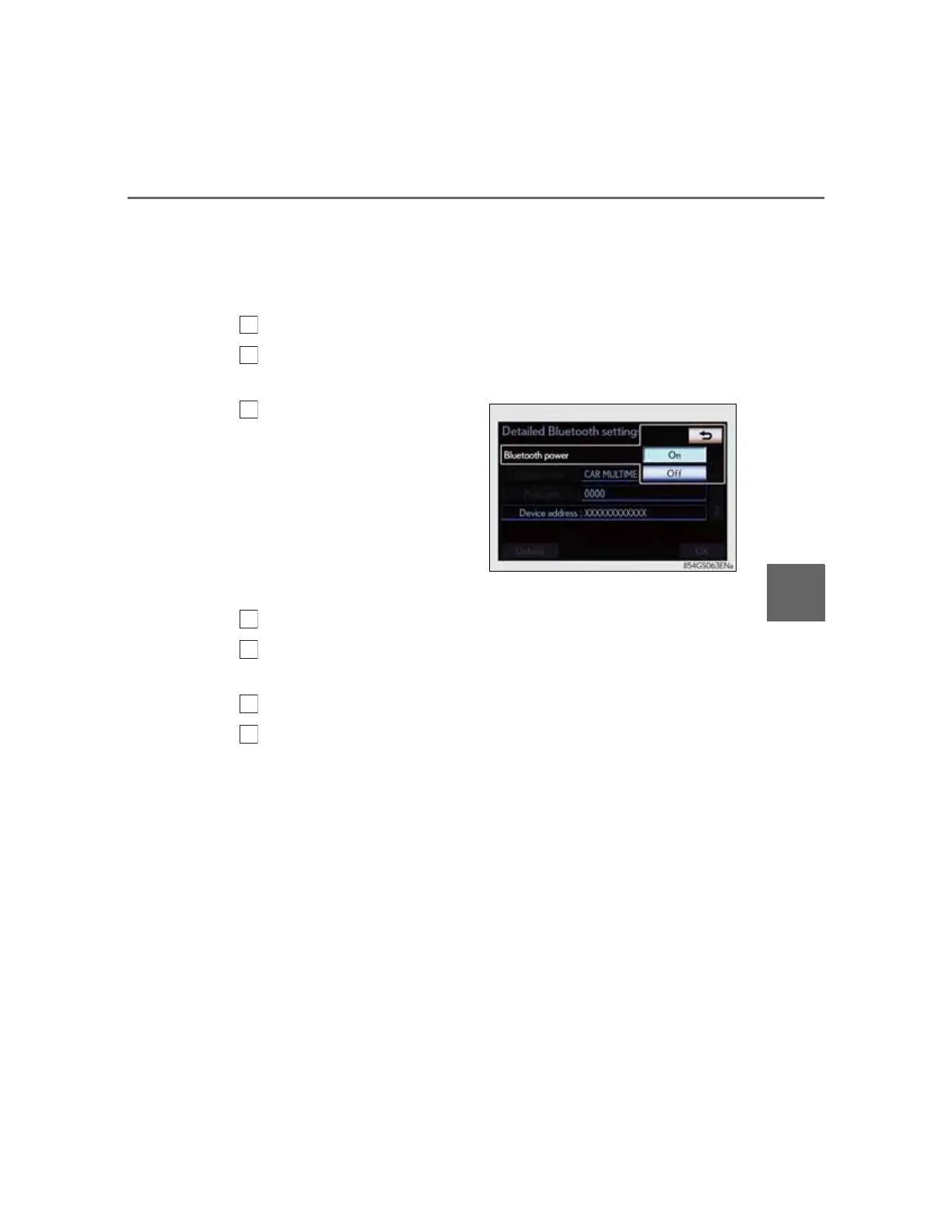
Display the “Detailed Bluetooth* settings” screen. (P. 728)
Select “Bluetooth* power” on the “Detailed Bluetooth* set-
tings” screen.
Select “On” or “Off”, and
then “OK”.
Editing the system name
Display the “Detailed Bluetooth* settings” screen. (P. 728)
Select “Device name” on the “Detailed Bluetooth* settings”
screen.
Input the system name, and select “OK”.
Select “OK” on the “Detailed Bluetooth* settings” screen.
*: Bluetooth is a registered trademark of Bluetooth SIG, Inc.



 To Next Page