357
5-3. Using the audio system
5
Lexus Display Audio system
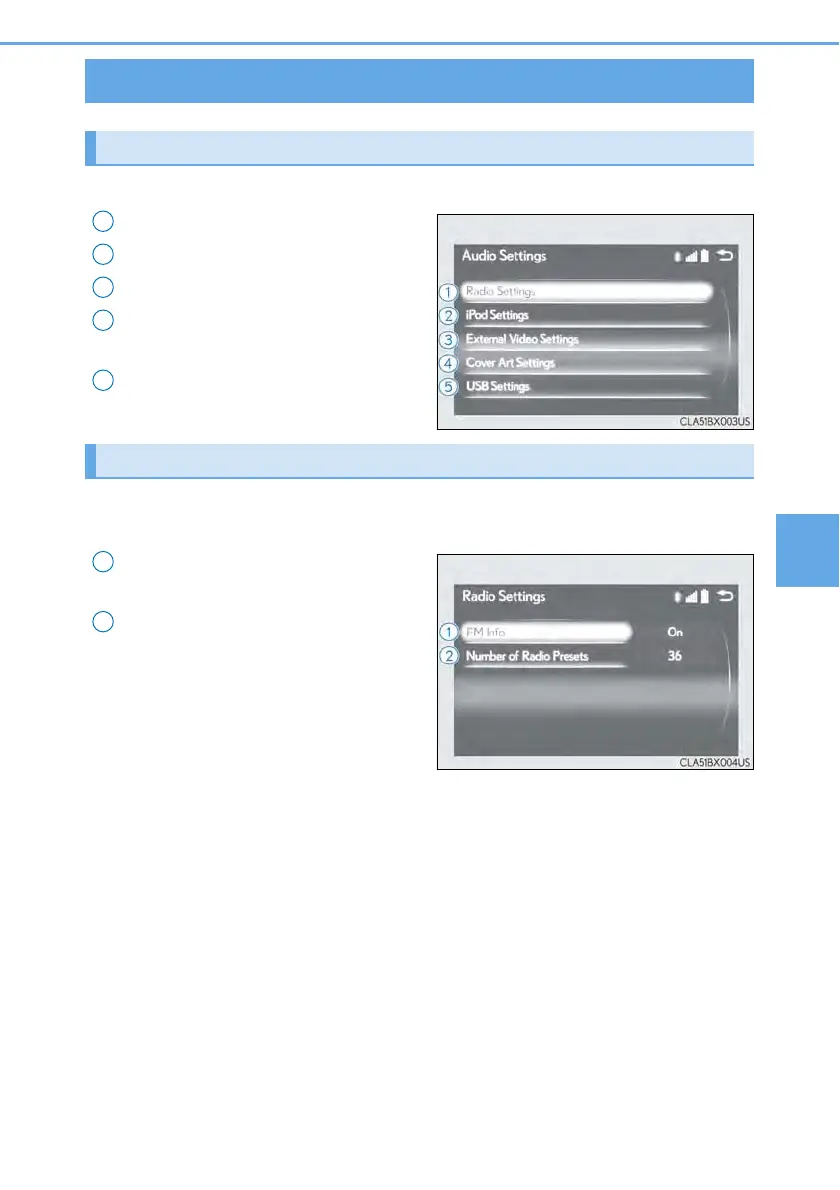
Go to “Audio Settings”: “MENU” button → “Setup” → “Audio”
Change radio settings (→P. 357)
Change iPod settings (→P. 358)
Change A/V settings (→P. 358)
Change the cover art settings
(→P. 359)
Change USB settings (→P. 359)
To display the radio settings screen in a different way, select “Radio Settings” on
the audio menu screen. (→P. 360)
Set the displaying RBDS text mes-
sage on/off
Change the number of radio presets
Audio settings
Screen for audio settings
1
2
3
4
5
Changing radio settings
1
2



 To Next Page