320
3-2. Using the audio system
Adjusting sound quality and volume balance
Press to enter iPod
®
menu mode.
Pressing changes sound modes. (P. 333)
■ About iPod
®
iPod is registered trademarks of Apple, Inc.
■ iPod
®
player functions
● When an iPod
®
player is connected and the audio source is changed to iPod
®
player mode, the iPod
®
player will resume play from the same point in which it
was last used.
● Depending on the iPod
®
player that is connected to the system, certain func-
tions may not be available. Disconnecting the device and reconnecting it once
again may resolve some malfunctions.
■ iPod
®
player problems
To resolve most problems encountered when using your iPod
®
player, disconnect
your iPod
®
player from the vehicle iPod
®
player connection and reset it.
For instructions on how to reset your iPod
®
player, refer to your iPod
®
player
Owner's Manual.
■ Display
P. 30 1
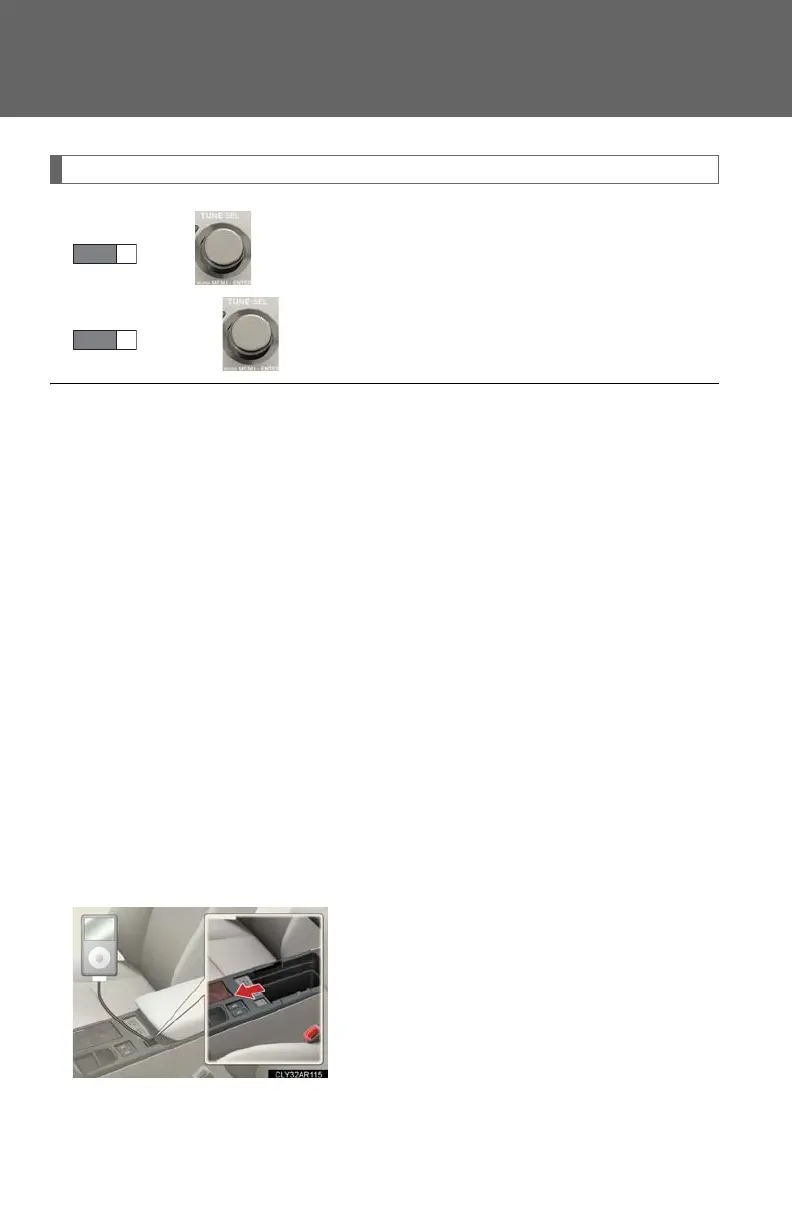
■ Routing potable audio device cables
When the cover is slide open, portable audio
device cables can be pulled through the
opening.













 To Next Page