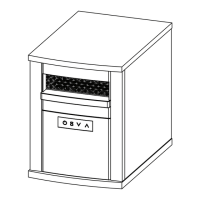
6B268
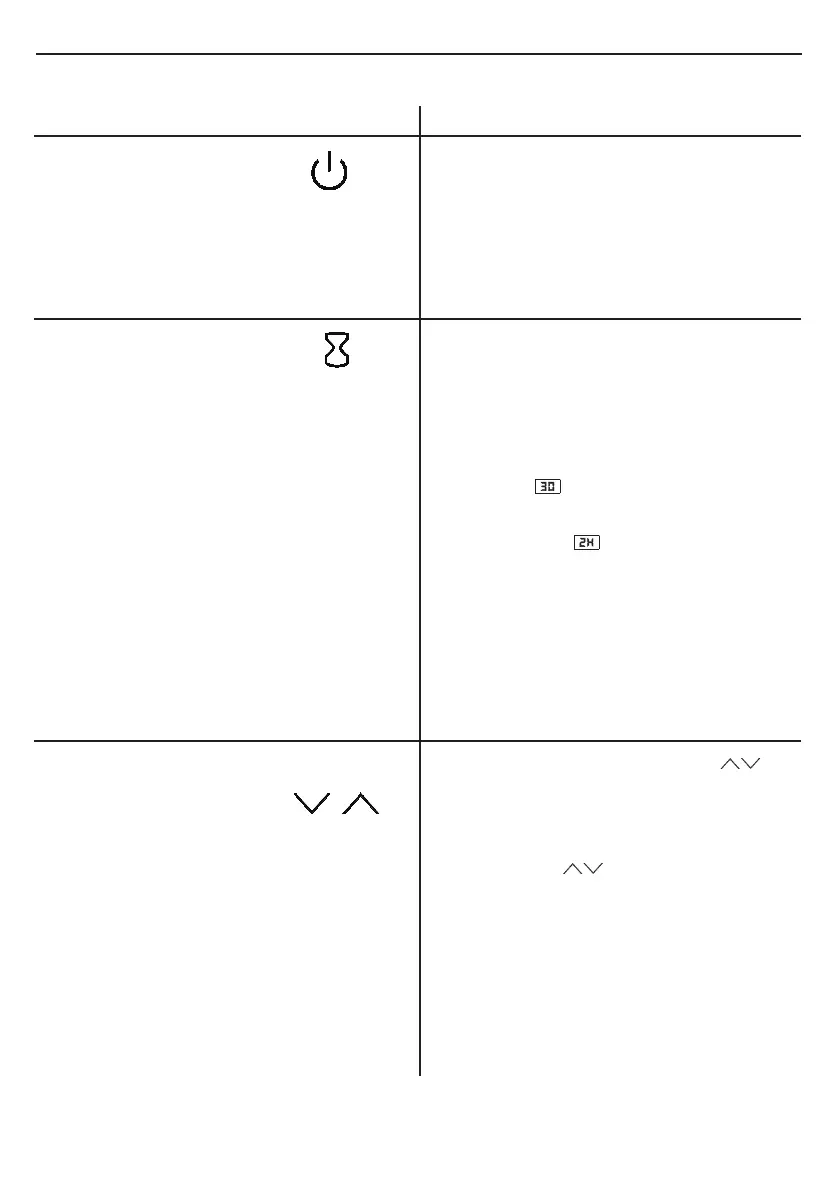
FUNCTION ICON DESCRIPTION
OPERATION INSTRUCTIONS
POWER
1. The POWER button supplies power to all
the functions of the heater. Pressing the
POWER button again will put the heater
in standby mode.
2. Pressing and holding the POWER button
on the control panel for 3 seconds will
switch between °F and °C.
TIMER
1. Pressing the TIMER button will turn on or
o timer settings.
2. There are 10 timer settings and OFF that
can be selected. OFF(00), 30min, 1Hour,
2H, 3H, 4H, 5H, 6H, 7H, 8H, 9H.
3. Double-digit minute settings, such as 30,
look like:
4. A single-digit with an “H” indicates hours
and looks like:
5. If the timer function was previously set, the
rst press of the timer button won’t change
the previous setting. Pressing the timer
button will activate the timer display.
6. When the timer is active, the display will
count down from 60 seconds before
shutting o the heater.
1. When pressing the up and down
buttons the display will enter temperature
setting mode.
2. When in temperature setting mode
pressing the
buttons will change
the thermostat by 1 °F (1 °C.)
3. The temperature setting range is between
50 °F - 97 °F (10 °C - 36 °C).
4. After 10 seconds without control input,
the display will exit temperature setting
mode and show the current ambient
temperature.
SETTING
TEMPERATURE


 To Next Page