7
2
2
2
Alarm Time Mode
2 ALARM
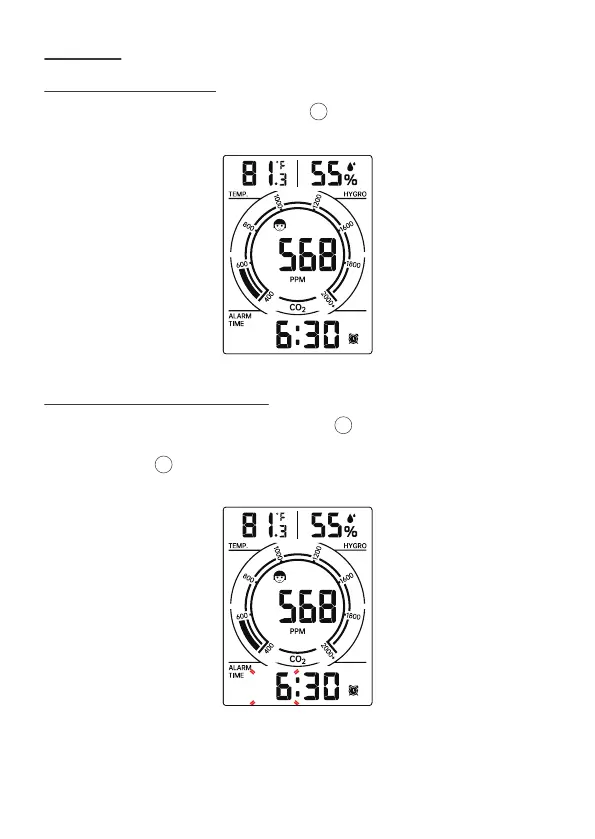
2.1 CHECK ALRAM TIME
In Normal time display, press and release [SET] button to switch display
alarm time (Alarm Time mode).
2.2 SETTING THE DAILY ALARM
In Alarm time setting mode, press and release [SET] button to confirm and
move to the next item.
• press and hold [SET] button over 3 seconds to enter alarm setting mode.
Hour of Alarm starts to flash.


 To Next Page