20
NOTE:
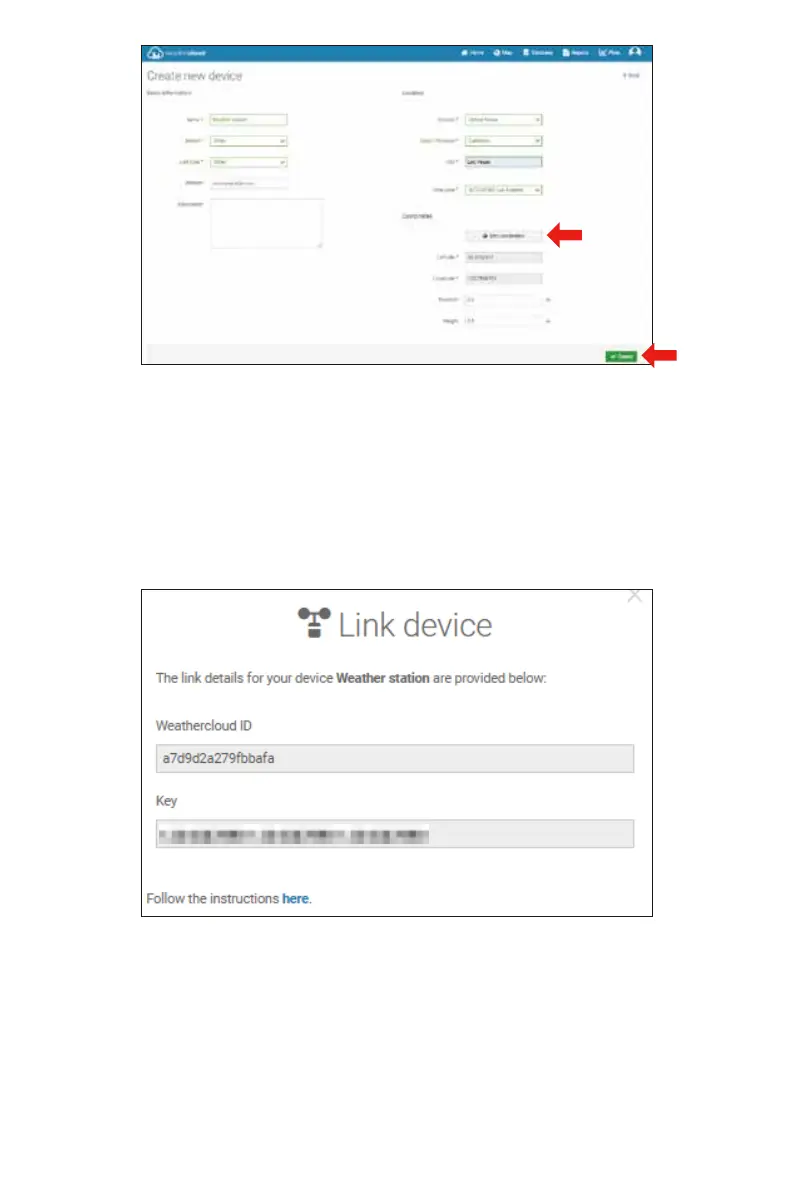
You can select “other” of the Model number and Link type in the above blanks.
Click “Get coordinates” to identify your location of on the map, then click “Done” to
confirm.
8.)
9.)
Once you have completed this section, click “Create”.
After registering successfully, please record your Weathercloud ID and Key information
for later setup use.
To view your weather station data live via PC or mobile web browser,
visit http://www.wunderground. com, and then enter the Station ID you were provided
during account setup in the search box. Your weather data will show up on the next page.
VIEW YOUR WEATHER DATA IN WEATHERUNDERGROUND



 To Next Page