EasyManua.ls Logo

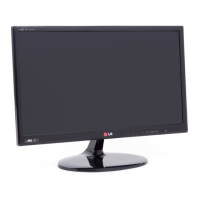
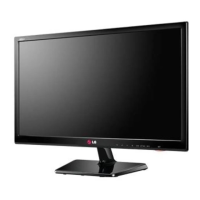
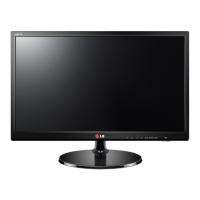
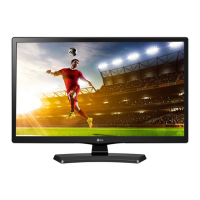
LG 22MA53S - User Manual

LG 22MA53S
50 pages
Print Icon
To Next Page IconTo Next Page
Loading...
www.lg.com
OWNER’S MANUAL
LED TV
LG LED TV applies LCD screen with LED backlights.
Please read this manual carefully before operating the your TV and
retain it for future reference.
ENGLISH
22MA53D 22MA53V 22MA53S
23MA53D 23MA53V 23MA53S
24MA53D 24MA53V 24MA53S
27MA53D 27MA53V 27MA53S

Questions and Answers

  • D
    Daniel DickersonAug 10, 2025
    What to do if my LG 22MA53S LED TV has no image and sound?
    • L
      Lisa SandersAug 10, 2025
      If your LG LED TV shows no image and produces no sound, first ensure the TV is turned on. Then, verify that the power cord is securely connected to a wall outlet. Finally, test the wall outlet by plugging in other devices to check for any issues with the power supply.
  • S
    Sheila CastilloAug 20, 2025
    Why does my LG 22MA53S LED TV turn off suddenly?
    • L
      Larry PetersonAug 20, 2025
      If your LG LED TV turns off suddenly, examine the power control settings to ensure the power supply isn't being interrupted. Also, check the Time settings to see if the Auto sleep feature is enabled. If the TV is on but receives no signal, it will automatically turn off after 15 minutes of inactivity.
  • D
    Donald CaseyAug 31, 2025
    How to fix LG 22MA53S remote control not working?
    • D
      Daniel BarnesAug 31, 2025
      If you cannot control your LG LED TV with the remote, begin by checking the remote control sensor on the TV and try again. Ensure there are no obstructions between the remote and the TV. Finally, verify that the batteries in the remote are working and correctly installed.

LG 22MA53S Specifications

General IconGeneral
BrandLG
Model22MA53S
CategoryLED TV
LanguageEnglish

Related product manuals