98
Using the Phone Menus
Menu User Menu
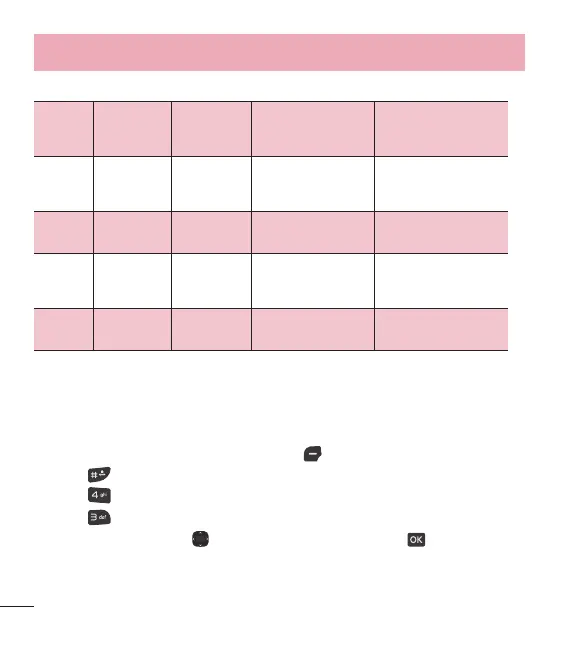
Transmission/
Receiving Mode
When making
communications with a
non-TTY terminal
TTY full
For hearing-/
verbally-
impaired
Text message
transmission, text
message receiving
Operator
required
TTY + talk
For hearing-
impaired
Able to talk
Voice transmission, text
message receiving
Operator required
TTY +
hear
For verbally-
impaired
Audible
Text message
transmission, voice
receiving
Operator required
TTY off
Voice transmission, voice
receiving
TTY mode (Teletypewriter)
4.3 One touch dial
Allows you to initiate a speed dial call by pressing and holding the speed dial digit.
If set to Off, Speed dial numbers designated in your Contacts will not function.
1 Open the flip and press Left Selection Key
[Menu].
2 Press
Settings.
3 Press
Call settings.
4 Press
One touch dial.
5 Use the Directional Key
to highlight a setting, then press [Set].



 To Next Page