116
TO USE A USB OR PC DEVICE
TO USE A USB OR PC DEVICE
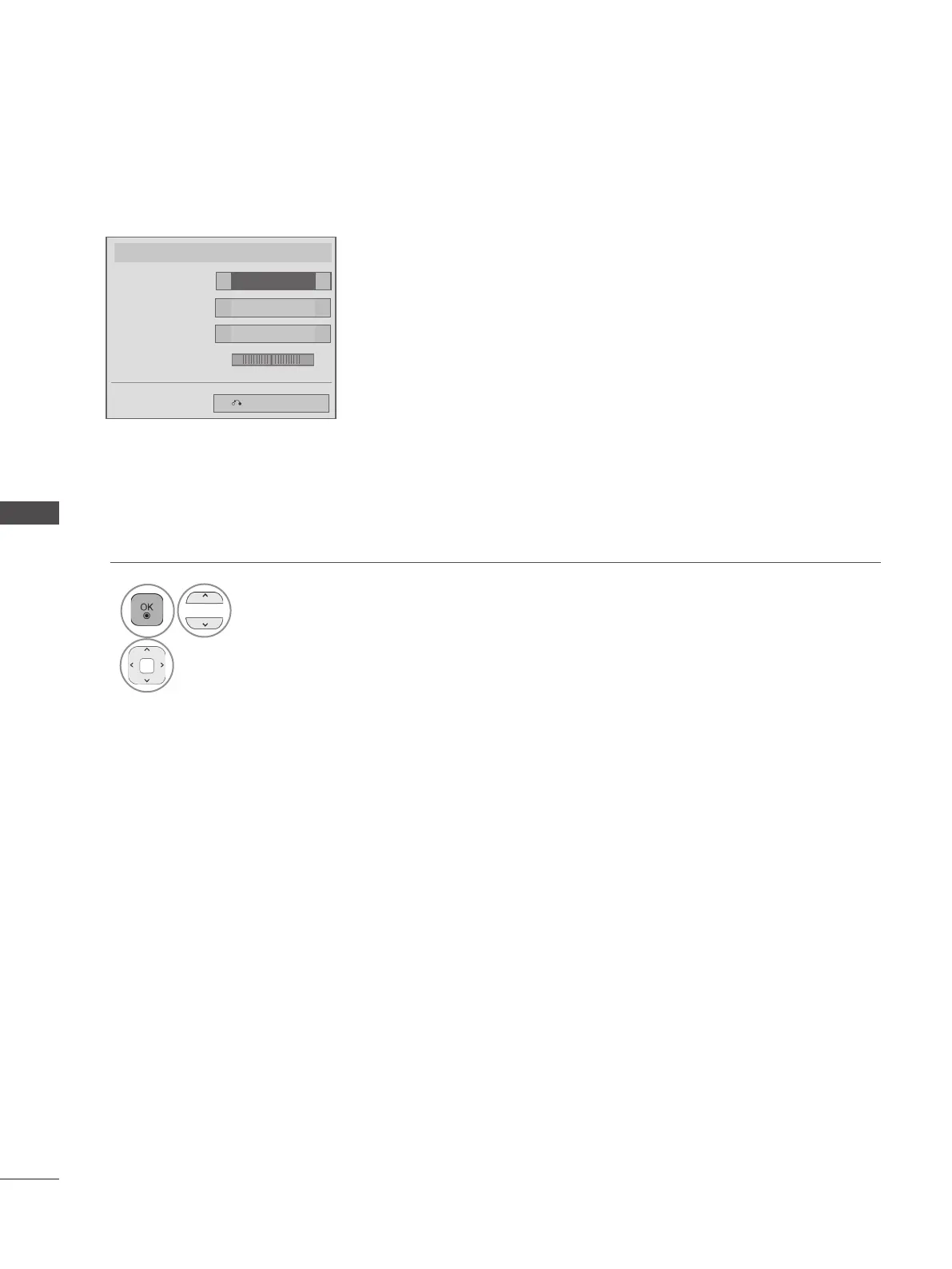
■ When you select the Set Audio,
1
Select Sound Mode, Auto Volume, Clear Voice II or Balance.
2
Make appropriate adjustments. (Refer to p. 154 to 158)
Set Audio.
Standard
Sound Mode
◄ ►
Off
Auto Volume
◄ ►
Off
Clear Voice II
Balance 0
◄ ►
Previous
L R
◄
►


 To Next Page