EasyManua.ls Logo

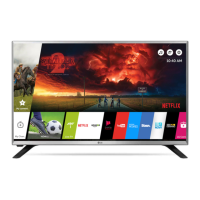
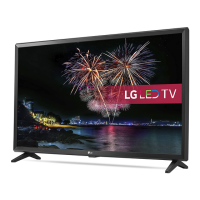
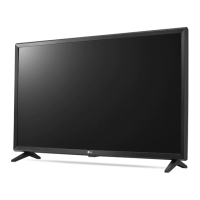
LG 32LJ610V.AEE - User Manual

LG 32LJ610V.AEE
38 pages
Print Icon
To Next Page IconTo Next Page
Loading...
P/No: MFL69649102 (1702-REV01)
Printed in Korea
LED TV
LJ61**
LJ62**
www.lg.com
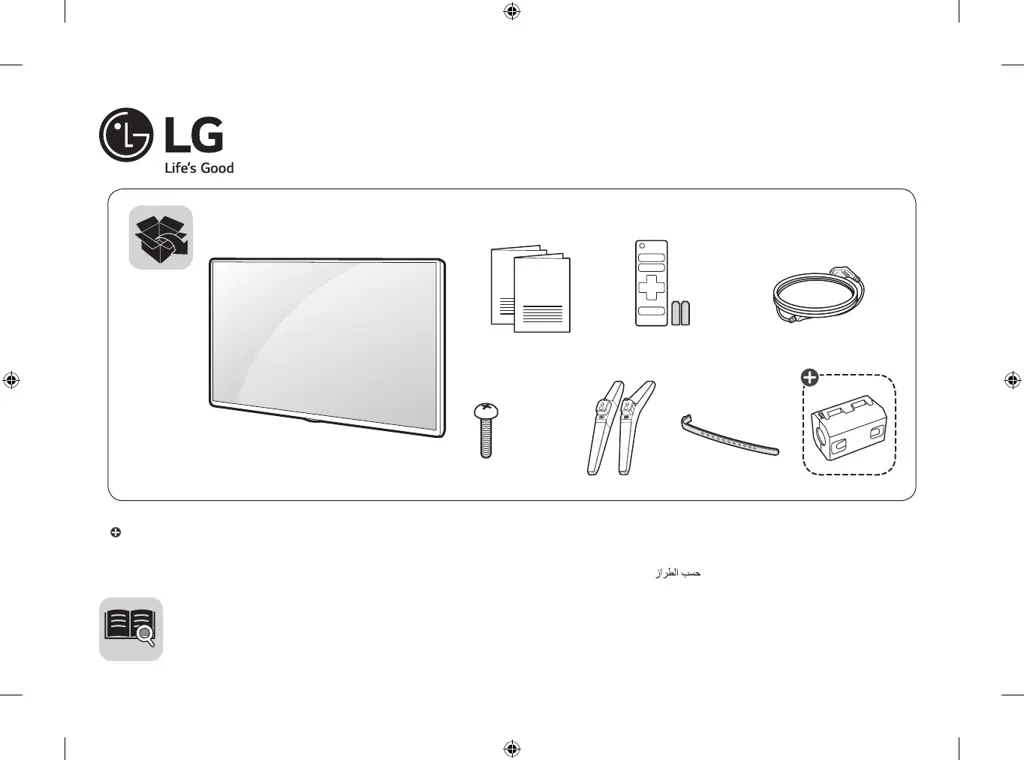
AAA
X 2
(M4 X L16)
: Depending on model / Abhängig vom Modell / Selon le modèle / In base al modello / En función del modelo / Dependendo do modelo / Afhankelijk van het model /
Ανάλογα με το μοντέλο / Odvisno od modela / Típusfüggő / Zależnie od modelu / Závisí na modelu / V závislosti od modelu / În funcţie de model / В зависимост
от модела / Sõltub mudelist / Priklauso nuo modelio / Atkarībā no modeļa / U zavisnosti od modela / Ovisno o modelu / Në varësi të modelit / Ovisno o modelu / Во
зависност од моделот / Beroende på modell / Avhengig av modell / Afhængigt af modellen / Mallin mukaan /

Questions and Answers

  • E
    edwin08Aug 11, 2025
    How to fix LG 32LJ610V.AEE remote control not working?
    • K
      Kristin GarrettAug 11, 2025
      If you're having trouble controlling your LG LED TV with the remote, there are a few things you can check: * First, make sure that there are no obstructions between the remote and the TV. * Next, check the remote control sensor on the TV and try again. * Also, ensure the batteries in the remote are working and properly installed.
  • J
    Justin GillAug 20, 2025
    Why does my LG LED TV turn off suddenly?
    • B
      Brian MurphyAug 20, 2025
      If your LG LED TV is turning off suddenly, it could be due to a few reasons. First, the power supply may be interrupted, so check the power control settings. Also, verify if the Sleep Timer or Timer Power Off is activated in the Timers settings. Finally, check if the Auto Power Off is activated in the General -> Eco Mode settings. (Depending on model)
  • C
    Cassandra MasonAug 31, 2025
    What to do if my LG 32LJ610V.AEE has no image and sound?
    • S
      susanespinozaSep 1, 2025
      If your LG LED TV has no image and no sound, try the following: First, ensure that the TV is turned on. Next, check that the power cord is properly connected to a wall outlet. Finally, test the wall outlet by connecting other products to see if there's a problem with the outlet itself.

LG 32LJ610V.AEE Specifications

General IconGeneral
Screen Size32 inches
Display TypeLED
Image Aspect Ratio16:9
LCD Backlight TechnologyLED
LED Backlight TypeDirect LED
HDMI Ports Qty2
HDCP CompatibleYes
Smart TVYes
Operating SystemwebOS
USB PortYes
USB Ports Qty1
ConnectivityWi-Fi, Ethernet
Speaker System2 speakers
Resolution1920 x 1080
Video InterfaceHDMI
Output Power / Total10W
Digital Audio FormatDolby Digital
Sound EffectsSurround
Display Format1080p (Full HD)

Related product manuals