18
ENTERTAINMENT
ENGLISH
Using the Input List
Remote Control (HOME)
Input Mode Description
HDMI1
You can watch content on a PC,
DVD player, Digital set-top box, and
other high definition devices.
HDMI2
DisplayPort
DVI
• Do not turn off the monitor or remove a
USB storage device when the My Media
screen is activated. This could result in
loss of files or damage to the USB storage
device.
• Back up files you have saved on a USB
storage device frequently, as loss or
damage to the files may be not covered by
the warranty.
ENTERTAINMENT
Using My Media
Connecting USB storage
devices
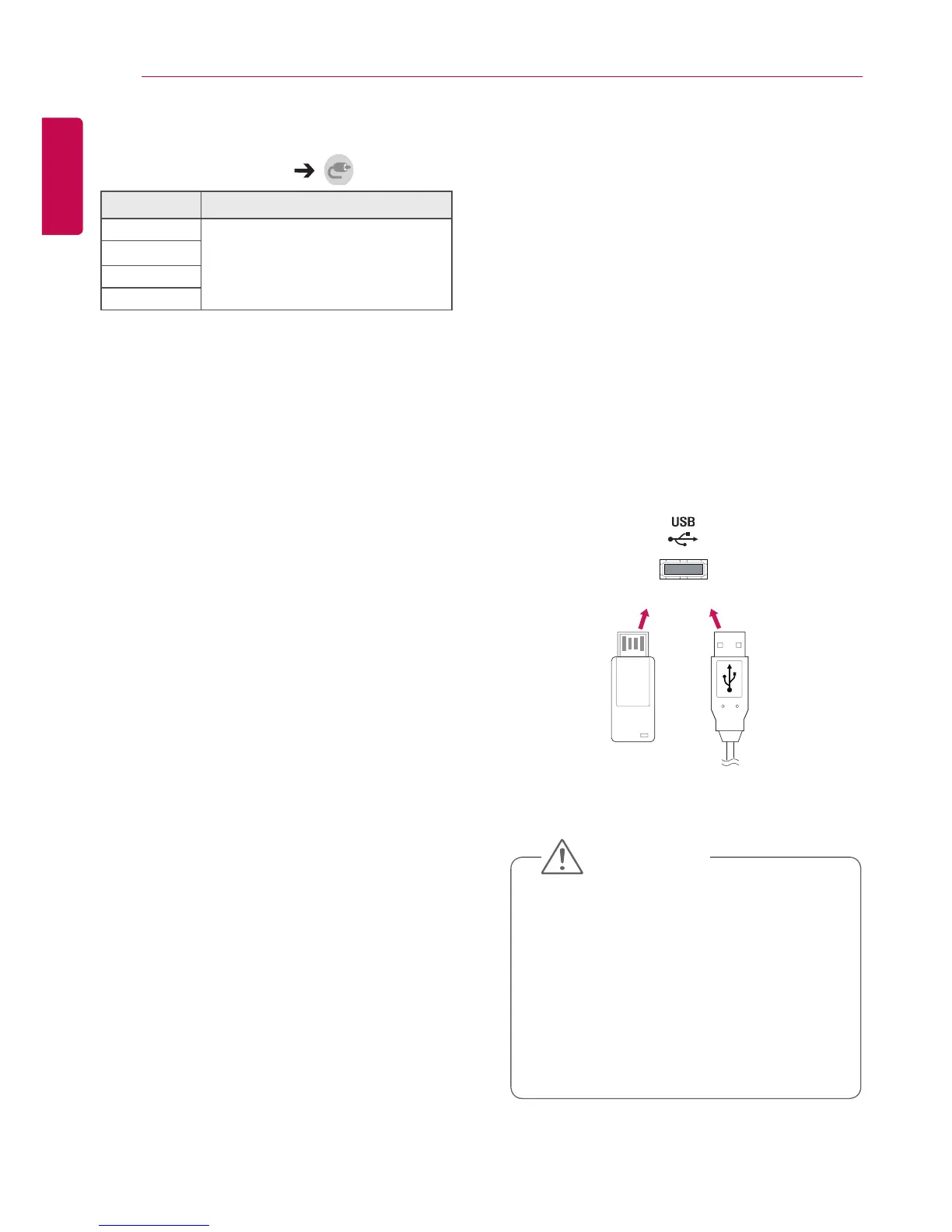
Connect a USB storage device such as a USB
flash memory or an external hard drive to the
display and use multimedia features.
Connect a USB flash memory or USB memory
card reader to the display as shown in the
following illustration.
OR
CAUTION



 To Next Page