EasyManua.ls Logo

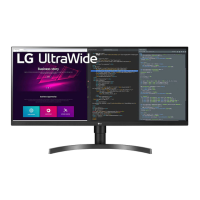
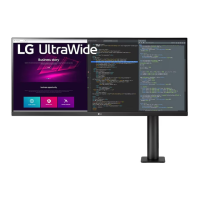
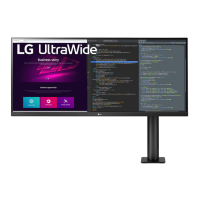
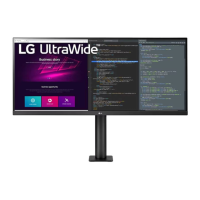
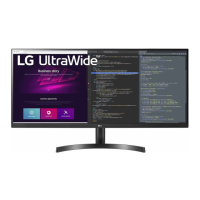
LG 34WN700-B - User Manual

LG 34WN700-B
25 pages
Print Icon
To Next Page IconTo Next Page
Loading...
* LG LED Monitor applies LCD screen with LED backlights.
Please read this manual carefully before operating your set and
retain it for future reference.
34WN700
OWNER’S MANUAL
LED LCD MONITOR
(LED Monitor*)
www.lg.com
Copyright © 2019 LG Electronics Inc. All Rights Reserved.

Questions and Answers

  • J
    Jill PerezAug 11, 2025
    What to do if nothing is displayed on my LG 34WN700-B screen?
    • D
      davidbassAug 11, 2025
      If nothing is displayed on your LG Monitor screen, verify that the power cord is correctly plugged into the power outlet. Also, check the power cable connection and press the power button. Ensure that the connected input is enabled in the Settings under Input. Try checking the cable and reconnecting it. Finally, set the appropriate frequency, referring to the Product Specification section of this manual.
  • J
    James CooperAug 18, 2025
    Why is my LG 34WN700-B screen display unstable and shaky?
    • B
      Brian Gonzalez MDAug 18, 2025
      If your LG Monitor screen display is unstable and shaky, or images leave shadow trails, the selected resolution might be HDMI 1080i 60/50 Hz (interlaced), which can cause flickering. Try changing the resolution to 1080p or the recommended resolution. Also, not setting the graphics card to the recommended resolution may result in blurred text, a dimmed screen, a truncated display area, or misalignment of the display.
  • J
    John GomezAug 26, 2025
    Why does image sticking occur on my LG Monitor even when turned off?
    • S
      smithcharlesAug 26, 2025
      Displaying a still image for a prolonged time may cause damage to the screen of your LG Monitor, resulting in the retention of the image. To extend the lifetime of the monitor, use a screensaver.
  • J
    Jennifer OrtizSep 3, 2025
    How to enable all functions on my LG 34WN700-B Monitor's menu?
    • J
      John GreeneSep 3, 2025
      If some functions are unavailable when you press the Menu button on your LG Monitor, disable OSD Lock in General settings.

LG 34WN700-B Specifications

General IconGeneral
BrandLG
Model34WN700-B
CategoryMonitor
LanguageEnglish

Related product manuals