8
Connections
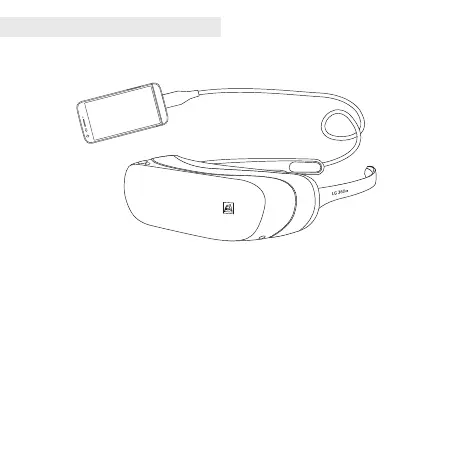
• Connect the USB cable of the LG 360 VR to the USB port on your phone. It may take a
while. With the LG 360 VR on, the screen of your phone will turns off. You can use your
phone as a touch pad.
• This product will not operate normally when connected to an LG G5 if the LG CAM Plus,
LG Hi-Fi Plus with B&O PLAY or any other devices that are not LG G5 modules are
attached to the LG G5.
• When your LG 360 VR is idle for at least 15 minutes with its USB cable still connected,
your LG 360 VR is automatically disconnected to prevent battery usage.
• There will be restrictions on connecting your LG 360 VR if your phone is low on battery
or too hot.



 To Next Page