EasyManua.ls Logo

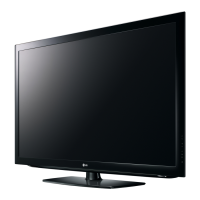
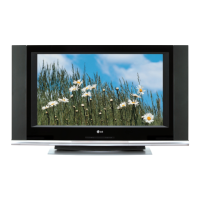
LG 37LP1D - User Manual

LG 37LP1D
116 pages
Print Icon
To Next Page IconTo Next Page
Loading...
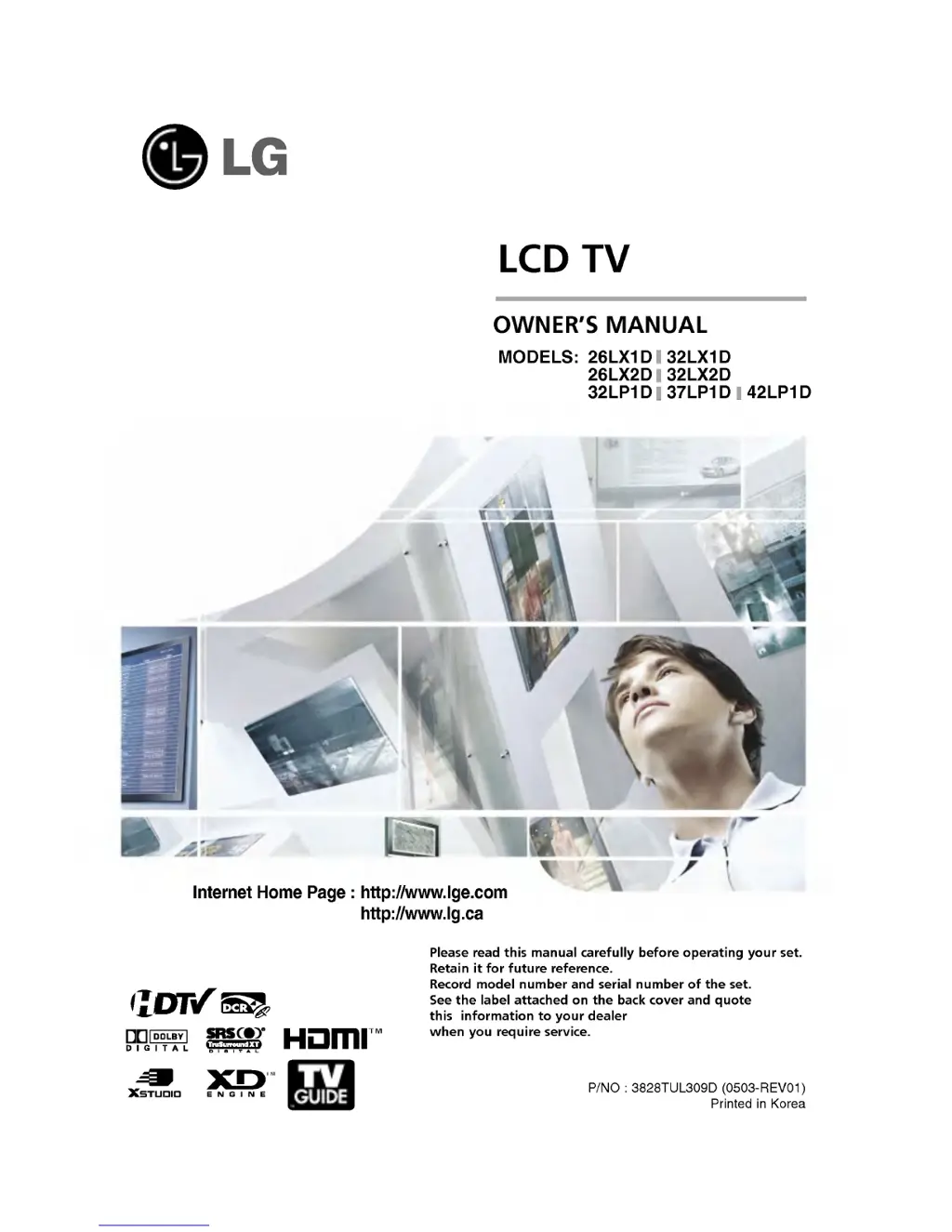
LCD
TV
Please
read
this
manual
carefully
before
operating
your
set.
Retain
it
for
future
reference.
Record
model
number
and
serial
number
of
the
set.
See
the
label
attached
on
the
back
cover
and
quote
this
information
to
your
dealer
when
you
require
service.
P/NO
:
3828TUL309D
(0503-REV01)
Printed
in
Korea
OWNER'S
MANUAL
MODELS:
26LX1D 32LX1D
26LX2D 32LX2D
32LP1D 37LP1D
42LP1D
Internet
Home
Page
:
http://www.lge.com
http://www.lg.ca
TM

Table of Contents

Other manuals for LG 37LP1D

Questions and Answers

  • S
    Sharon StanleyAug 21, 2025
    How to stop horizontal bars or picture shaking on LG 37LP1D LCD TV?
    • Y
      Yvonne FrazierAug 21, 2025
      If you observe horizontal or vertical bars or picture shaking on your LG LCD TV, check for local interference from electrical appliances or power tools.
  • J
    Jonathan CastilloAug 23, 2025
    How to fix LG 37LP1D LCD TV remote control that doesn't work?
    • L
      Lauren SchmidtAug 23, 2025
      If your LG LCD TV remote control isn't working, first ensure there are no obstructions between the remote and the TV. Then, verify that the batteries are correctly installed, paying attention to the polarity (+ to +, - to -). Check if the remote operating mode is correctly set to TV. If the issue persists, try installing new batteries.
  • M
    Megan FryAug 26, 2025
    What to do if the video function does not work on LG LCD TV?
    • J
      Jessica MasonAug 26, 2025
      If the video function on your LG LCD TV is not working, make sure the TV is turned on and the power cord is properly inserted into the wall outlet. Try tuning to another channel to rule out a broadcast issue. Check the direction and location of your antenna. You can also test the wall power outlet by plugging another product's power cord into it.
  • T
    Taylor CummingsAug 27, 2025
    Why the audio function does not work on my LG 37LP1D LCD TV?
    • M
      Melissa SmithAug 27, 2025
      If the audio function on your LG LCD TV is not working, first press the VOL or VOLUME button. Check if the sound is muted and, if so, press the MUTE button. Try switching to another channel to see if the problem is with the broadcast. Also, ensure that the audio cables are properly installed.
  • S
    scottbrianAug 30, 2025
    Why does my LG 37LP1D LCD TV power turn off suddenly?
    • I
      imorrisAug 30, 2025
      If your LG LCD TV suddenly turns off, check if the sleep timer is set. Review the power control settings. This issue might also happen if there is no broadcast on the tuned station and Auto off is activated.
  • Q
    qkingSep 1, 2025
    Why is the color poor on my LG 37LP1D?
    • R
      Robert DawsonSep 1, 2025
      If you're experiencing no or poor color or picture quality on your LG LCD TV, try adjusting the Colour in the menu options. Ensure there's sufficient distance between the TV and any VCRs. Try tuning to another channel to rule out a broadcast issue. Check if the video cables are properly installed. You can also try activating a function to restore the picture brightness.
  • S
    swansonmarkSep 3, 2025
    What causes poor reception on some channels on LG 37LP1D?
    • J
      Jonathan TaylorSep 3, 2025
      If you are experiencing poor reception on some channels with your LG LCD TV, the station or cable product may be experiencing problems; try tuning to another station. If the station signal is weak, reorient your antenna to receive a stronger signal. Also, check for sources of possible interference.
  • S
    Shannon RaySep 5, 2025
    How to adjust balance on LG 37LP1D?
    • E
      emilycastilloSep 5, 2025
      If there's no output from one of the speakers on your LG LCD TV, adjust the Balance in the menu option.
  • L
    Luis HillSep 7, 2025
    What to do if there is a problem in PC mode on LG LCD TV?
    • A
      Alexander SnyderSep 7, 2025
      If you encounter a problem in PC mode on your LG LCD TV, try adjusting the resolution, horizontal frequency, or vertical frequency. Check if the signal cable is properly connected. Also, verify the input source.
  • F
    flewisSep 9, 2025
    How to fix vertical bar or stripe on background on LG 37LP1D LCD TV?
    • E
      eric15Sep 9, 2025
      If you see a vertical bar or stripe on the background, horizontal noise, or an incorrect position on your LG LCD TV, try using the Auto configure feature or manually adjust the clock, phase, or H/V position.

LG 37LP1D Specifications

General IconGeneral
BrandLG
Model37LP1D
CategoryLCD TV
LanguageEnglish

Related product manuals