EasyManua.ls Logo

LG 42CS560 - User Manual

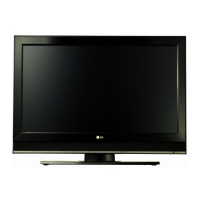
LG 42CS560
129 pages
Print Icon
To Next Page IconTo Next Page
Loading...
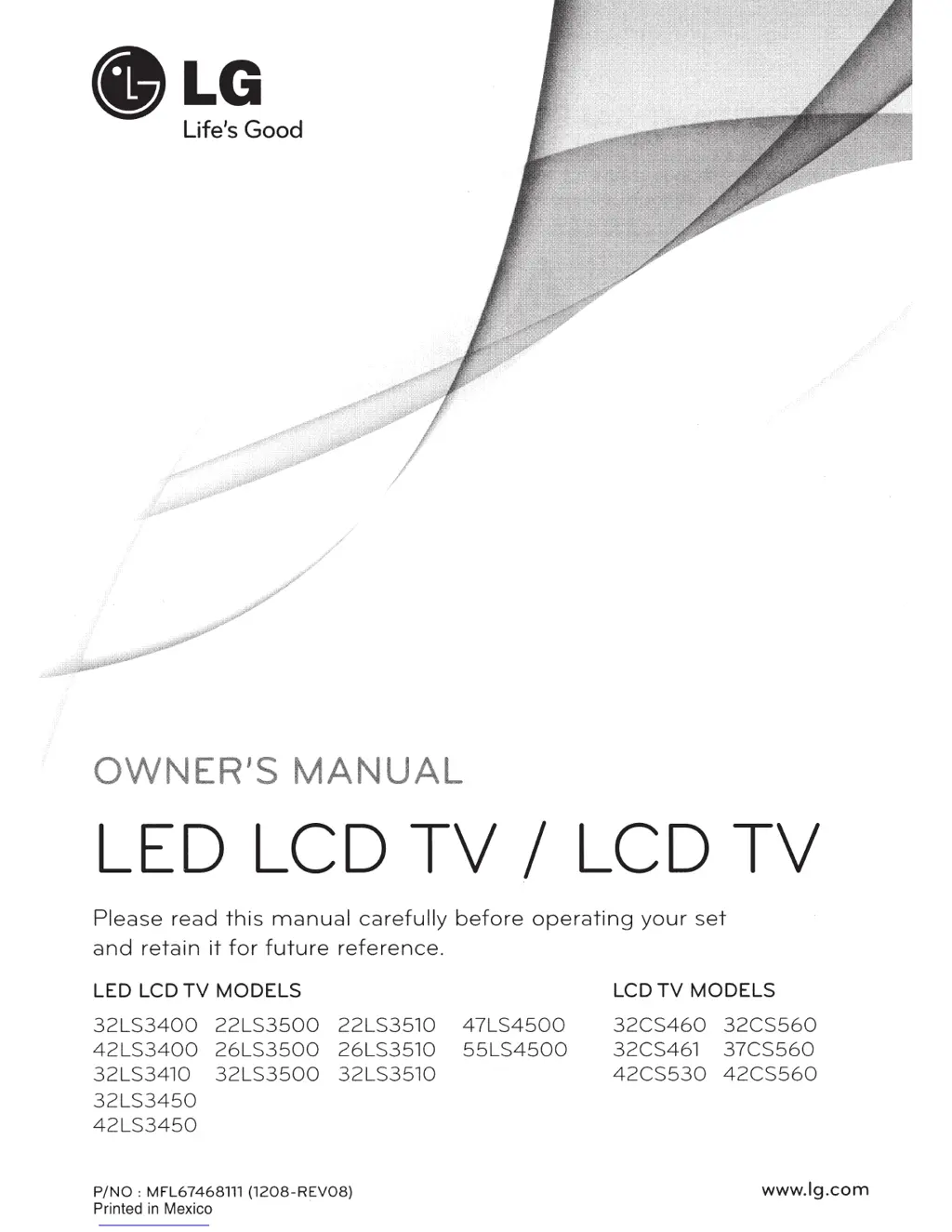
.LG
Life's
Good
LED LCD
TV
I LCD
TV
Please
read
this
manual
carefully
before
operating
your
set
and
retain
it
for
future
reference.
LED LCD
TV
MODELS
32LS3400
22LS3500
22LS3510
47LS4500
42LS3400
26LS3500
26LS3510
55LS4500
32LS3410
32LS3500
32LS3510
32LS3450
42LS3450
P/NO:
MFL67468111
{1208-REV08)
Printed
in
Mexico
LCD
TV
MODELS
32CS460
32CS560
32CS461
37CS560
42CS530
42CS560
www.lg.com

Other manuals for LG 42CS560

Questions and Answers

  • T
    Timothy BrownSep 3, 2025
    How to improve poor reception on my LG 42CS560?
    • K
      kingjohnSep 3, 2025
      If your LG LCD TV has poor reception on some channels, try switching to other channels as there may be an issue with the broadcast. Also, try adjusting the antenna's direction to improve the station signal. Check for any local interference from electrical appliances or power tools.
  • M
    mitchellcatherineSep 1, 2025
    Why is my LG 42CS560 showing black and white or poor color quality?
    • M
      Michele TorresSep 1, 2025
      If you see an image in black and white or the color quality is poor on your LG LCD TV, adjust the color settings in the menu. Ensure there's enough distance between the TV and other electronic devices. You may also want to try changing channels, as the broadcast itself could be the issue.
  • W
    William SteeleAug 31, 2025
    Why is my LG 42CS560 LCD TV showing no image and no sound?
    • J
      John CochranAug 31, 2025
      If your LG LCD TV shows no image and produces no sound, make sure the TV is turned on. Check that the power cord is properly connected to a working wall outlet. To test the outlet, try plugging in other devices.
  • S
    Sharon VillaAug 29, 2025
    What to do if my LG LCD TV says 'No Signal'?
    • M
      Michael PruittAug 29, 2025
      If your LG LCD TV displays 'No Signal', verify that the signal cable is properly connected between the TV and other devices. Also, check the selected input source by pressing the INPUT button.
  • J
    jbridgesAug 27, 2025
    Why does my LG 42CS560 keep turning off by itself?
    • N
      Nathaniel RamosAug 27, 2025
      If your LG LCD TV suddenly turns off, check the power control settings to ensure the power supply isn't interrupted. Also, verify if the Auto sleep feature is enabled in the Time settings. Note that the TV will automatically turn off after 15 minutes of inactivity if there is no signal.
  • M
    Michelle HendersonAug 26, 2025
    How to fix an LG 42CS560 remote that is not working?
    • E
      ejamesAug 26, 2025
      If you're unable to control your LG LCD TV with the remote, start by checking the remote control sensor on the TV and try again. Make sure there are no obstructions between the remote and the TV. Also, ensure the batteries in the remote are working and correctly installed.
  • C
    Christopher MillerAug 25, 2025
    How to brighten the screen on my LG 42CS560?
    • A
      afrenchAug 25, 2025
      If the image on your LG LCD TV appears extremely dark, adjust the brightness and contrast settings in the menu.
  • V
    Victoria Lane MDAug 22, 2025
    How to restore sound on LG 42CS560 LCD TV?
    • S
      sandraacostaAug 22, 2025
      If you're not getting any sound from your LG LCD TV while images are displaying, try pressing the VOL + or - button. Ensure the sound isn't muted by pressing MUTE. Try switching to different channels as the problem might be with the broadcast. Finally, check if the TV Speaker feature is activated in the menu options.

Summary

IMPORTANT SAFETY INSTRUCTIONS

Grounding

Ensures proper grounding to prevent electric shock.

Handling Precautions

Safety guidelines for cleaning, moving, and ventilation.

Disposal & Image Burn Prevention

Proper disposal of mercury lamps and preventing screen burn-in.

INSTALLATION PROCEDURE

Unpacking

Checking product contents and preparing for setup.

Lifting and Moving the TV

Safe procedures for handling and transporting the television.

Setting up the TV

Instructions for attaching the stand or mounting the TV.

Mounting on a table

Securing the TV to a table for stability and safety.

Mounting on a wall

Guidelines for safely mounting the TV to a wall.

MAKING CONNECTIONS

Connecting to an antenna or cable

How to connect an antenna or cable for TV reception.

HDMI Connection

Best method for connecting external devices with high-quality video/audio.

Connecting to a PC

Guidance on connecting a computer to the TV via HDMI.

Connecting to a USB

How to connect USB storage devices for media playback.

REMOTE CONTROL

WATCHING TV

Connecting to the AC;DC adapter

Plugging in the TV and initial power connection.

Turning the TV on for the first time

Initial setup process for language and basic settings.

Managing channels

Setting up, editing, and using favorite channels.

TROUBLESHOOTING

SPECIFICATIONS

MAINTENANCE

Cleaning Your TV

Guidelines for cleaning the TV screen, frame, and stand.

Preventing Image burn or Burn-in

Tips to avoid screen burn-in or image persistence.

IR CODES

WARRANTY PERIOD; HOW SERVICE IS HANDLED

LG 42CS560 Specifications

General IconGeneral
Display diagonal42 \
Progressive scanYes
Display technologyLCD
Native aspect ratio16:9
Supported video modes1080p
Supported graphics resolutions1920 x 1080 (HD 1080)
HDMI version1.4a
RS-232 ports0
RF ports quantity1
Common interface (CI)No
USB 2.0 ports quantityUSB 2.0 ports have a data transmission speed of 480 Mbps, and are backwards compatible with USB 1.1 ports. You can connect all kinds of peripheral devices to them.
Product colorBlack
Panel mounting interface200 x 200 mm
Power consumption (standby)0.3 W
RMS rated power14 W
Number of speakers2
Digital signal format systemDVB-T
Weight and Dimensions IconWeight and Dimensions
Depth (with stand)265 mm
Width (with stand)1019 mm
Height (with stand)698 mm
Weight (with stand)15100 g
Depth (without stand)76.5 mm
Height (without stand)631 mm
Weight (without stand)13400 g

Related product manuals