EasyManua.ls Logo

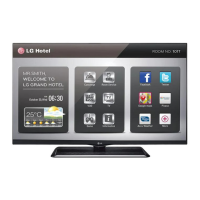
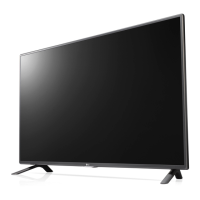
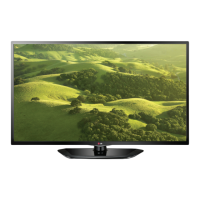
LG 42LP860H - User Manual

LG 42LP860H
46 pages
Print Icon
To Next Page IconTo Next Page
Loading...
www.lg.com
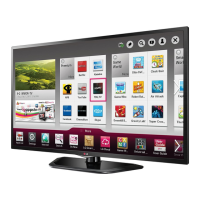
OWNER’S MANUAL
LED TV
*
* LG LED TV applies LCD screen with LED backlights.
Please read this manual carefully before operating your set and retain it
for future reference.
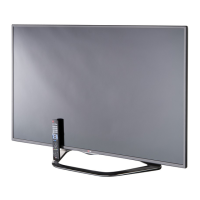
LN54**
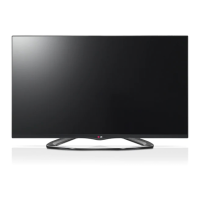
LP36**
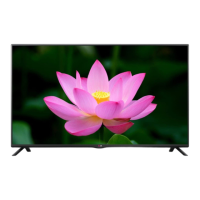
LP63**
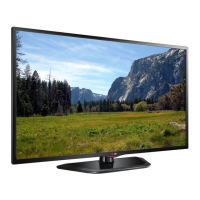
LP86**
LA62**

Other manuals for LG 42LP860H

Questions and Answers

  • T
    tfarrellAug 11, 2025
    Why is my LG 42LP860H LED TV remote not working?
    • P
      Patrick HutchinsonAug 11, 2025
      If you cannot control your LG LED TV with the remote, make sure there are no obstacles between the remote and the TV. Verify that the batteries are working and correctly installed. Also, check the remote control sensor on the TV and try again.
  • E
    Evan HuntAug 18, 2025
    What to do if my LG 42LP860H has no picture and sound?
    • L
      Lori WilliamsAug 19, 2025
      If your LG LED TV shows no image and produces no sound, first ensure that the TV is turned on and that the power cord is properly connected to a working wall outlet. You can check the outlet by plugging in another device to see if it works.
  • J
    Jodi EricksonAug 26, 2025
    Why does my LG 42LP860H turn off suddenly?
    • R
      Raymond Stevenson MDAug 26, 2025
      If your LG LED TV is turning off suddenly, examine the power control settings to ensure the power supply isn't being interrupted. Also, check if the Auto sleep feature is enabled in the Time settings, as this may be causing the TV to shut down automatically.
  • J
    Jared CoxSep 2, 2025
    How to fix 'No Signal' on LG LED TV when connecting to PC?
    • S
      Samuel GuerreroSep 2, 2025
      If you see a 'No Signal' message on your LG LED TV when connecting to a PC via RGB/HDMI, try turning the TV off and then on again using the remote control. If that doesn't work, try reconnecting the RGB/HDMI cable. As an alternative, restart your PC while the TV is powered on.

LG 42LP860H Specifications

General IconGeneral
Screen Size42 inches
Display TypeLED
Smart TVYes
Aspect Ratio16:9
Refresh Rate100Hz
Operating SystemNetCast
Built-in Wi-FiYes
3D CapabilityYes
Energy Efficiency ClassA
Resolution1920 x 1080

Related product manuals