APPENDIX
111
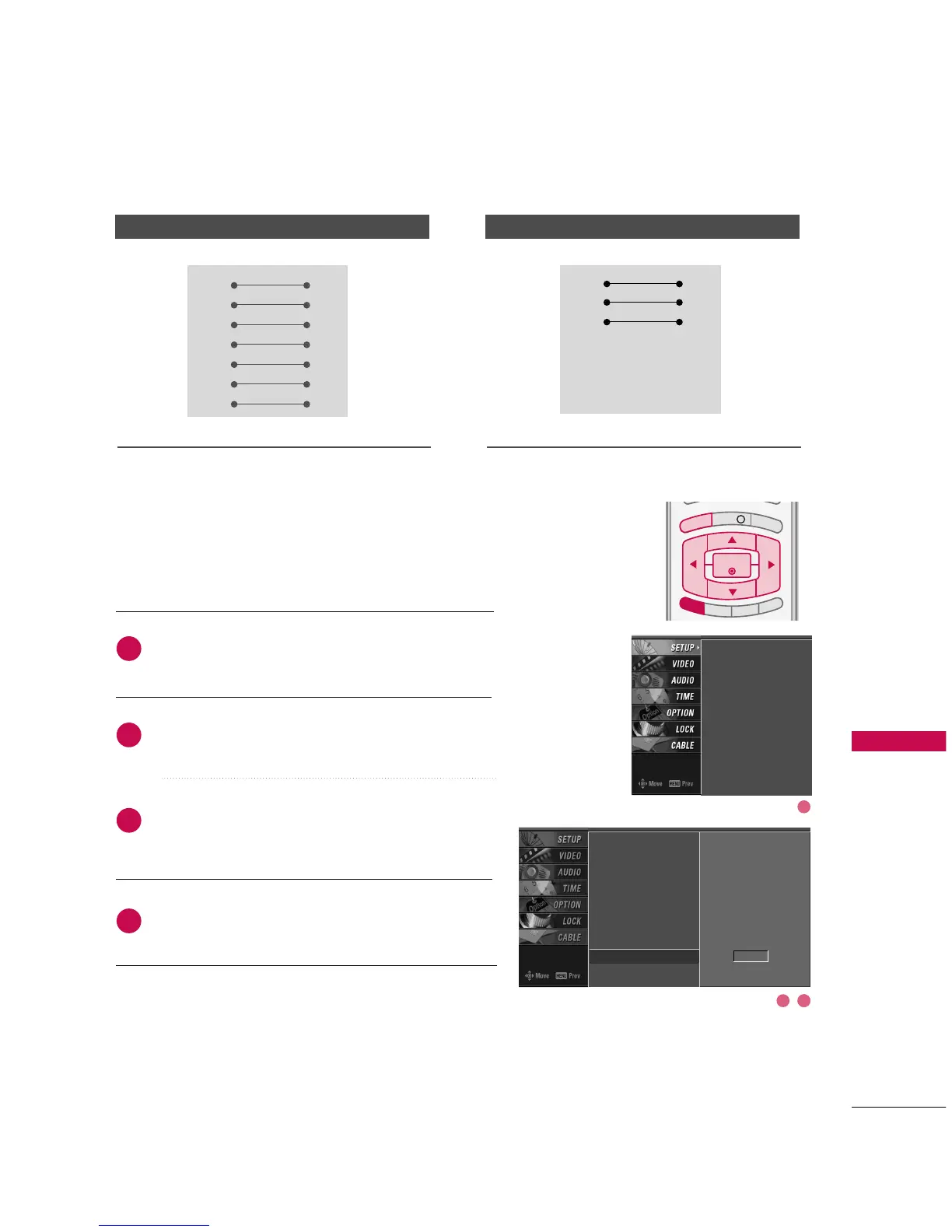
Press the
MMEENNUU
button and then use
DD
or
EE
button
to select the
SSEETTUUPP
menu.
Press the
GG
button and then use
DD
or
EE
button to
select
SSeett IIDD
.
Press the
GG
button and then use
DD
or
EE
button to
adjust
SSeett IIDD
to choose the desired TV ID number.
The adjustment range of Set ID is 1~99.
Press
EEXXIITT
button to return to TV viewing or press
MMEENNUU
button to return to the previous menu.
Use this function to specify a TV ID number.
Refer to ‘Real Data Mapping 1’.
GG
pp..111133
.
Set ID



 To Next Page