TV MENU
/
OPTIONAL FEATURES
92
ASPECT RATIO CONTROL
TV MENU
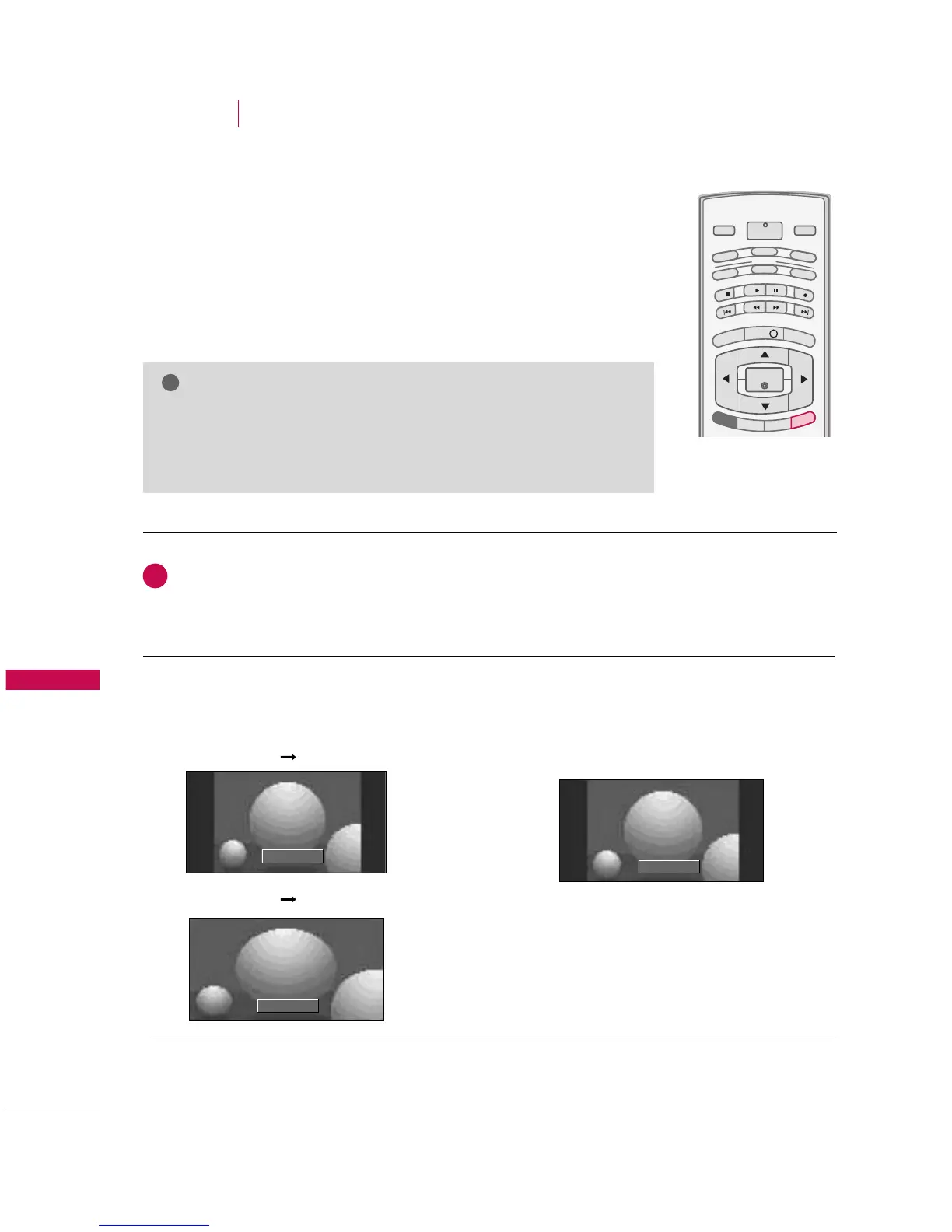
This feature lets you choose the way an analog picture with a 4:3 aspect ratio is
displayed on your TV. When you receive an analog picture with a 4:3 aspect
ratio on your 16:9 TV, you need to specify how the picture is to be displayed.
■
RGB-PC/DVI-PC input source use 4:3 or 16:9 aspect ratio.
Set by program
Selects the proper picture proportion to
match the source’s image.
4:3
Choose 4:3 when you want to view a picture
with an original 4:3 aspect ratio.
NOTE
GG
If a fixed image is displayed on the screen for a long time, the image may
become imprinted on the screen and remain visible.
This phenomenon is common to all manufactures and in consequence the
manufactures warranty does not cover the product bearing this phenomenon.
OPTIONAL FEATURES



 To Next Page