TV MENU
/
AUDIO ADJUSTMENT
65
Press the
GG
button and then use
FF
or
GG
button to
make appropriate adjustments.
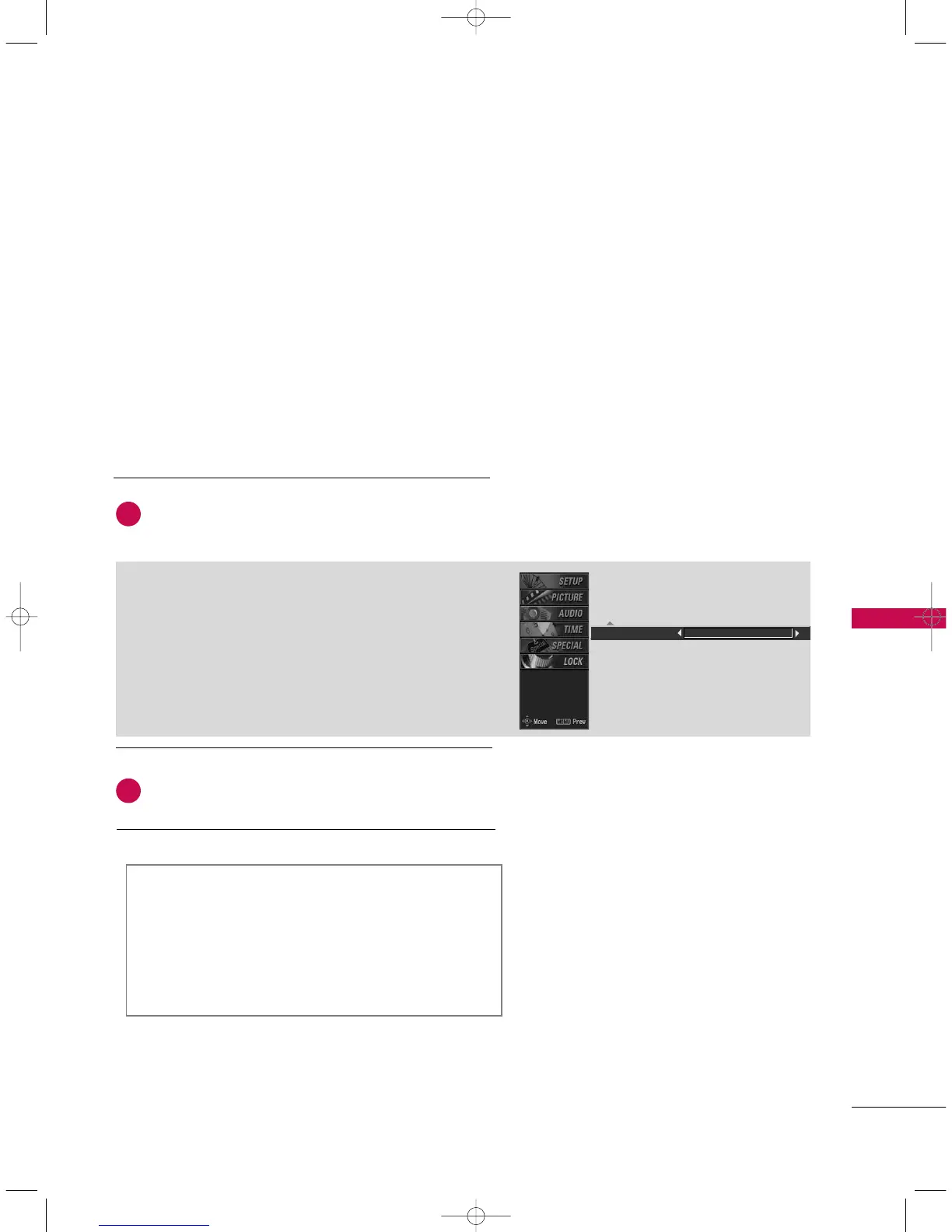
SSeelleeccttiinngg tthhee FFrroonntt ssuurrrroouunndd
Press the
GG
button and then use
FF
or
GG
button to
select
OOffff
or
SSRRSS
(
Sound Retrieval System)
TTrruuSSuurrrroouunndd
XXTT
.
Press
EEXXIITT
button to return to normal TV viewing.
Front surround SRS TruSurround XT
SSRRSS TTrruuSSuurrrroouunndd XXTT
Takes advantage of any multi-channel format without
needing to add extra speakers or equipment. Dialog clari-
ty, bass enrichment, and the addition of stereo audio
enhancement produces an immersive sound experience
from standard stereo material.
6
5
9U0569A-2 Rev05-ING 06/8/23 3:29 PM Page 65



 To Next Page