26
Plasma Fall 2008 42PG20
Left and Right X Drive Removal
Left and Right X Drive Removal
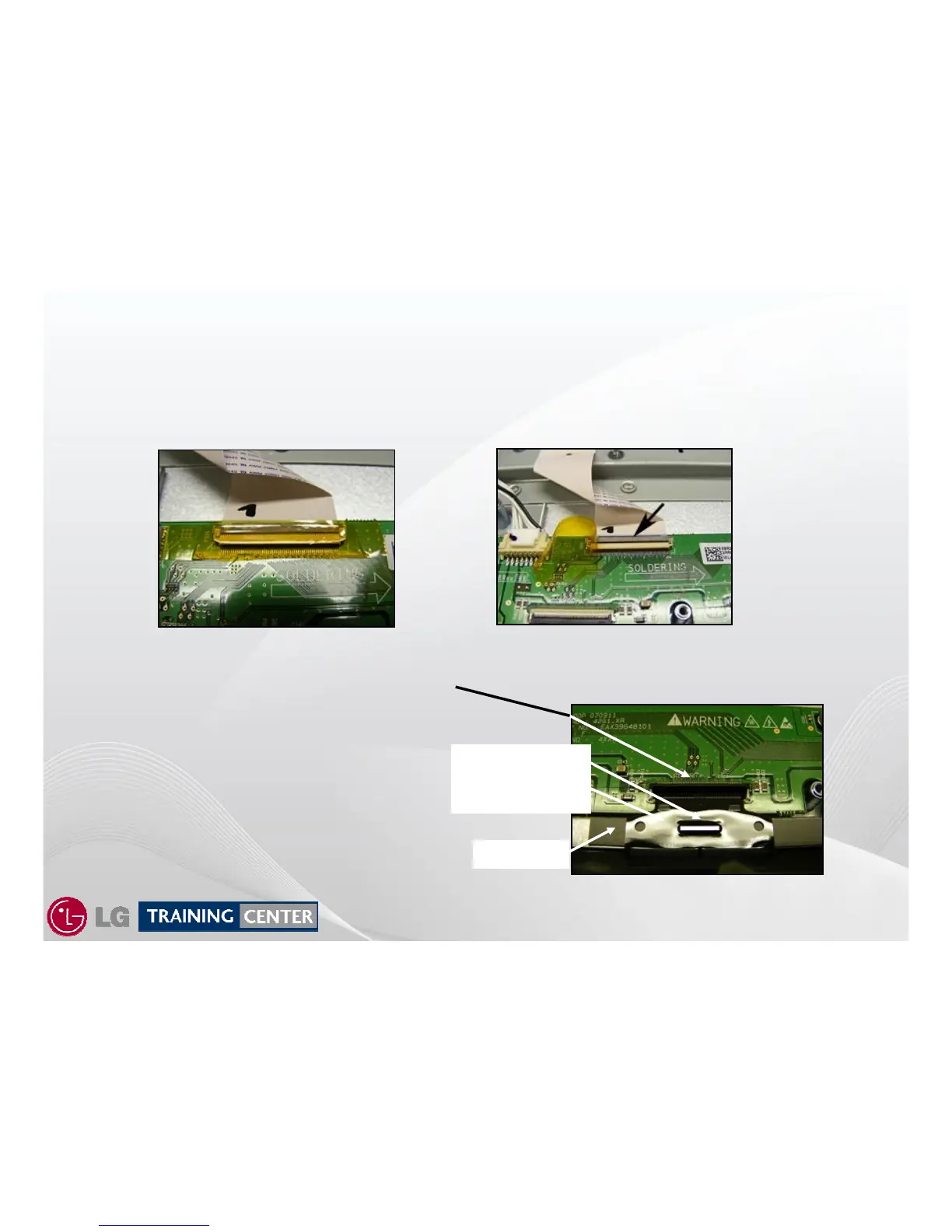
Showing the tape on the
connectors P232 or P331
Peel the tape off the
connectors
Gently pry the locking
mechanism upward
Gently lift the locking mechanism upward on all
TCP connectors P201~206 or P301~306
Carefully lift the TCP ribbon up and off the
cushion and out of the way.
TCP
Flexible ribbon
cable
After removing the back cover, Main PWB is lifted out of the way, 15 screws removed from heat sink covering
TCPs and heat sink removed, the X-Drive PWBs can be removed.
Cushion



 To Next Page