EasyManua.ls Logo

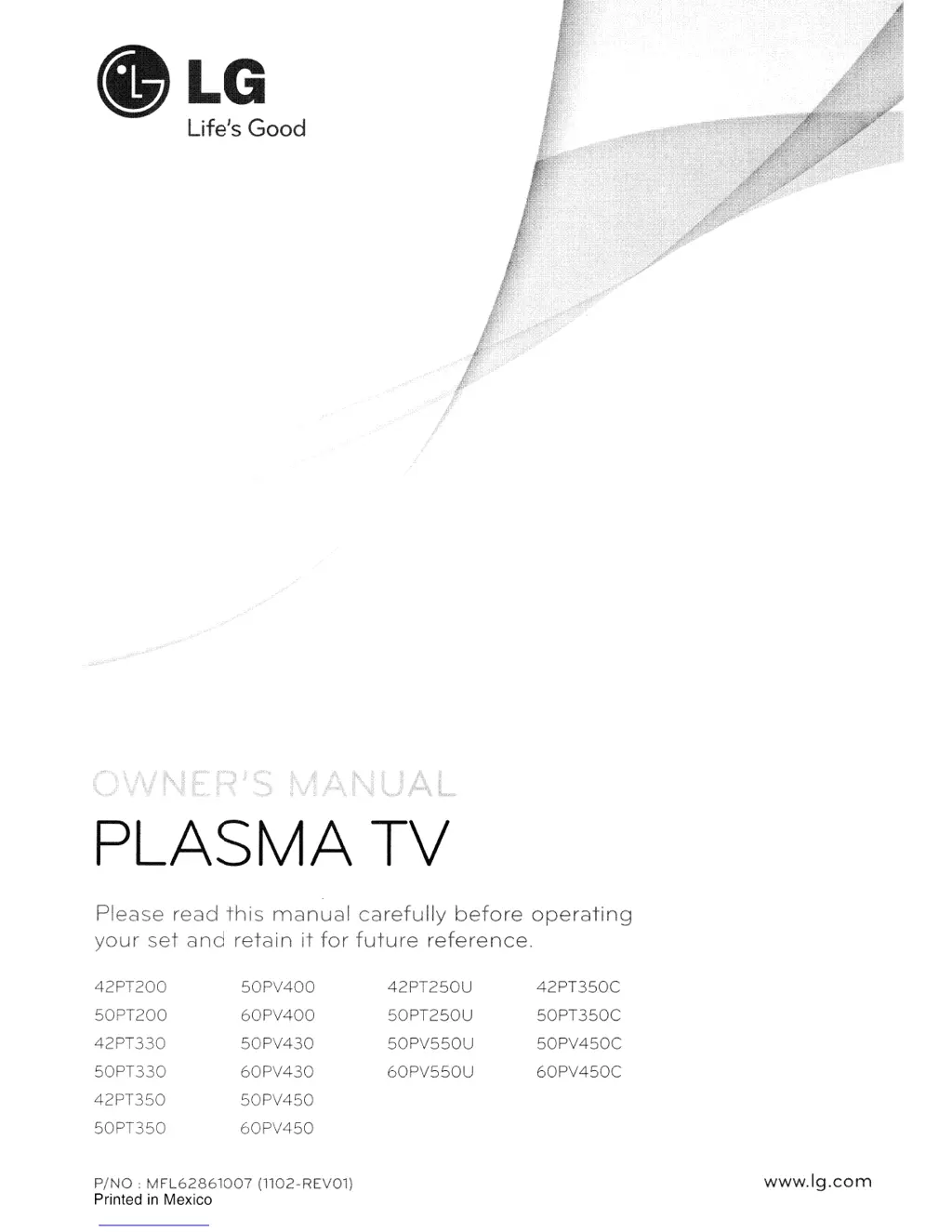
LG 42PT350C - User Manual

LG 42PT350C
151 pages
Print Icon
To Next Page IconTo Next Page
Loading...
.LG
Life's
Good
PLASMA
TV
Please
read
this
manual
carefully
before
operating
your
set
and
retain
it
for
future
reference.
42PT200
50PV400
42PT250U
42PT350C
50PT200
60PV400
50PT250U
50PT350C
42PT330
50PV430
50PV550U
50PV450C
50PT330
60PV430
60PV550U
60PV450C
42PT350
50PV450
50PT350
60PV450
PING:
MFL62861007
(1102-REV01)
Printed
in
Mexico
www.lg.com

Table of Contents

Other manuals for LG 42PT350C

Questions and Answers

  • S
    Stacey HughesAug 10, 2025
    How to clean LG 42PT350C Plasma TV screen?
    • J
      Joe NewmanAug 11, 2025
      To clean your LG Plasma TV screen, wet a soft cloth in a mixture of lukewarm water and a little fabric softener or dish washing detergent. Wring the cloth until it’s almost dry, and then use it to wipe the screen. Ensure excess water is off the screen, and allow it to air-dry completely before turning the TV back on.
  • J
    Jennifer DanielsAug 20, 2025
    How to clean LG 42PT350C Plasma TV cabinet?
    • A
      Andrew OwensAug 20, 2025
      To clean the cabinet of your LG Plasma TV, use a soft, dry, lint-free cloth to wipe away any dirt or dust. Avoid using a wet cloth.
  • J
    johnkentAug 31, 2025
    What to do if leaving LG 42PT350C for extended absence?
    • E
      Erin BerrySep 1, 2025
      If you plan to leave your LG Plasma TV unused for an extended period, such as during a vacation, unplug the power cord. This protects your TV from potential damage due to lightning strikes or power surges.

LG 42PT350C Specifications

General IconGeneral
Screen Size42 inches
Display TypePlasma
Resolution1024 x 768
Aspect Ratio16:9
HDMI Ports3
USB Ports1
Viewing Angle178 degrees
Weight48.5 lbs
Contrast Ratio3, 000, 000:1
InputsHDMI, USB, Component, Composite

Related product manuals