EasyManua.ls Logo

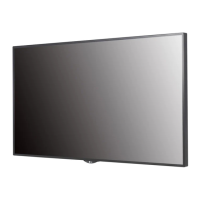
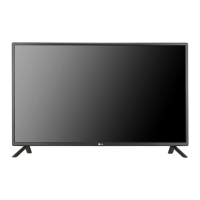
LG 42SH7DB-B.AUS - User Manual

LG 42SH7DB-B.AUS
36 pages
Print Icon
To Next Page IconTo Next Page
Loading...
P/No: MFL69178802 (1505-REV00)
AAA
*MFL69178802*
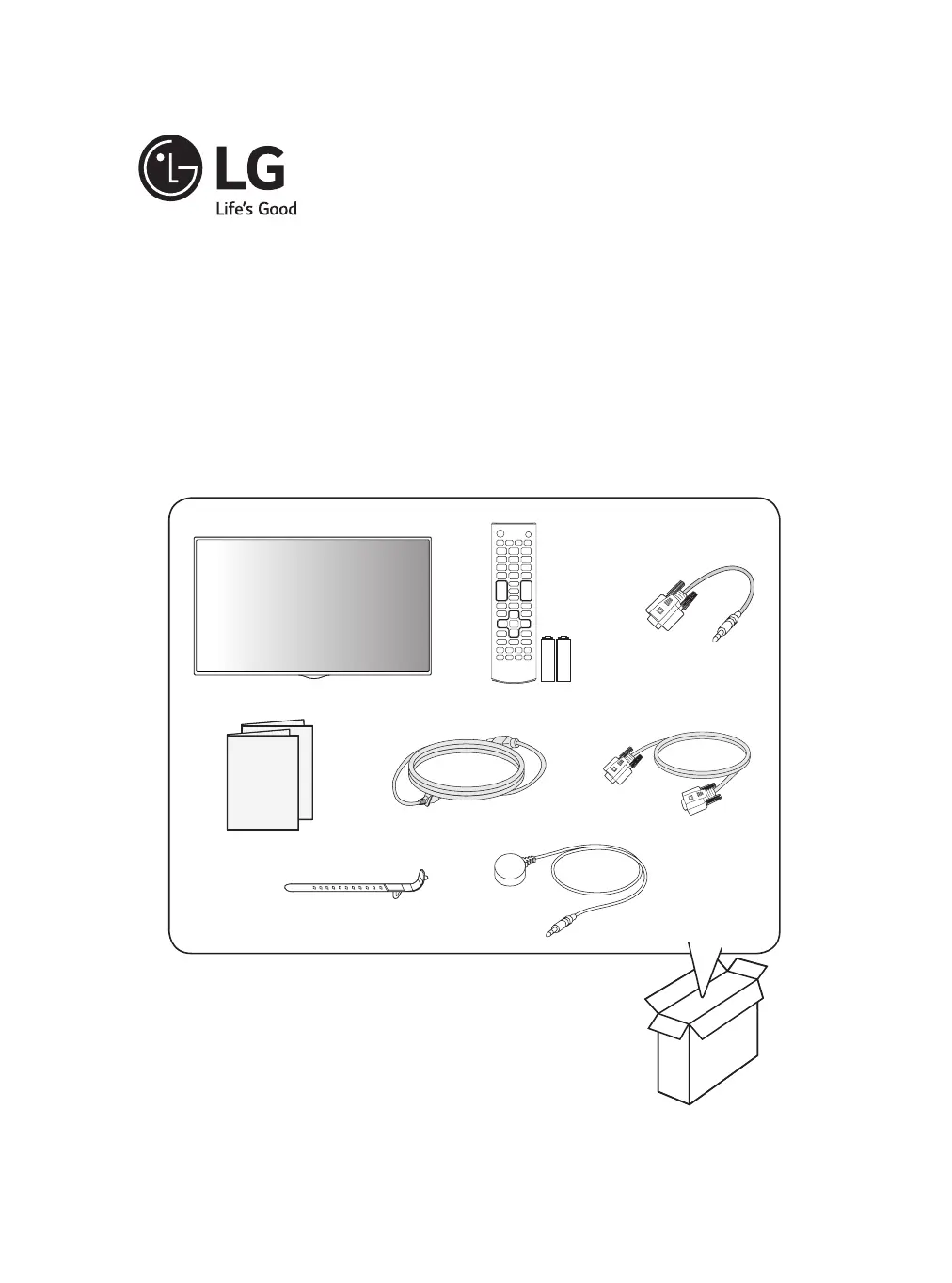
42SH7DB
49SH7DB
55SH7DB
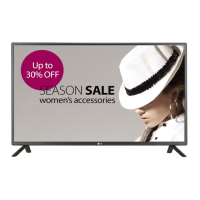
LG DIGITAL SIGNAGE
(MONITOR SIGNAGE)
AFFICHAGE DYNAMIQUE NUMÉRIQUE LG
(MONITEUR DE SIGNALISATION)
SEÑALIZACIÓN DIGITAL DE LG
(MONITOR SIGNAGE)
English Easy Setup Guide
Please read this manual carefully before operating your set and retain it for future reference.
FRANÇAIS Guide de conguration rapide
Veuillez lire ce manuel attentivement avant d’utiliser l’appareil et le conserver pour pouvoir
vous y reporter ultérieurement.
ESPAÑOL Guía Rápida
Lea atentamente este manual antes de poner en marcha el equipo y consérvelo para
futuras consultas.

Questions and Answers

  • K
    Kevin WalkerSep 8, 2025
    What does 'Out of range' mean on LG 42SH7DB-B.AUS?
    • Y
      ydavisSep 8, 2025
      If you see an 'Out of range' message on your LG Digital Signage, it means the signal from the PC is outside the product's vertical or horizontal frequency range. Adjust the frequency range according to the specifications in the manual. The maximum resolution is 1920 x 1080 (60 Hz).
  • J
    Joseph BridgesAug 23, 2025
    Why the operation does not work normally on my LG Monitor?
    • N
      Natasha JimenezAug 23, 2025
      If your LG Monitor isn't operating normally, check if the Timer is set. Also, review the power control settings. Note that a power interruption could also cause this issue.
  • J
    Jeff GilbertAug 25, 2025
    How to fix no image on my LG Monitor?
    • E
      Elijah ButlerAug 26, 2025
      If your LG Monitor displays no image, first ensure the power cord is securely plugged into the power outlet. Also, check the signal cable connecting your PC to the monitor to confirm it's properly connected. If these are fine, use the INPUT menu on the remote control to select the correct input signal. Also, the signal from the PC (video card) may be out of the vertical or horizontal frequency range of the product. In this case, adjust the frequency range by referring to the Specifications in this manual.
  • T
    tyler22Aug 27, 2025
    Why is the screen color abnormal on my LG Monitor?
    • A
      Anita Nichols DVMAug 27, 2025
      If the colors on your LG Monitor's screen appear abnormal, first set the color depth to more than 24 bits (true color) via Control Panel - Display - Settings - Color Table in Windows. Also, check the connection status of the signal cable to ensure it's properly connected. Please note that slight color variations can be normal due to the unique characteristics of the LCD panel and do not indicate a malfunction.
  • J
    jennifer24Aug 28, 2025
    What to do if the screen image looks abnormal on LG Monitor?
    • J
      jenniferavilaAug 28, 2025
      If the screen image on your LG Monitor looks abnormal, verify that the video card resolution and frequency are supported by the monitor. Also, ensure that the correct input signal is connected to the appropriate signal port using the corresponding signal cable.
  • A
    Anthony HinesSep 22, 2025
    Why do black spots appear on the screen of my LG 42SH7DB-B.AUS?
    • A
      aliciathompsonSep 22, 2025
      The appearance of several pixels (red, green, white, or black color) on the screen of your LG Digital Signage is attributable to the unique characteristics of the LCD panel and is not a malfunction.
  • J
    jonesjohnSep 16, 2025
    How to adjust dull sound on LG Digital Signage?
    • W
      Wendy GonzalezSep 16, 2025
      If the sound from your LG Digital Signage is too dull, select the appropriate equalizer sound setting.
  • J
    Jason PierceSep 18, 2025
    How to fix poor color resolution on LG 42SH7DB-B.AUS?
    • C
      Christopher ReyesSep 18, 2025
      To fix poor color resolution (16 colors) on your LG Digital Signage, set the number of colors to more than 24 bits (true color). In Windows, go to Control Panel - Display - Settings - Color Table menu.
  • K
    Kurt ChenSep 7, 2025
    How to fix wrong screen position on LG 42SH7DB-B.AUS Digital Signage?
    • K
      knoxvernonSep 7, 2025
      If the screen position is incorrect on your LG Digital Signage, check that the video card resolution and frequency are supported by the product. If the frequency is out of range, set the recommended resolution in the Control Panel Display Setting menu.
  • Z
    zpetersSep 4, 2025
    How to check the power cord connection on LG 42SH7DB-B.AUS?
    • A
      Andrew MendozaSep 4, 2025
      If your LG Digital Signage isn't powering on, verify that the power cord is securely plugged into the power outlet.

LG 42SH7DB-B.AUS Specifications

General IconGeneral
Display Size42 inches
Brightness500 cd/m²
Operating Temperature0°C to 40°C
Storage Temperature-20°C to 60°C
Standby Power Consumption0.5 W
Output PortsAudio Out
External ControlRS232C, RJ45
Resolution1920 x 1080
Response Time8 ms
Viewing Angle (H x V)178° x 178°
Input PortsHDMI, USB

Related product manuals