EasyManua.ls Logo

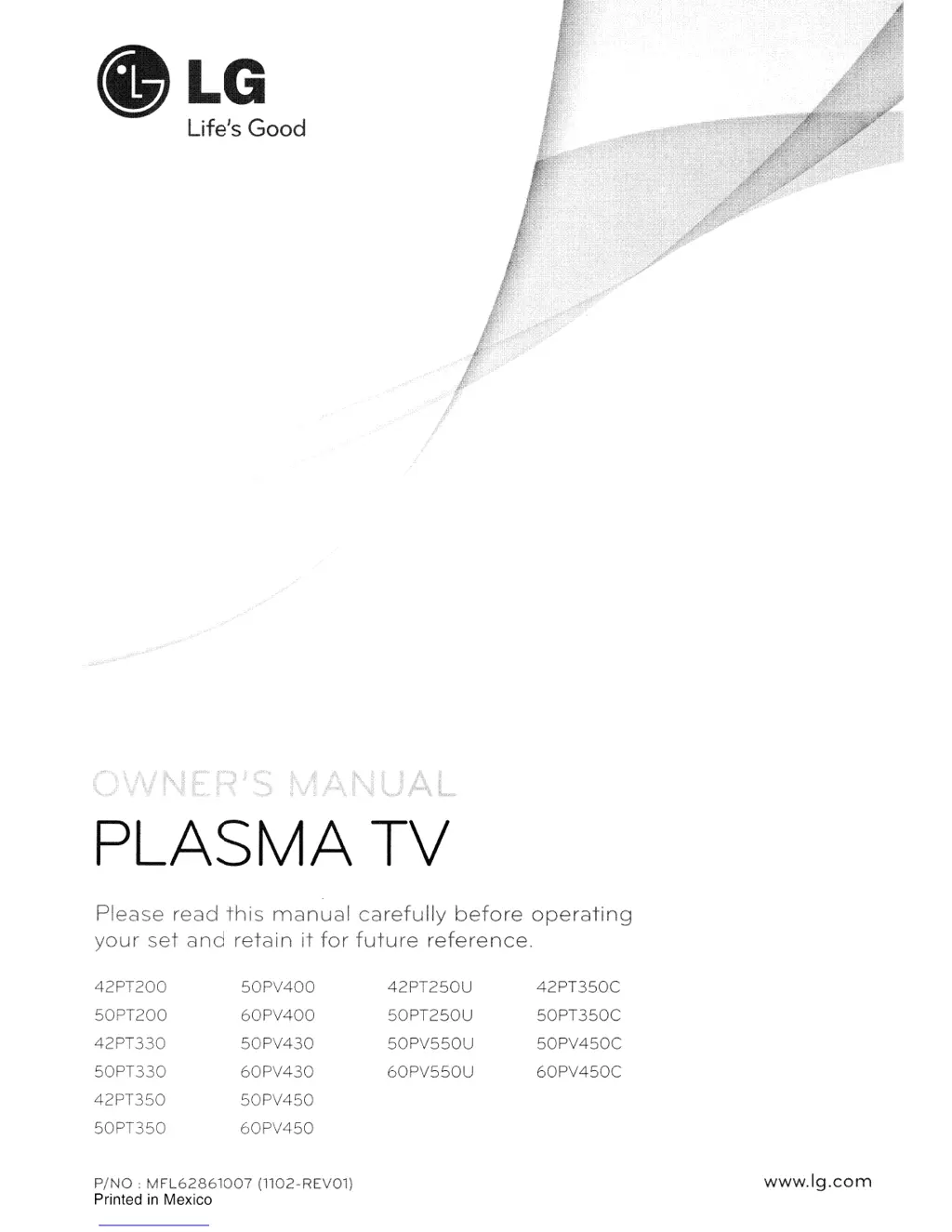
LG 50PV450C - User Manual

LG 50PV450C
151 pages
Print Icon
To Next Page IconTo Next Page
Loading...
.LG
Life's
Good
PLASMA
TV
Please
read
this
manual
carefully
before
operating
your
set
and
retain
it
for
future
reference.
42PT200
50PV400
42PT250U
42PT350C
50PT200
60PV400
50PT250U
50PT350C
42PT330
50PV430
50PV550U
50PV450C
50PT330
60PV430
60PV550U
60PV450C
42PT350
50PV450
50PT350
60PV450
PING:
MFL62861007
(1102-REV01)
Printed
in
Mexico
www.lg.com

Table of Contents

Questions and Answers

  • J
    Jason George MDAug 10, 2025
    How to clean LG 50PV450C Plasma TV screen?
    • J
      Joseph SchmidtAug 10, 2025
      To clean your LG Plasma TV screen, wet a soft cloth in a mixture of lukewarm water and a little fabric softener or dish washing detergent. Wring the cloth until it’s almost dry, and then use it to wipe the screen. Ensure excess water is off the screen, and allow it to air-dry completely before turning the TV back on.
  • D
    Debra BennettAug 20, 2025
    How to clean LG 50PV450C cabinet?
    • D
      dleeAug 20, 2025
      To clean the cabinet of your LG Plasma TV, use a soft, dry, lint-free cloth to wipe away any dirt or dust. Avoid using a wet cloth.
  • M
    Michael BellAug 29, 2025
    What to do if leaving LG Plasma TV for extended absence?
    • M
      Ms. Melissa SmithAug 29, 2025
      If you plan to leave your LG Plasma TV unused for an extended period, such as during a vacation, unplug the power cord. This protects your TV from potential damage due to lightning strikes or power surges.

Summary

WARNING

TO REDUCE THE RISK OF ELECTRIC SHOCK

Instructions to prevent electric shock by not removing covers and referring to qualified personnel.

IMPORTANT INFORMATION TO PREVENT IMAGE BURN; BURN-IN ON YOUR TV SCREEN

Guidance on preventing permanent image retention on the TV screen.

SAFETY INSTRUCTIONS

IMPORTANT SAFETY INSTRUCTIONS

Key safety instructions to be read, kept, heeded, and followed.

GROUNDING

Instructions for proper grounding of the TV to prevent electric shock.

PREPARATION

EXTERNAL EQUIPMENT SETUP

HDMI Connection

Connecting external devices via HDMI for high-definition audio and video signals.

WATCHING TV; CHANNEL CONTROL

SOUND & LANGUAGE CONTROL

PARENTAL CONTROL; RATINGS

Set Password & Lock System

Establishes a password and enables content blocking features.

APPENDIX

TROUBLESHOOTING

Troubleshooting guide for abnormal operation and video problems.

LG 50PV450C Specifications

General IconGeneral
Screen Size50 inches
Display TypePlasma
Resolution1024 x 768
Contrast Ratio3, 000, 000:1
HDMI Ports3
Component Video Inputs2
Aspect Ratio16:9
Refresh Rate600Hz
Smart TVNo
3D CapableNo
Brightness1500 cd/m²
InputsHDMI, Component, Composite

Related product manuals