EasyManua.ls Logo

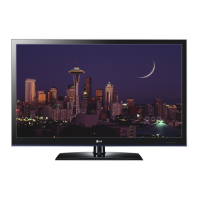
LG 50PW350 - User Manual

LG 50PW350
184 pages
Print Icon
To Next Page IconTo Next Page
Loading...
eLG
Life's
Good
'.
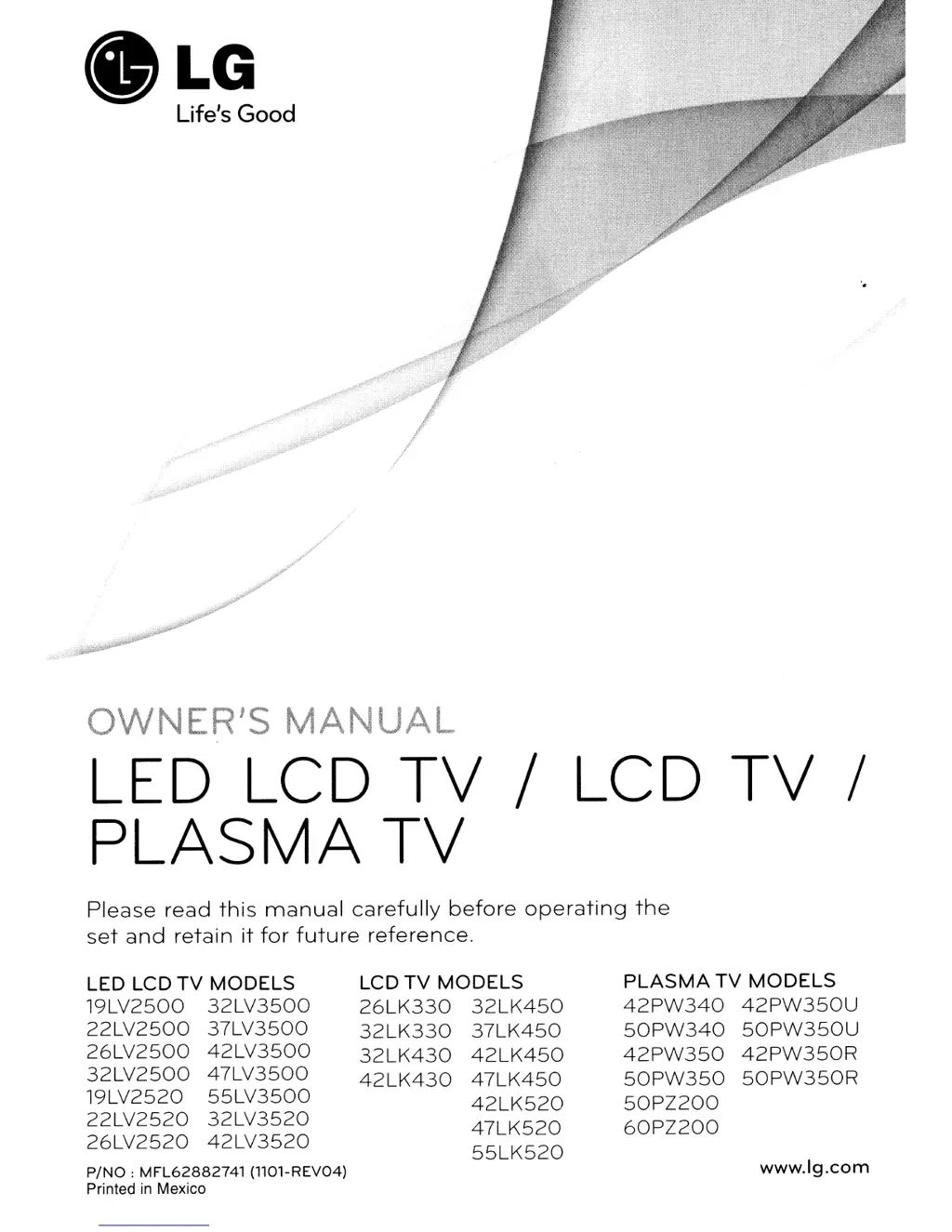
OWNER'S
MANUAL
LED LCD
TV
/ LCD
TV
/
PLASMA
TV
Please
read
this
manual
carefully
before
operating
the
set
and
retain
it
for
future
reference.
LED LCD
TV
MODELS
19LV2500
32LV3500
22LV2500
37LV3500
26LV2500
42LV3500
32LV2500
47LV3500
19LV2520
55LV3500
22LV2520
32LV3520
26LV2520
42LV3520
P/NO:
MFL62882741
(llOl-REV04)
Printed
in
Mexico
LCD
TV
MODELS
26LK330
32LK450
32LK330
37LK450
32LK430
42LK450
42LK430
47LK450
42LK520
47LK520
55LK520
PLASMA
TV
MODELS
42PW340
42PW350U
50PW340
50PW350U
42PW350
42PW350R
50PW350
50PW350R
50PZ200
60PZ200
www.lg.com

Table of Contents

Other manuals for LG 50PW350

Questions and Answers

  • S
    Samuel SmithSep 3, 2025
    Why does my LG 50PW350 LCD TV turn off suddenly?
    • C
      Carla KennedySep 3, 2025
      If your LG LCD TV turns off unexpectedly, consider these potential causes: * Check the power control settings to ensure the power supply isn't being interrupted. * See if the Auto sleep feature is enabled in the Time settings. * Note that the TV will automatically turn off after 15 minutes of inactivity if there is no signal.
  • E
    Edwin PattersonAug 25, 2025
    Why is there no sound on my LG LED TV?
    • L
      Lawrence HernandezAug 25, 2025
      If your LG LED TV is displaying images but there is no sound, try the following: First, press the VOL + or - button to adjust the volume. Check if the sound is muted by pressing the MUTE button. Try switching to other channels to rule out a broadcast issue. Finally, ensure that the TV Speaker feature is activated in the menu options.
  • C
    Crystal DavisSep 23, 2025
    Why is my LG 50PW350 screen so dark?
    • T
      Tina SanchezSep 23, 2025
      If the power is on but the screen appears extremely dark on your LG LCD TV, adjust the brightness and contrast settings in the menu options.
  • W
    washingtonkevinSep 9, 2025
    What to do if LG 50PW350 displays “Unsupported Audio”?
    • D
      David CarrSep 9, 2025
      If your LG LCD TV displays the message “Unsupported Audio” or the video works but the audio doesn't, check the following: * Ensure the file plays correctly on a PC to verify it's not damaged. * Check whether the audio codec is supported. * Check whether the bit rate is supported. * Check whether the sample rate is supported.
  • M
    Melissa SmithSep 15, 2025
    How to adjust phase setting on LG LCD TV?
    • M
      Mark RobbinsSep 15, 2025
      If you're experiencing horizontal noises or blurry characters on your LG LCD TV, try adjusting the Phase setting in the menu option.
  • V
    Victoria ThompsonSep 6, 2025
    What to do if my LG LCD TV screen is extremely dark?
    • K
      kaitlinsheltonSep 6, 2025
      If your LG LCD TV screen appears extremely dark even when the power is on, try adjusting the brightness and contrast settings in the menu.
  • W
    William GriffinAug 30, 2025
    Why are subtitles not showing on my LG LED TV?
    • L
      lindsaygoodwinAug 31, 2025
      If the subtitle is not working on your LG LED TV, first check if the file plays normally on a PC to ensure it's not damaged. Then, verify that the video file and subtitle file have the same name and are located in the same folder. Finally, confirm that the subtitle file and the language are supported by the TV.
  • W
    Whitney PotterSep 23, 2025
    Why doesn't the file appear on the Movie List of my LG LCD TV?
    • D
      daniel18Sep 23, 2025
      Check whether the extension is supported.
  • E
    elizabeth04Sep 12, 2025
    Why is there no sound on my LG 50PW350 LCD TV?
    • S
      Sarah WilliamsSep 12, 2025
      If you're not getting any sound from your LG LCD TV while images are displaying, first, try pressing the VOL + or - button to increase the volume. Next, check if the sound is muted by pressing the MUTE button. You can also try switching to other channels, as the issue might be with the broadcast. Finally, ensure that the TV Speaker feature is enabled in the menu options.
  • N
    Nathan CaldwellAug 27, 2025
    Why does the image appear slowly on my LG LED TV?
    • J
      James GuerreroAug 28, 2025
      If the image appears slowly when you turn on your LG LED TV, note that the image is muted during the product startup process, which is normal. If the image still doesn't appear after a few minutes, unplug the TV for 30 seconds and try again.

LG 50PW350 Specifications

General IconGeneral
Screen Size50 inches
Display TypePlasma
Aspect Ratio16:9
Contrast Ratio3, 000, 000:1
HDMI Ports3
Component Video Input1
Composite Video Input1
USB Ports1
Refresh Rate600 Hz
InputsHDMI, Component, Composite, USB
Sound Output20W
Viewing Angle178 degrees

Related product manuals