19
ENGLISH_index
Installing on a Wall
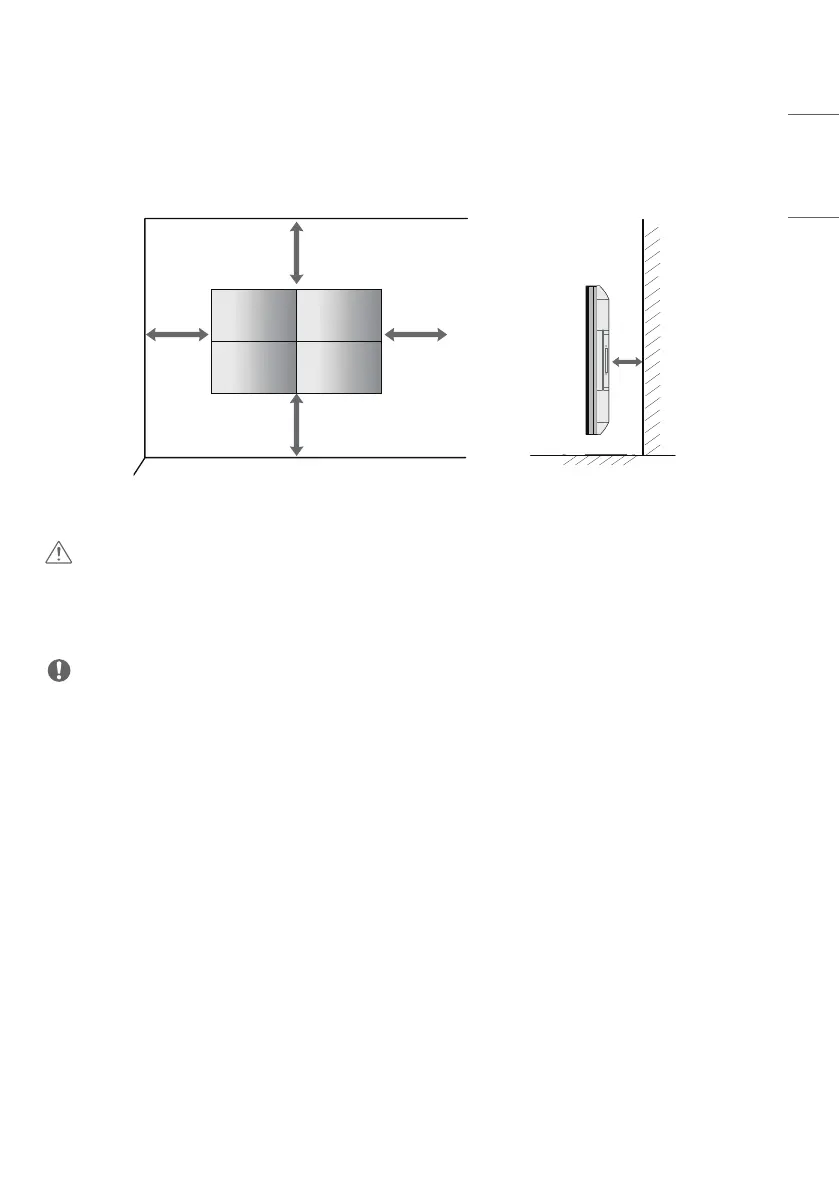
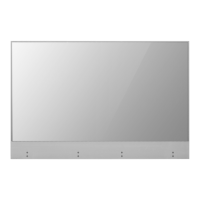
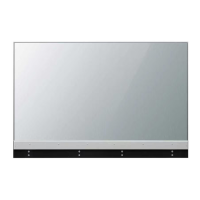
Install the monitor at least 100mm (3.9inches) away from the wall and leave about 100mm (3.9inches) of space at
each side of the monitor to ensure sufficient ventilation.
100mm
100mm
100mm
(3.9inches)
100mm
100mm
CAUTION
• Disconnect the power cord before moving or installing the monitor to avoid risk of electric shock.
• If you install the monitor on a ceiling or slanted wall, it may fall and result in injury.
• Do not over tighten the screws as this may damage the monitor and void your warranty.
NOTE
• Do not install the product in a place with no ventilation (e.g., on a bookshelf or in a closet) or on a carpet or cushion. If
there is no other option but to mount the product on the wall, make sure that sufficient ventilation is provided before
installation.
- Failure to do so may result in a fire due to the increase in the internal temperature.
• The illustration shows a general example of installation and may look different from the actual product.


 To Next Page