4
ENGLISH
How to use the ferrite core
1 Use the ferrite core to reduce the electromagnetic interference in the power cable. Wind the power cable on the
ferrite core once.
2 Place the ferrite core close to the monitor.
Checking the Optional Accessories
In order to improve product performance, optional accessories are subject to change without prior notice.
The illustrations in this manual may differ from the actual product and its accessories.
Refer to the product manual for the components of the optional accessories.
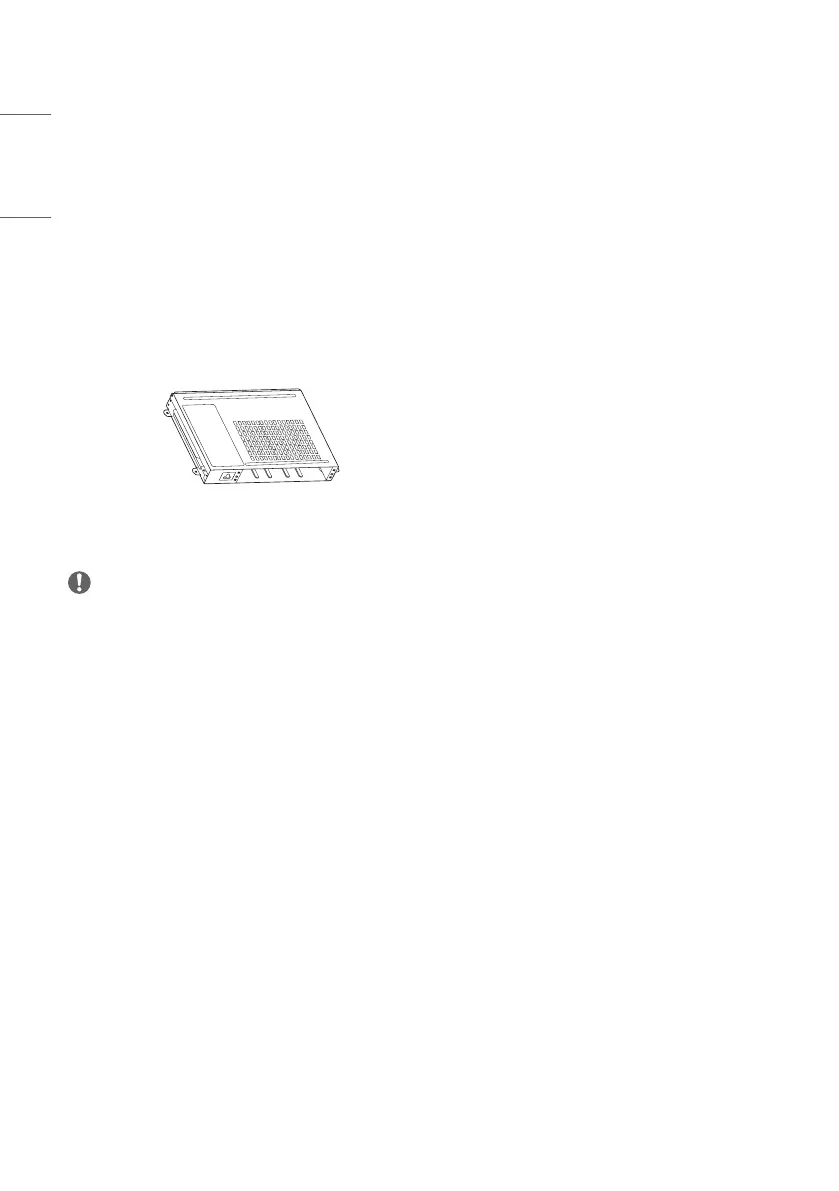
KT-OPSF
NOTE
• Before you attach the OPS kit, connect the cable to the port.



 To Next Page