22
ENGLISH
External Device Connection
Connect a HD receiver, DVD, or VCR player to the monitor and select an appropriate input mode.
Some of the cables are not provided. For the best picture and sound quality, connecting external devices to your
monitor using HDMI cables is recommended.
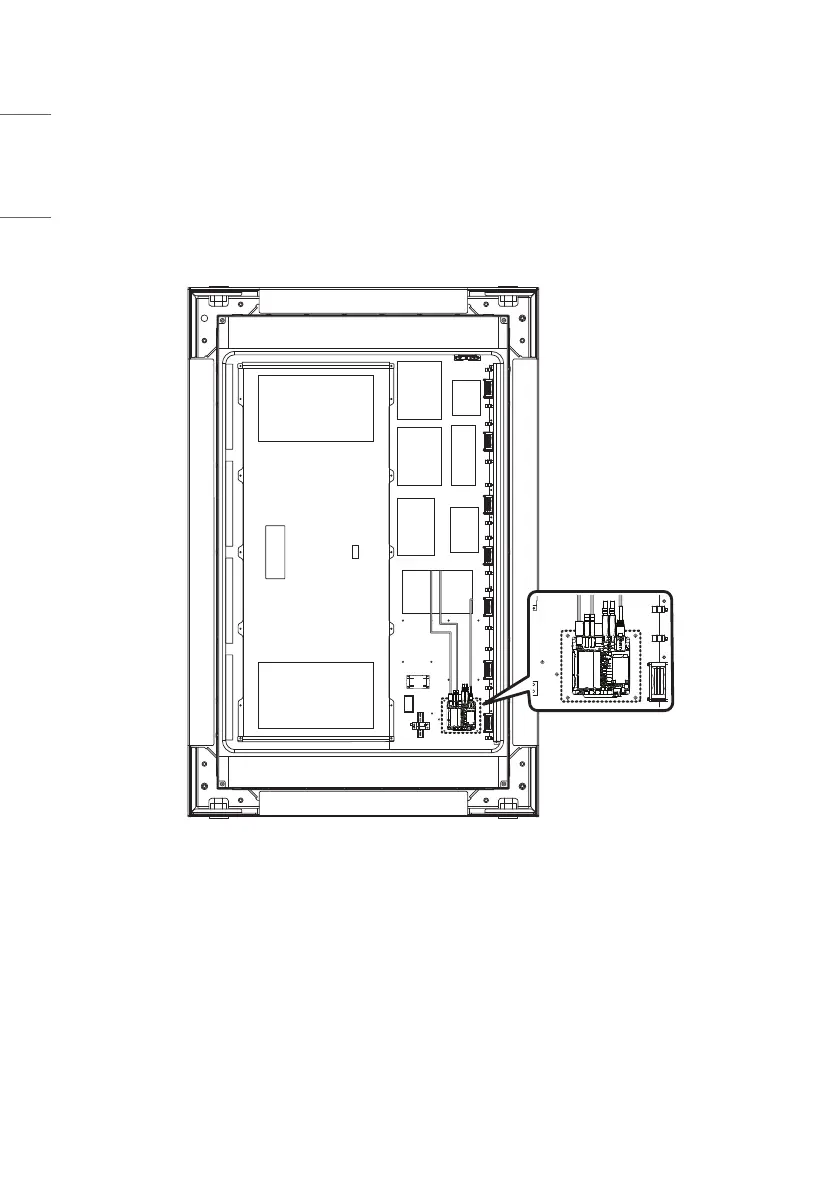
When Installing a Media Player Internally


 To Next Page