140 Multi type Air Conditioner
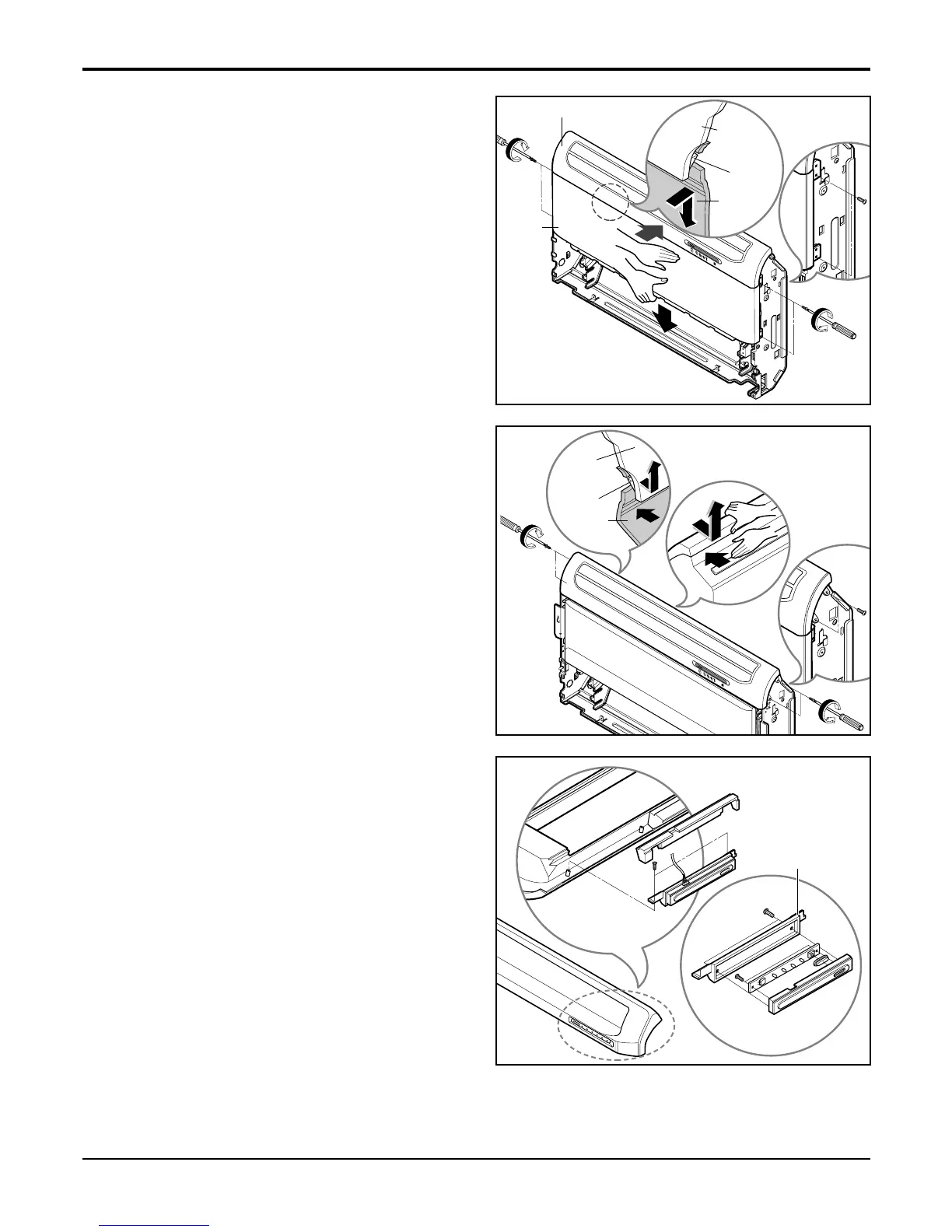
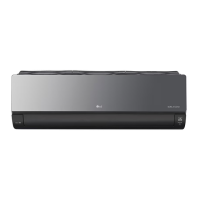
6. Remove the front panel.
• Remove the screws of both sides fixing the front
panel.
• Push the upper side of front panel strongly to pull
out the front panel from the inner hook of diffuser
frame.
• Pull down the front panel carefully not so as to
harm the display PCB wires and thermistor
wires.
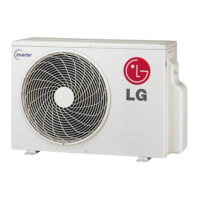
7. Remove the diffuser assembly.
• Remove the screws of both side of diffuser
assembly. (4 pieces)
• Push the upper side of cabinet strongly to pull
out the inner hook of diffuser frame from the cab-
inet hole.
• Take up the diffuser frame carefully not so as to
harm the display PCB wires and the step motor
wires.
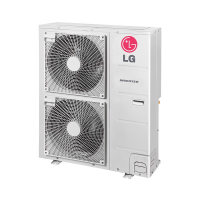
8. Remove display PCB assembly.
• Remove the screws at the both side of display
cover.
• If necessary, disconnect the display PCB con-
nector from PCB assembly.
• Remove 2 screws of PCB assembly.
R



 To Next Page