15
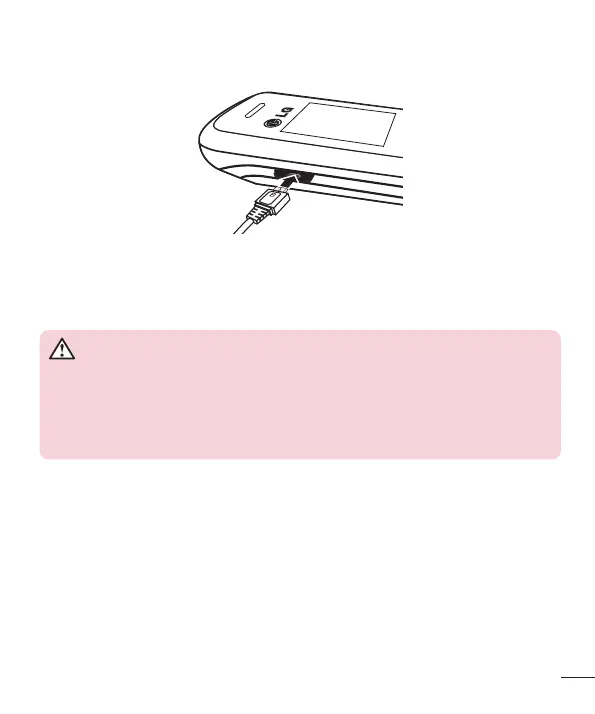
Charging the phone
• Insert one end of the charging cable into the phone and plug the charger into an
electrical socket.
• To maximize the battery lifetime, ensure that the battery is fully charged before you
use it for the first time.
WARNING
Use only LG-approved chargers, batteries, and cables. When using
unapproved chargers or cables, it may cause battery charging slowly or
pop up the message regarding slow charging. Or, unapproved chargers or
cables can cause the battery to explode or damage the device, which are not
covered by the warranty.
Turning Your Phone On and Off
You can power the phone On or Off by pressing and holding the Power key.



 To Next Page