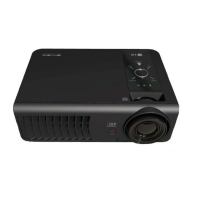
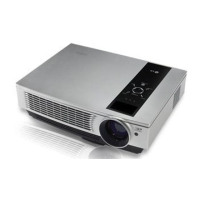
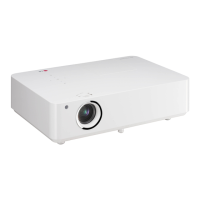
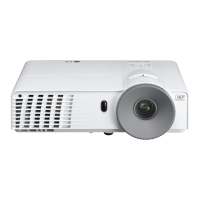
Names of parts
9
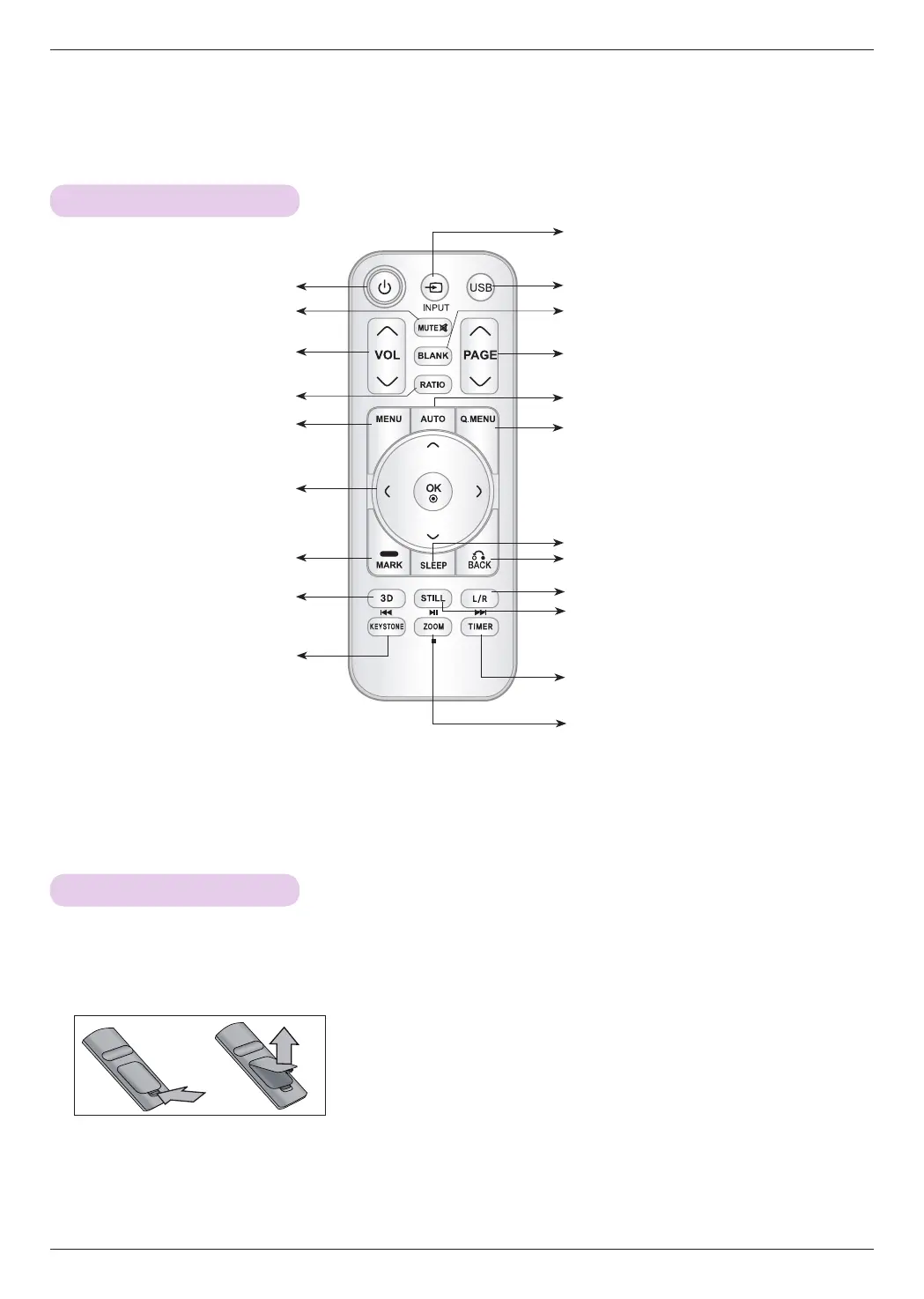
3D
Button
SLEEP Button
L/R
Button
TIMER Button
Zoom Button
Remote Control
INPUT Button
KEYSTONE Button
MENU
Button
AUTO Button
BACK Button
OK◉, ∧/∨/</> Button
STILL Button
( Functions as the STILL button in
any mode other than DivX.)
BLANK Button
USB Button
Q.MENU Button
PAGE ∧/∨ Button
MARK Button
VOLUME ∧/∨ Button
RATIO Button
MUTE Button
POWER Button
Installing Batteries
CAUTION
RISK OF EXPLOSION IF BATTERY IS REPLACED WITH AN INCORRECT TYPE.
DISPOSE OF USED BATTERIES ACCORDING TO THE INSTRUCTIONS.
• Open the battery compartment cover on the back of the remote control.
• Insert the specified type of batteries with correct polarity, match “+” with “+”,
and match “-” with “-”.
• Install two 1.5V AAA batteries. Don’t mix used batteries with new batteries.



 To Next Page