21
Assembling and Preparing
Connecting the Power
Connect the AC adapter to the product and connect the power cord to a wall outlet.
y
y To ensure safety when using the product, connect the system to a multi-tap or wall outlet tted with an earth
terminal.
NOTE
y
y Unplug the power cord before moving or installing a product. (There is a risk of receiving an electric shock.)
CAUTION
!
Connecting the Keyboard / Mouse
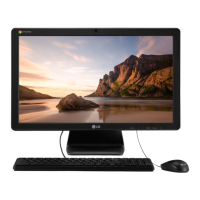
To use Chrome OS, connect the keyboard and mouse to the USB ports on the back of the product.
ENGLISH
ENGLISH


 To Next Page
 Loading...