37
Using the Monitor
Using the Monitor
Connecting the HDMI Cable
You can connect various devices (PC, DVD player, or game console) to the HDMI port on the back of the product to
use it as a monitor.
Use the HDMI cable to connect external devices as shown below.
y
y HDMI cables are not provided with the product.
y For details on how to use the monitor functions, refer to User's Guide.
y Use a High Speed HDMI
TM
Cable.
NOTE
)%.*
)%.*
To Read the User's Guide
Please read the User’s Guide to learn how to use the product.
1. Visit http://www.lg.com and select your region.
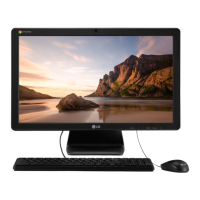
2. Select Support or Service and search for the model name (22CV241) to read the User’s Guide.
ENGLISH
ENGLISH


 To Next Page
 Loading...