Getting Started10
Getting Started
1
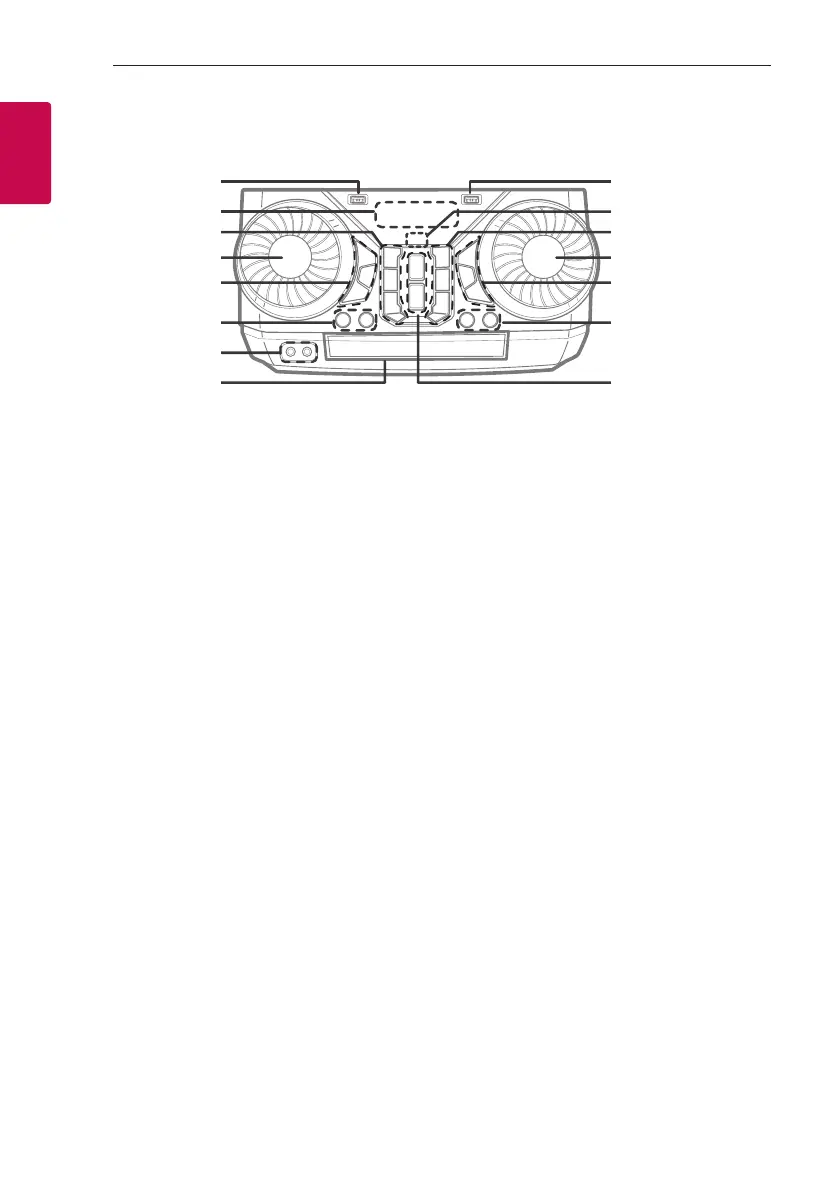
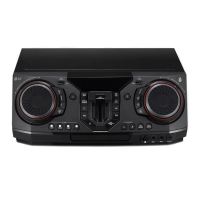
Front panel
a USB 1 Port
You can play sound les by connecting the USB
device.
b Display window
c 1 (Standby)
Turns the power on or off.
USB REC / DEMO
- Records to USB.
- To stop Recording, press and hold for 3 seconds.
- In power off status, if you press USB REC /
DEMO, show DEMO mode.
C (Skip/Search)
- Skips backward.
- Searches for a section within a track/le.
- Selects the radio stations.
Z (Stop)
Stops playback or cancels DELETE function.
d SOUND EFFECT / SEARCH
- Chooses sound impressions.
- Searches a folder or a le.
- Selects the lighting effects.
e REGION EQ / BASS BLAST (or BASS BLAST+)
- Chooses region equalizer.
- Press and hold to select BASS (or BASS+) effect
directly.
SEARCH
Moves to folder or le in selection mode.
OK
Selects a folder when searching a le.
f LIGHTING
Selects lighting mode.
VOICE CANCELLER
You can reduce the vocal tones during music
playback from various input sources.
g PORTABLE IN jack
MIC (Microphone) jack
h Disc tray
d
e
f
h
g
a i
k
l
m
o
n
c
b j


 To Next Page