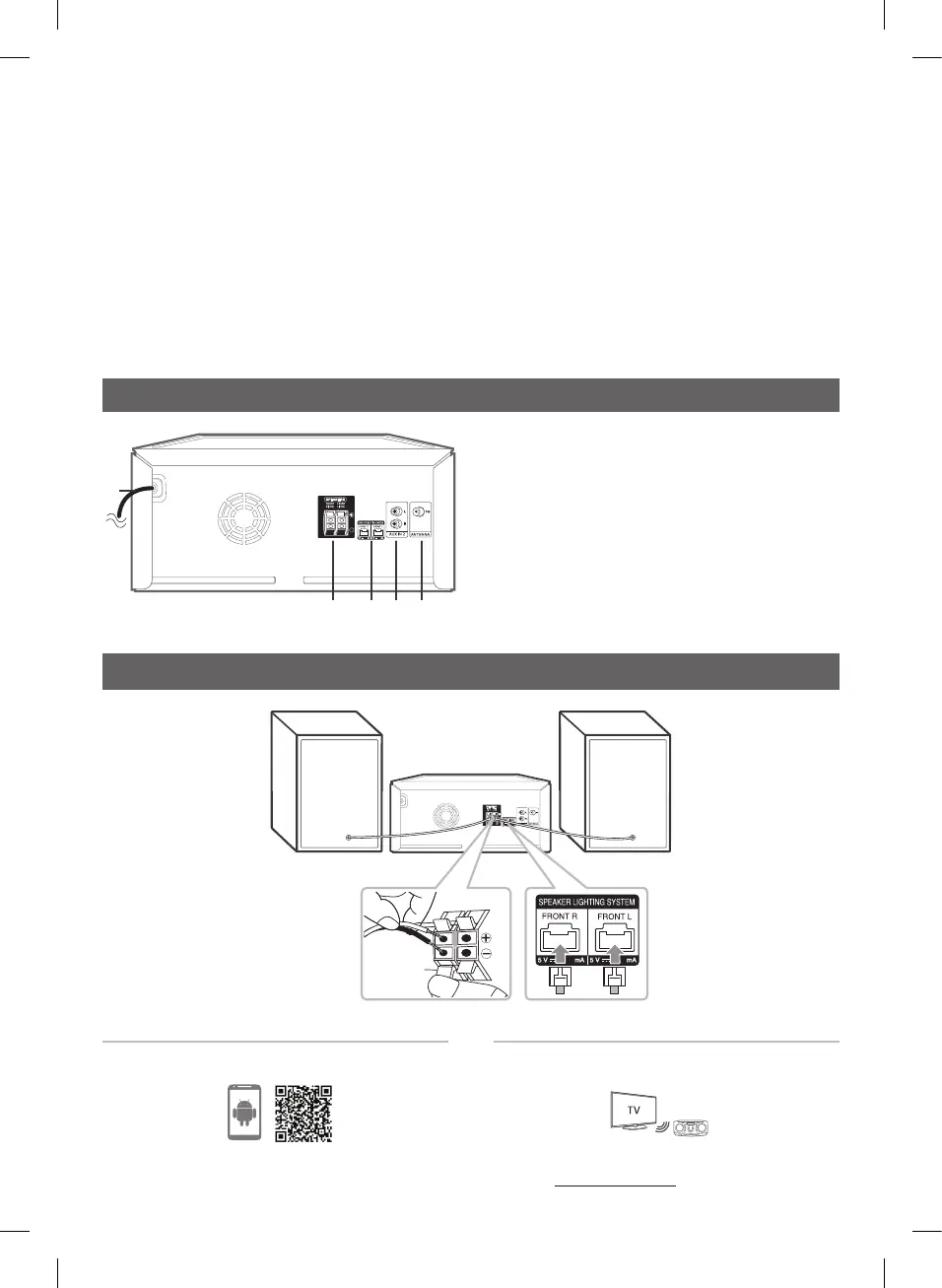
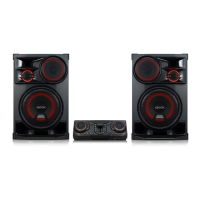
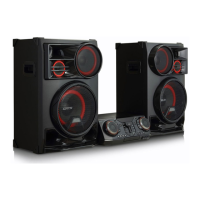
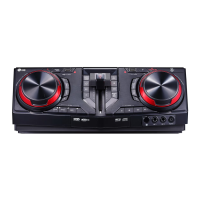
Rear Panel
a
b c d e
100 100
a
Powercord
b
SPEAKERS terminals
c
SPEAKER LIGHTING SYSTEM
Connectthespeakerlightingcables.
d
AUX IN 2(L/R)
Connectanauxiliarydevice.
e
ANTENNA(FM)
Speaker Connection
100 100
100 100
l
LIGHTING
Selectsthelightingmode.
SPECIAL EQ / BASS BLAST (or BASS BLAST+)
- Choosesspecialequalizer.
- PressandholdtoselectBASS(or BASS+)effectdirectly.
SEARCH
Movestofolderorleinselectionmode.
OK
Selectsafolderwhensearchingale.
m
MIC(Microphone)jack
n
AUX IN 1 jack
o
EQUALIZER / SEARCH & MULTI
- Choosessoundimpressions.
- Searchesafolderorale.
- Selectsthelightingeffects.
DownloadtheLG XBOOMApptoyourdevice.
(Androidonly)
Formoreinformation,downloadtheonlineowner’s
manual.http://www.lg.com
LG Sound Sync (Wireless)
Controller App
CL65-DB.DEUSLLK_SIM_ENG_MFL71101812.indd 3 2019-04-09 2:04:23



 To Next Page