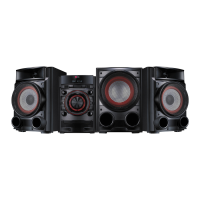
Front Panel
a
b
c j
k
l
m
n
o
p
d
e
f
g
h
i
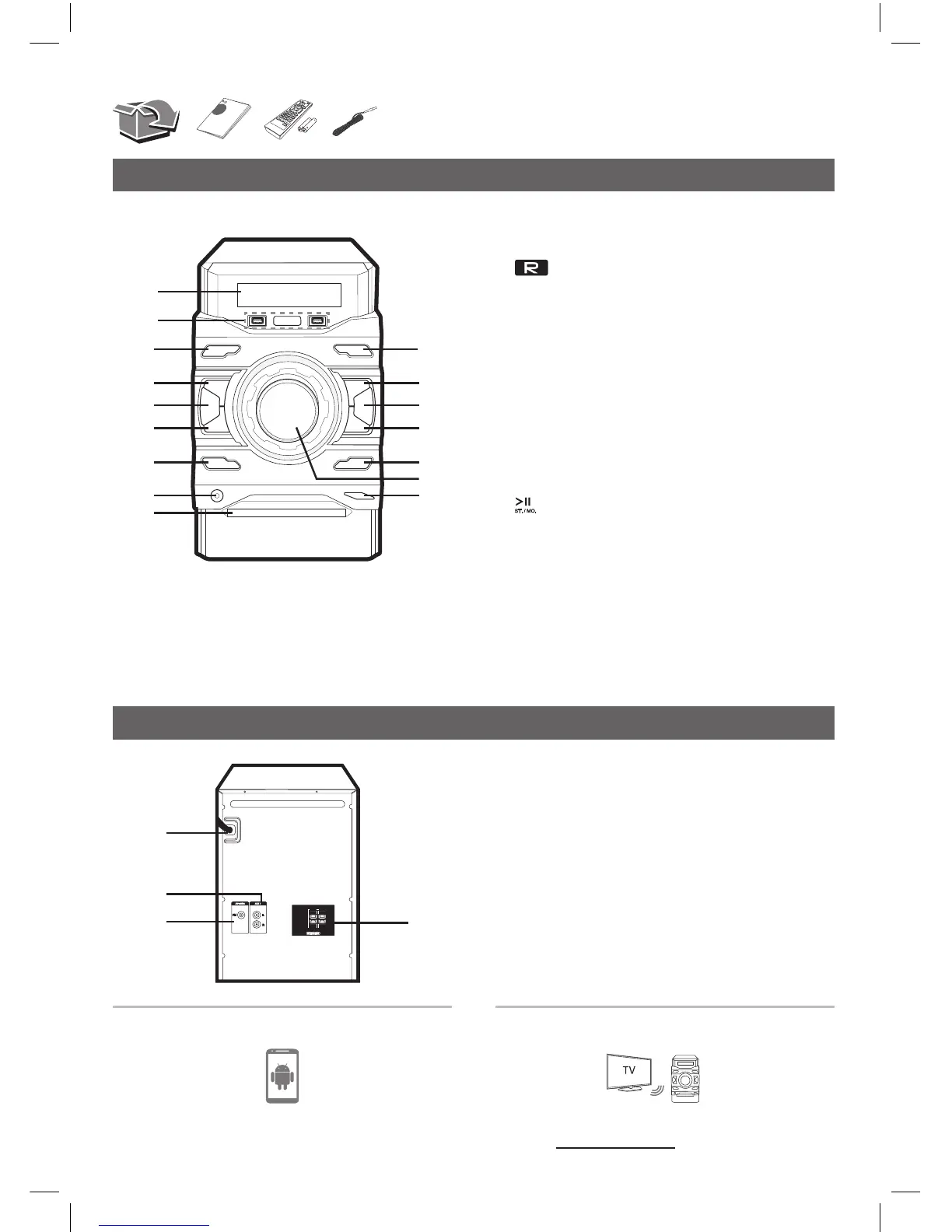
a Display window
b USB1/USB2:PlaystheaudiolesbyconnectingtheUSB
device.
USB REC. : RecordstoUSB.
c 1/!(Power):SwitchestheunitONorOFF.
d I(Stop):Stopsplaybackorrecording.
e AUTO DJ:SelectstheAUTODJmode.
f Y(Skip/Search):Searchesbackward./Skipstothe
previoustrack/le.
g DEMO / RDS :Showsdemomode./RDS(RadioData
System)
h PORT. IN
i Disctray
j F / WIRELESS LINK : Selectsthefunctionandinputsource.
/Pressandholdfor3secondstoselectWIRELESSPARTY
LINKmode.
k :Startsorpausesplayback./SelectsStereo/Mono.
l REGION EQ:Choosesregionequalizer.
m U (Skip/Search):Searchesforward./Skipstothenext
track/le.
n BASS BLAST :SelectsBASSeffectdirectly.
o MASTER VOLUME : Adjustsvolumeofspeaker.
p R(Open/Close) : Opensorclosesthedisctray.
Rear Panel
a
b
c
d
a
POWER IN
b
AUX IN (L/R)connectors
c
ANTENNA (FM)
d
SPEAKERSterminal
Download the Music Flow BluetoothApptoyour
device.
Formoreinformation,downloadtheonlineowner’s
manual.http://www.lg.com
LG Sound Sync (Wireless)
Controller App
CM4460-DB_DWEULLB_SIM_ENG_1319.indd 2 2016-05-26 8:07:52



 To Next Page