Conectando18
Conectando
2
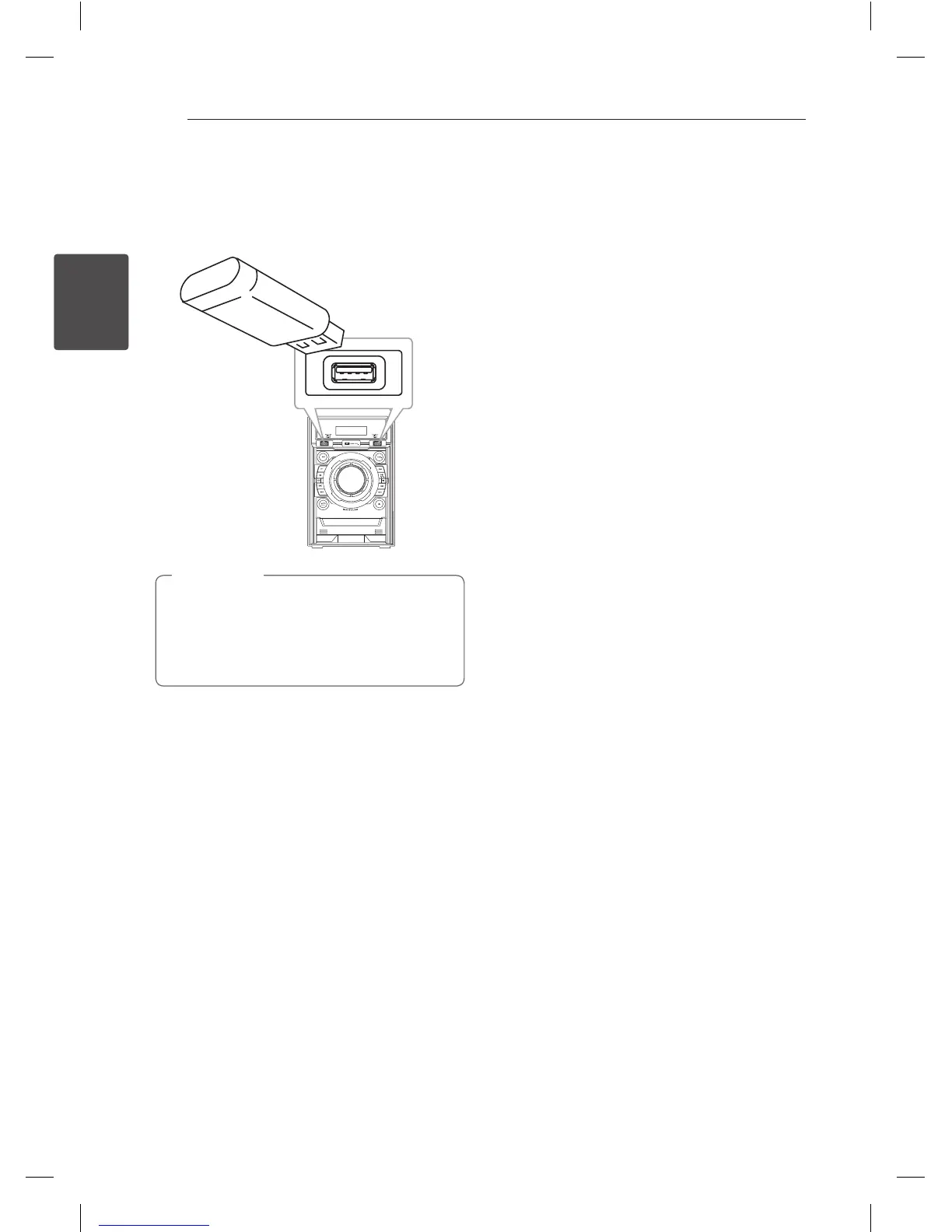
Conexión USB
Conecte el puerto USB de la memoria USB (o de un
reproductor MP3, etc.) al puerto USB, en la parte
frontal de la unidad.
Retirar el dispositivo USB de la unidad.
1. Elija un modo de función diferente o
pulse
I
(Detener) dos veces seguidas.
2. Retire el dispositivo USB de la unidad.
,
Nota
CM4530-AB_DUSALLK_SPA_7506.indd 18 2013-01-25 3:59:31



 To Next Page
 Loading...