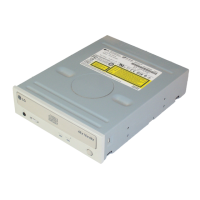
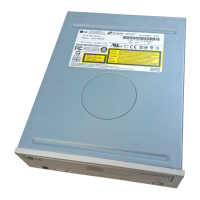
E-8
Features
4. Adjust the Master/Slave jumpers on the back of the CD-ROM drive as
necessary.
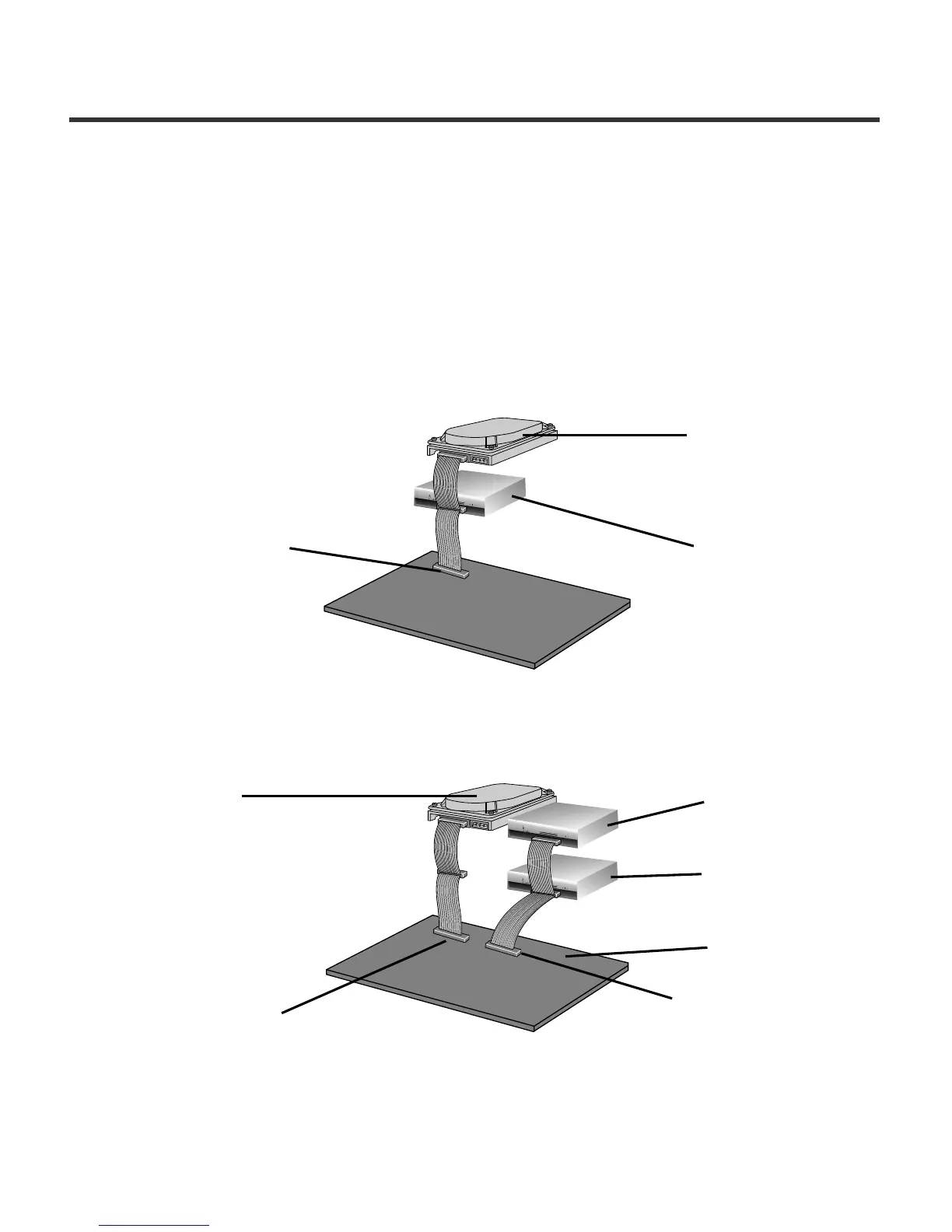
Connect the CD-ROM drive to the IDE ports of your motherboard. In general,
the hard drive will be in Primary IDE port and Master device for booting the
operating system. There are two possible alternate connection for CD-ROM
drive installation.
A) When using a Primary IDE port
If you need to connect your CD-ROM drive to the same Primary IDE port, the
CD-ROM drive should be set to Slave position.
5. When the installation of the drive unit is complete, replace the computer
cover.
6. Reconnect the computer power cord and turn on the computer.
B) When using a Secondary IDE port
You can also connect CD-ROM drive to the Secondary IDE port and set to
Master position.
D
I
G
I
T
A
L
A
U
D
I
O
D
G
G
L
C
S
M
3
9
1
2
4
0
R
+
5
+
12
G
ND
A
U
D
I
O
A
N
A
L
O
G
I
N
T
E
R
F
A
C
E
P
O
W
E
R
D
I
G
I
T
A
L
A
U
D
I
O
D
G
G
L
C S
M
3
9
1
2
4
0
R
+
5
+
1
2
G
ND
A
U
D
I
O
A
N
A
L
O
G
I
N
T
E
R
F
A
C
E
P
O
W
E
R
D
I
G
I
T
A
L
A
U
D
I
O
D
G
G
L
C
S
M
3
9
1
2
4
0
R
+
5
+
1
2
G
N
D
A
U
D
I
O
A
N
A
L
O
G
INT
ERF
AC
E
PO
W
ER
Primary connector
Master drive
(Booting hard disk)
Slave drive
(CD-ROM drive)
Master drive
(Booting hard disk)
Master drive
(CD-ROM drive)
Motherboard
Secondary connector
Primary connector
Slave drive
(Other IDE drive)


 To Next Page