EasyManua.ls Logo

LG DM2752D - User Manual

LG DM2752D
56 pages
Print Icon
To Next Page IconTo Next Page
Loading...
www.lg.com
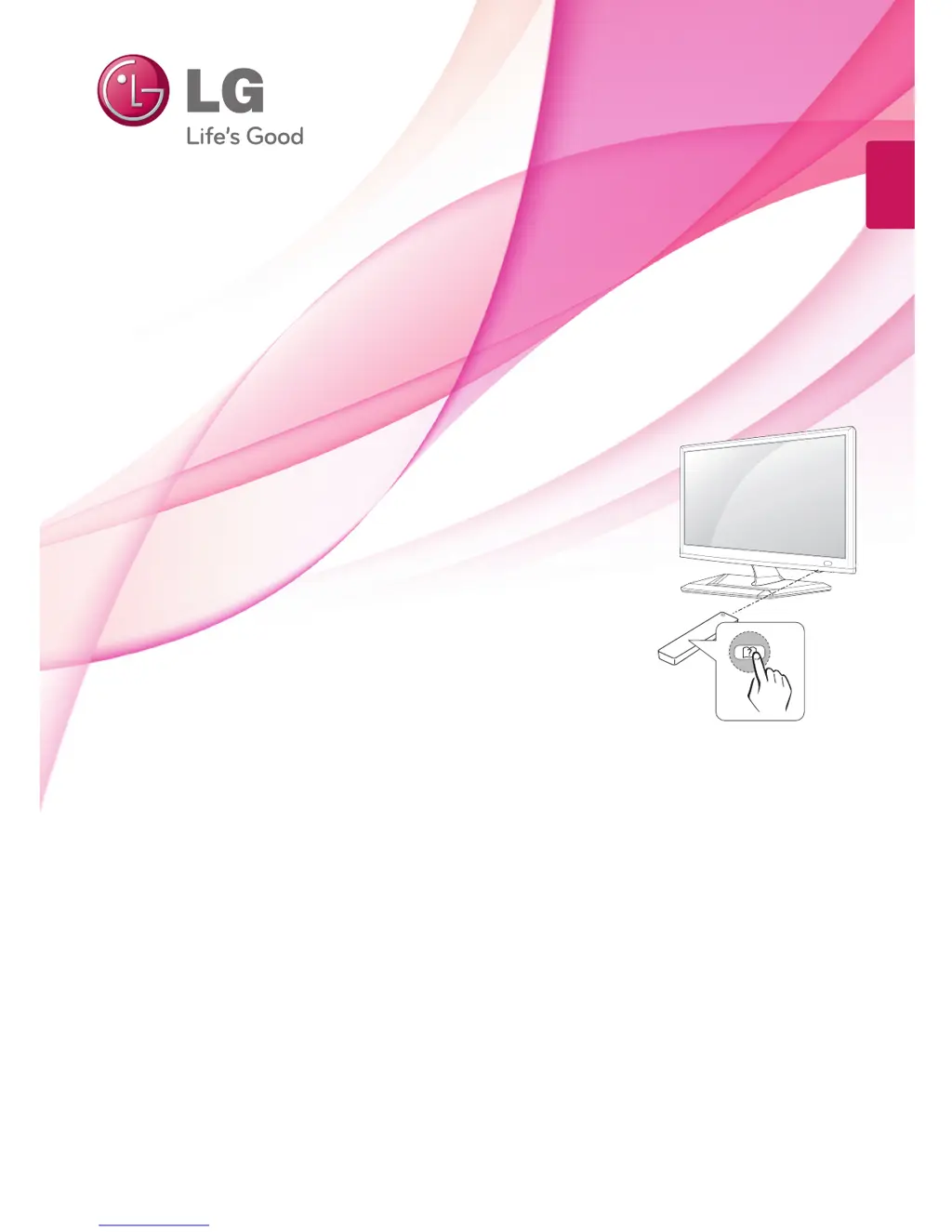
OWNER’S MANUAL
CINEMA 3D TV /
LED LCD TV
DM2352D
DM2752D
M2252D
M2352D
M2452D
M2752D
M2352T
M2452T
Please read this manual carefully before operating the your TV
and retain it for future reference.
CINEMA 3D TV MODEL LED LCD TV MODEL
ENGLISH

Questions and Answers

Summary

Installation Procedure

Assembling and Preparing

Unpacking

Details the items included in the product box and what to check for completeness.

Watching TV

Turning the TV on for the First Time

Guide for initial setup and basic settings when turning on the TV for the first time.

Making Connections

HDMI Connection

Details how to connect devices using an HDMI cable for digital video and audio.

Connecting to a PC

How to connect a PC to the TV for optimal display and audio quality.

HDMI Connection (PC)

Specifics on HDMI connection when using a PC as the input source.

Remote Control

Remote Control Overview

Identifies and explains the functions of each button on the remote control.

Remote Control Functions

Details specific remote buttons like FAV, AD, PIP, Volume, and navigation buttons.

Customizing Settings

Remote Control Functions (for specific models)

Explains remote control buttons for DM2352D and DM2752D models.

Accessing Main Menus

Step-by-step guide to navigate and access the TV's main menu options.

Maintenance

3 D Technology

Explains how the TV displays 3D images and the necessary requirements.

Preventing Image Burn or Burn-in

Explains how to prevent permanent image disfigurement on the TV screen.

Troubleshooting

General Troubleshooting

Addresses common problems like remote control issues, no image/sound, and sudden power off.

Using 3 D Mode Troubleshooting

Solves issues related to 3D viewing, such as patterns, glasses, and image display.

Specifications

3 D Video Input Format Supported

Lists supported resolutions and formats for 3D video input.

Summary

Installation Procedure

Assembling and Preparing

Unpacking

Details the items included in the product box and what to check for completeness.

Watching TV

Turning the TV on for the First Time

Guide for initial setup and basic settings when turning on the TV for the first time.

Making Connections

HDMI Connection

Details how to connect devices using an HDMI cable for digital video and audio.

Connecting to a PC

How to connect a PC to the TV for optimal display and audio quality.

HDMI Connection (PC)

Specifics on HDMI connection when using a PC as the input source.

Remote Control

Remote Control Overview

Identifies and explains the functions of each button on the remote control.

Remote Control Functions

Details specific remote buttons like FAV, AD, PIP, Volume, and navigation buttons.

Customizing Settings

Remote Control Functions (for specific models)

Explains remote control buttons for DM2352D and DM2752D models.

Accessing Main Menus

Step-by-step guide to navigate and access the TV's main menu options.

Maintenance

3 D Technology

Explains how the TV displays 3D images and the necessary requirements.

Preventing Image Burn or Burn-in

Explains how to prevent permanent image disfigurement on the TV screen.

Troubleshooting

General Troubleshooting

Addresses common problems like remote control issues, no image/sound, and sudden power off.

Using 3 D Mode Troubleshooting

Solves issues related to 3D viewing, such as patterns, glasses, and image display.

Specifications

3 D Video Input Format Supported

Lists supported resolutions and formats for 3D video input.

LG DM2752D Specifications

General IconGeneral
Screen Size27 inches
Aspect Ratio16:9
HDMI Ports2
USB Ports1
Backlight TypeLED
Refresh Rate60 Hz
InputsHDMI, USB, Composite, Component
Display TypeLED-backlit LCD

Related product manuals