EasyManua.ls Logo

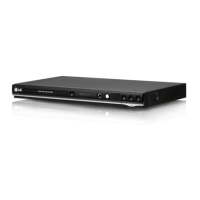
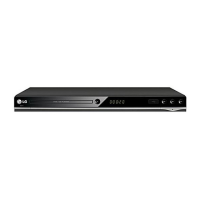
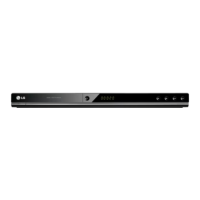
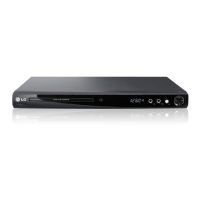
LG DV440 - User Manual

LG DV440
15 pages
Print Icon
To Next Page IconTo Next Page
Loading...
DV440 / DV441 / DV450 / DV451 / DV452 /
DV480 / DV481 / DV482 / DV487 / DV490 / DV492
ENGLISH
As an ENERGY STAR
®
Partner,
LG has determined that this
product or product models meet
the ENERGY STAR
®
guidelines for
energy efficiency.
E
NERGY STAR
®
is a U.S. registered mark.
P/No. : MFL61907421
DV440_492-P.BKENHLK_7421_ENG 2/23/09 10:47 AM Page 1

Questions and Answers

  • J
    Jeffrey PriceAug 11, 2025
    Why is there no sound coming from my LG DV440 DVD Player?
    • J
      johnryanAug 11, 2025
      If you're experiencing no sound, verify that the equipment connected with the audio cable is set to receive the signal from the LG DVD player by selecting the correct input mode on the audio amplifier. Also, check that the AUDIO options are set correctly.
  • K
    katherine24Aug 21, 2025
    What to do if my LG DV440 does not start playback?
    • S
      stephanie59Aug 21, 2025
      If the LG DVD player doesn't start playback, make sure you've inserted a playable disc, checking its type and regional code. Also, verify that the rating level isn't set. Finally, ensure the remote control is pointed at the remote sensor on the unit.
  • M
    Michael CookAug 30, 2025
    What to do if there is no picture on my LG DV440 DVD Player?
    • D
      Daniel CookAug 30, 2025
      If there's no picture, ensure your TV is set to receive the signal from the LG DVD player by selecting the appropriate video input mode. Also, check that the video cable is securely connected.

LG DV440 Specifications

General IconGeneral
BrandLG
ModelDV440
CategoryDVD Player
LanguageEnglish

Related product manuals