EasyManua.ls Logo

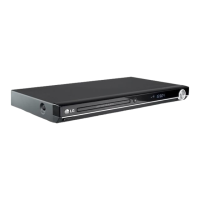
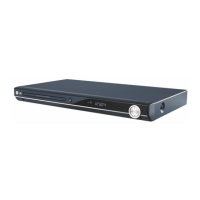
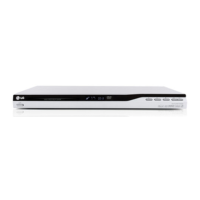
LG DVX392 - User Manual

LG DVX392
14 pages
Print Icon
To Next Page IconTo Next Page
Loading...
DVX382 / DVX392
P/No. : MFL56732753
ENGLISH
DEUTSCH
FRANÇAIS
NEDERLANDS
DV382.392-E.BBELLLK_2753_ENG 6/16/08 2:09 PM Page 1

Questions and Answers

  • V
    Vincent McdonaldAug 11, 2025
    What to do if my LG DVX392 does not start playback?
    • B
      Bridget ThompsonAug 11, 2025
      If the LG DVD player doesn't start playback, make sure you've inserted a playable disc, checking its type and regional code. Also, verify that the rating level isn't set. Finally, ensure the remote control is pointed at the remote sensor on the unit.
  • J
    jamesgilbertAug 20, 2025
    What to do if there is no picture on my LG DVX392 DVD Player?
    • S
      Shane HallAug 20, 2025
      If there's no picture, ensure your TV is set to receive the signal from the LG DVD player by selecting the appropriate video input mode. Also, check that the video cable is securely connected.
  • E
    Elizabeth TaylorAug 31, 2025
    Why is there no sound coming from my LG DVX392?
    • S
      Sabrina GonzalesAug 31, 2025
      If you're experiencing no sound, verify that the equipment connected with the audio cable is set to receive the signal from the LG DVD player by selecting the correct input mode on the audio amplifier. Also, check that the AUDIO options are set correctly.

LG DVX392 Specifications

General IconGeneral
TypeDVD Player
Audio Formats SupportedMP3, WMA
Remote ControlYes
Progressive ScanYes
USB PortYes
Disc CompatibilityDVD, CD, CD-R/RW, DVD-R/RW, DVD+R/RW
Video Formats SupportedDivX
Output Resolution480p
ConnectivityHDMI, Composite Video, Component Video
Audio OutputStereo
UpscalingYes

Related product manuals