Using the Karaoke - more you can do
Adjust the Karaoke menu settings
Press KARAOKE to display karaoke menu. Use v V to select an option then
press b or B to adjust the value of the selected option.
ECHO – You can adjust the echo volume.
MELODY – If you wish to sing only to the backing band or orchestra
unaccompanied by a vocal guide melody, set MELODY to Off.
VOICE – If you wish to sing a duet with the recorded karaoke singer, select a
voice you desire.
KEY – You can change the key.
EFFECT – You can use Special Effects.
(OFF → Flanger → Chorus → Tremolo→ Vibrato)
Notes the Karaoke
• If a microphone is not connected, the karaoke menu will not appear.
• The karaoke feature functions only with karaoke-compatible discs.
• For more details, refer to the information attached with the disc.
• The VOICE and MELODY menus may not be available on some karaoke
discs.
• There is microphone’s sound output while PCM is set for DIGITAL AUDIO
OUTPUT.
• Depending on the disc, a karaoke option may not work.
14
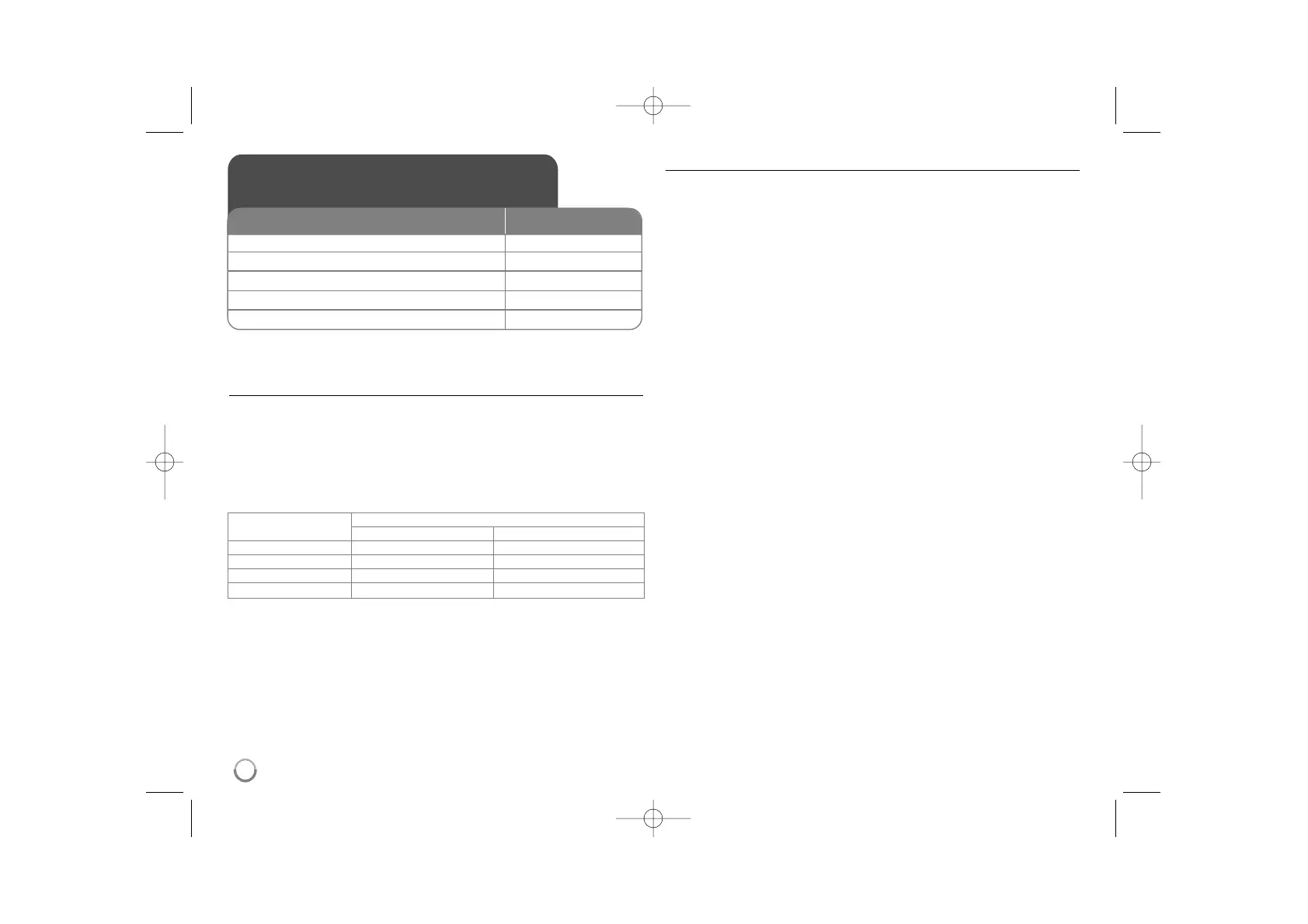
Using the Karaoke
(DVX551/DVX556 only)
ON REMOTE
1 Open the disc tray:
ZZ
OPEN/CLOSE
2 Insert a Karaoke DVD: -
3 Close the disc tray:
ZZ
OPEN/CLOSE
4 Connect a microphone to MIC jack: -
5 Start playback and sing a song:
NN
PLAY
Voice Select
Output
Left speaker Right speaker
V1 Voice1 Voice1
V2 Voice2 Voice2
V1+V2 Voice1 Voice2
Off None voice None voice



 To Next Page