17
On Screen Display(OSD) Selection and Adjustment
Main menu Sub menu Description
CLOCK
PHASE
To minimize any vertical bars or
stripes visible on the screen
background.
The horizontal screen size will also
change.
To adjust the focus of the display.
This item allows you to remove any
horizontal noise and clear or sharpen
the image of characters.
HORIZONTAL
VERTICAL
To move image left and right.
To move image up and down.
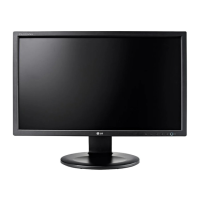
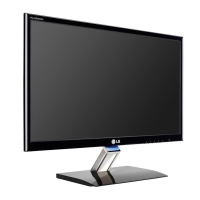
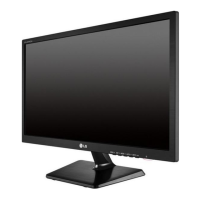
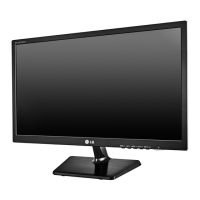
E1910T/E2210T
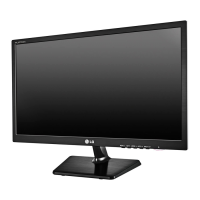
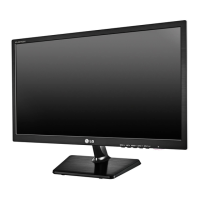
E1910S/E2210S
Exit : Exit
: Decrease
: Increase
: Select another sub-menu
: Restart to select sub-menu



 To Next Page
 Loading...